MeteorMath Release Notes v2026.11.02
Download MeteorMath on the App Store
Highlights
- MeteorMath now runs on iPhone. Every screen fits, from the iPhone SE up.
- A new space look. Every screen has a deep-space starfield, glass panels, and one bright button for the main action.
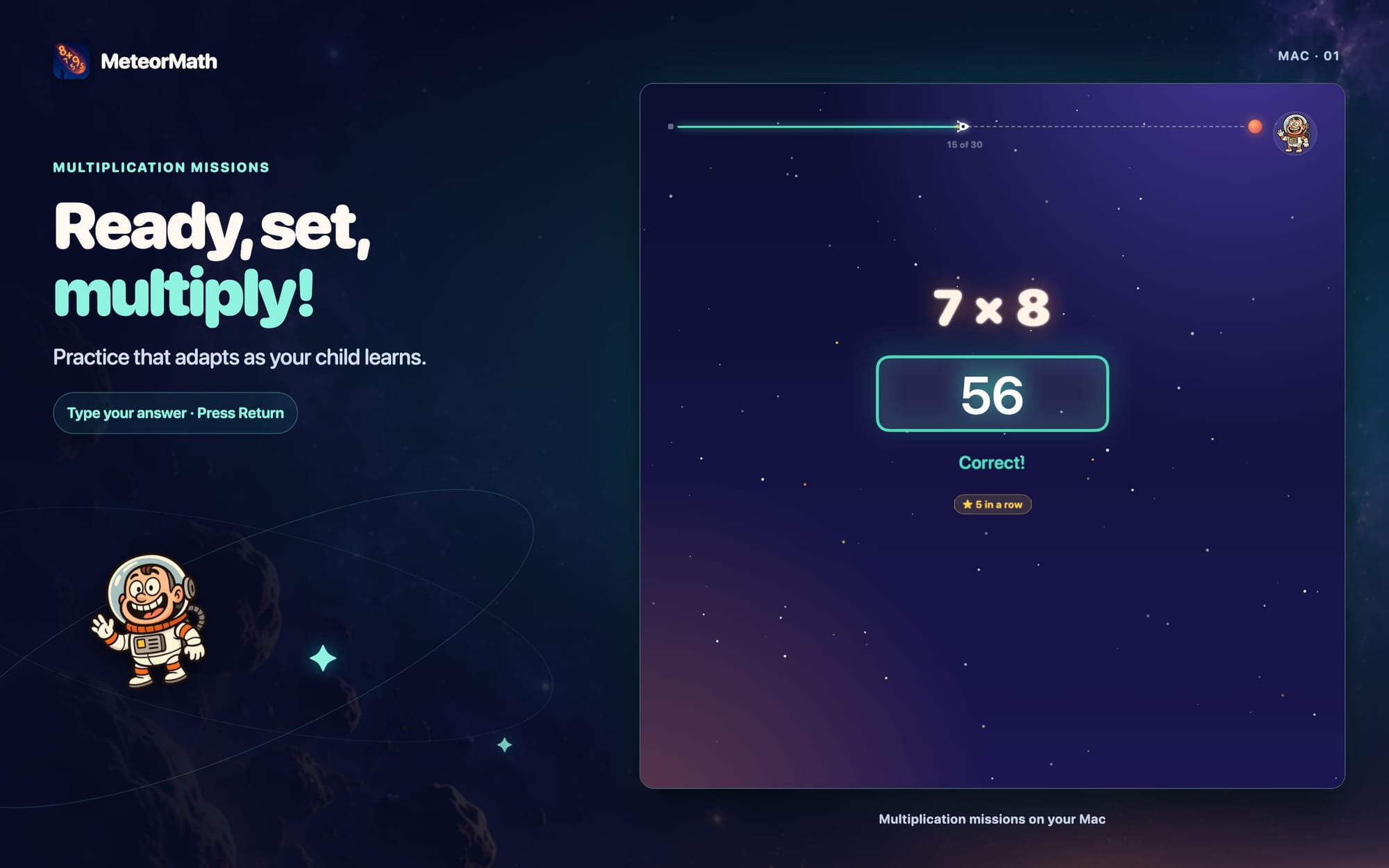
- Missions feel like flying. A rocket tracks your child's progress, their explorer rides along, and right answers burst into stars.
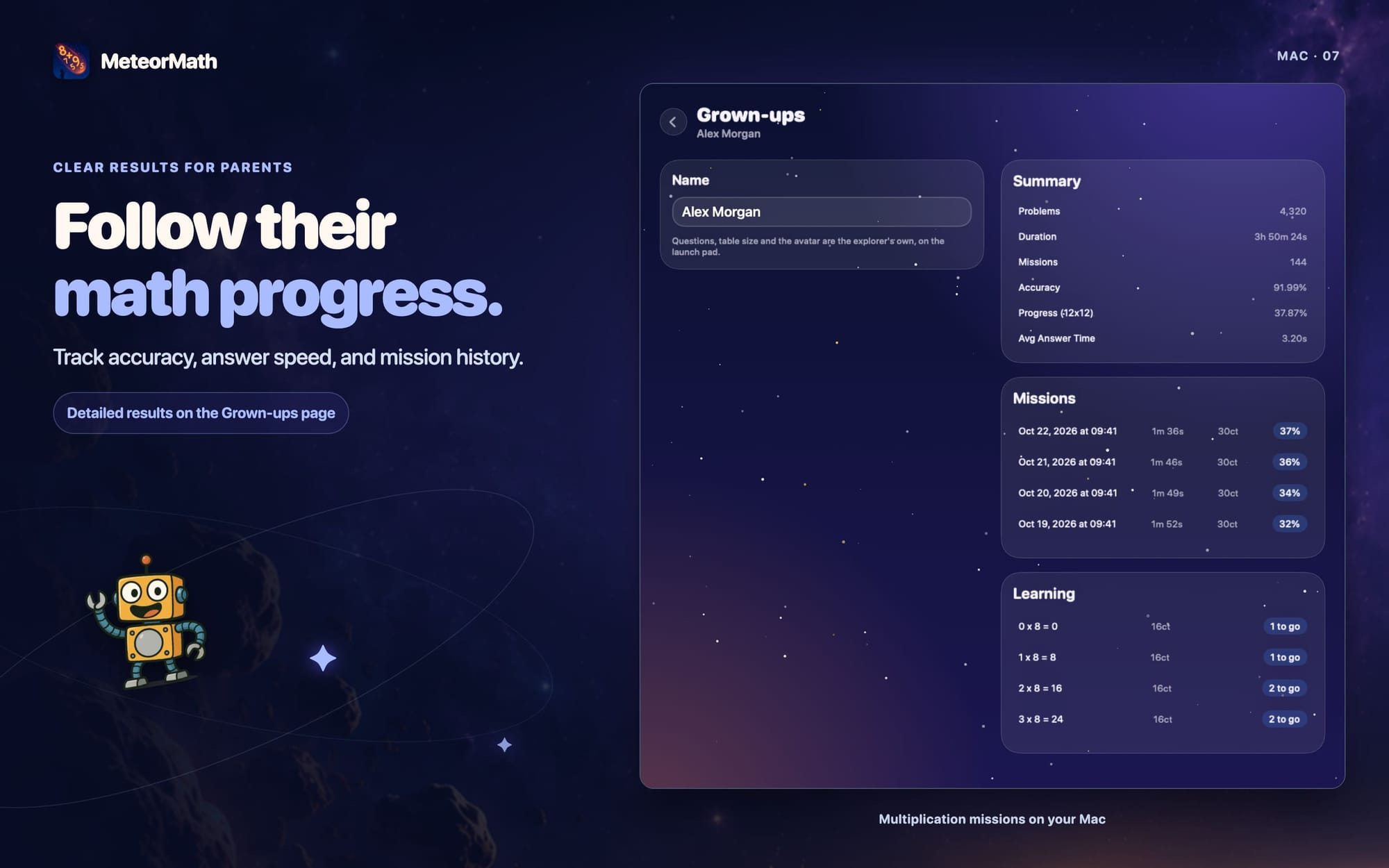
- A launch pad for kids, a page for grown-ups. Students start missions and choose their own mission settings. Renaming, purchases, and detailed stats move to a separate Grown-ups page.
iPhone
- MeteorMath is now one app for iPhone and iPad. Like on the iPad, it runs in portrait.
- The keypad, buttons, and tables are sized for iPhone. A 12 × 12 table fits across the screen without scrolling.
Missions
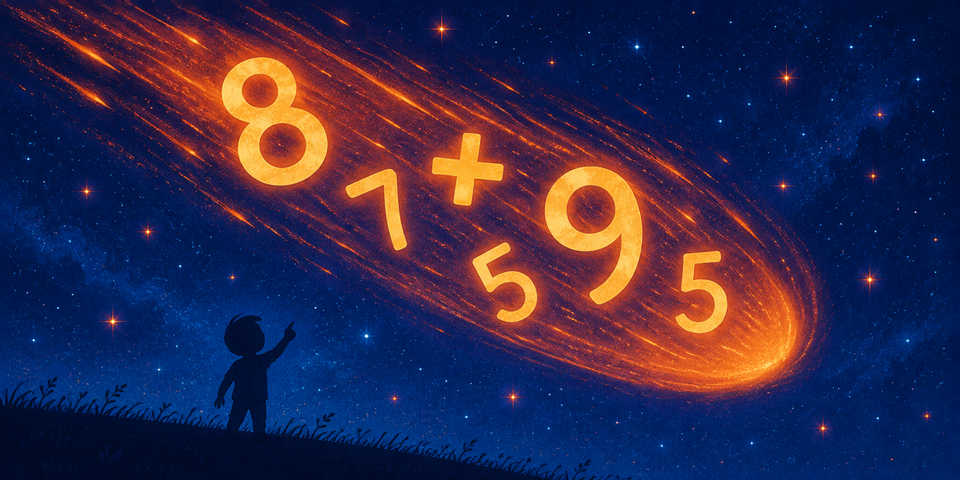
- The cockpit. A rocket on a dashed flight path replaces the progress bar, and the problem glows like a meteor.
- Your explorer rides along. It bounces for a right answer and shakes for a wrong one.
- A new keypad. Big glass keys squash down when tapped, and the rocket key submits the answer.
- Stars and streaks. A right answer bursts into stars. Three first-try answers in a row show a streak.
- Victory runs. After a right answer, the explorer runs across the screen with one of eight moves, such as a cartwheel, hops, or a loop, and a cheer overhead. A slow answer gets a stroll. Every fifth first-try answer in a row earns a victory lap in a cloud of stars.
- With Reduce Motion on, these animations are turned off.
The Launch Pad
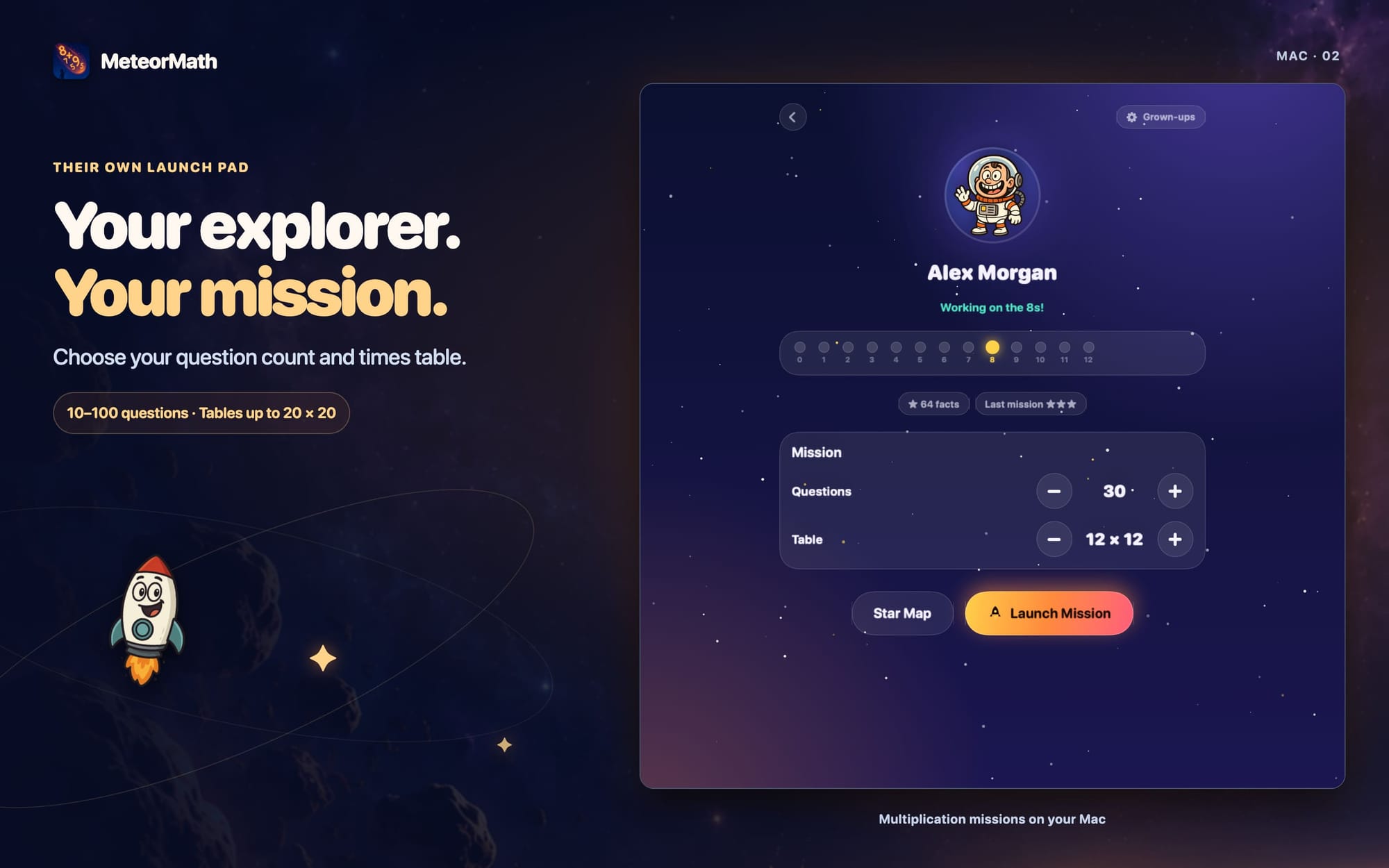
- A student's profile is now their launch pad. It shows their explorer, what they're working on ("Working on the 8s!"), a row of planets that light up as each times table is mastered, their star count, and one Launch Mission button.
- Mission settings belong to the student. A Mission card with big − and + buttons sets the number of questions, the table size, and the Head start, the facts that count as already known. New profiles use the same card.
- When the free missions run out, the launch pad shows Ask a grown-up to unlock.
Grown-ups
- The Grown-ups button on the launch pad opens a page for renaming the student, upgrading, and the Summary, Missions, and Learning tables.
- On the player list, a Grown-ups button holds Website, Our Apps, Account, and Share.
- Both open with a tap. You no longer have to answer a math question. Deleting a player still asks one, because it erases progress.
Choosing a Player
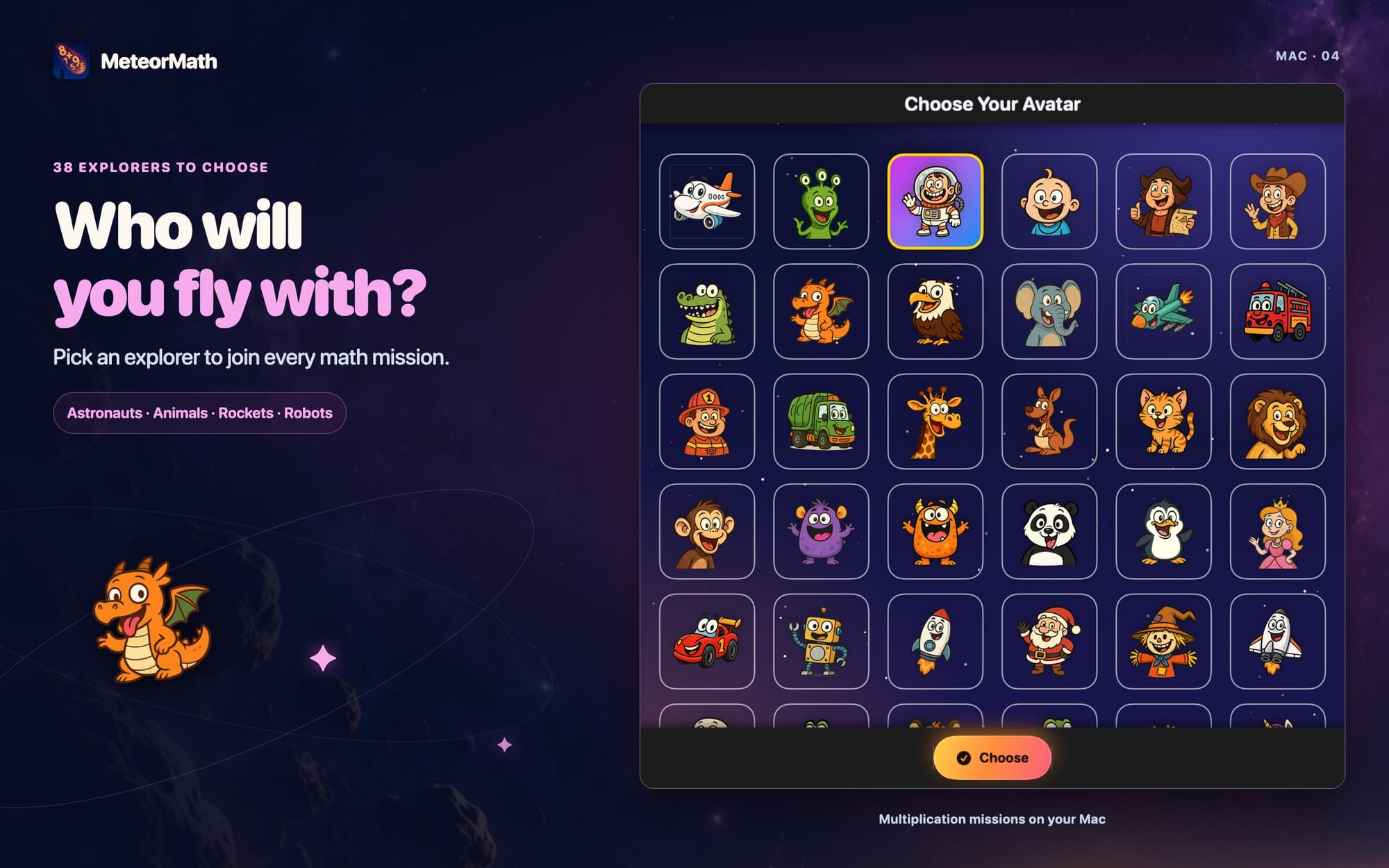
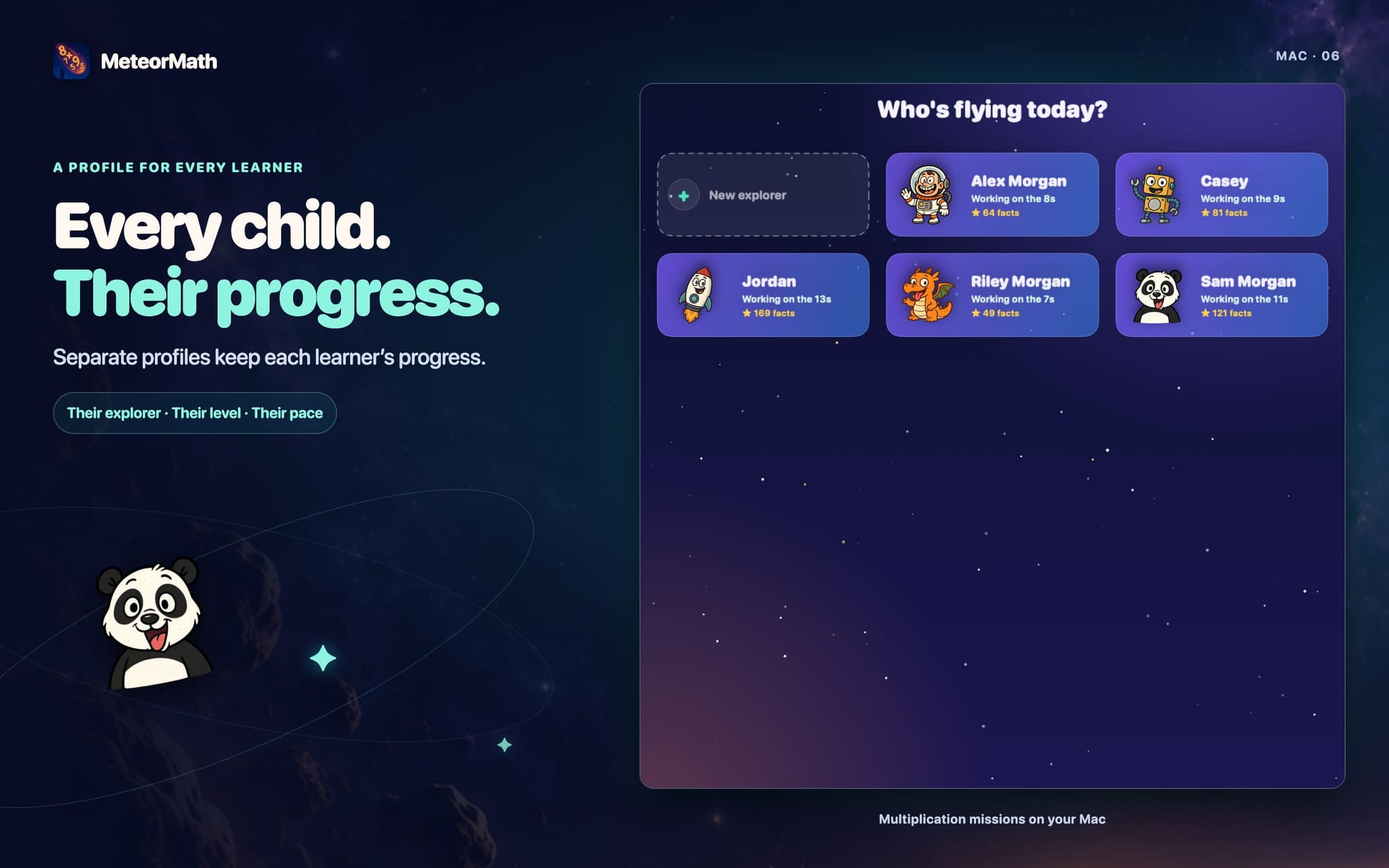
- The player list now asks "Who's flying today?" Each card shows the explorer first, then the name, where they are in the table, and their stars.
- To add a player, tap the New explorer card.
Star Map
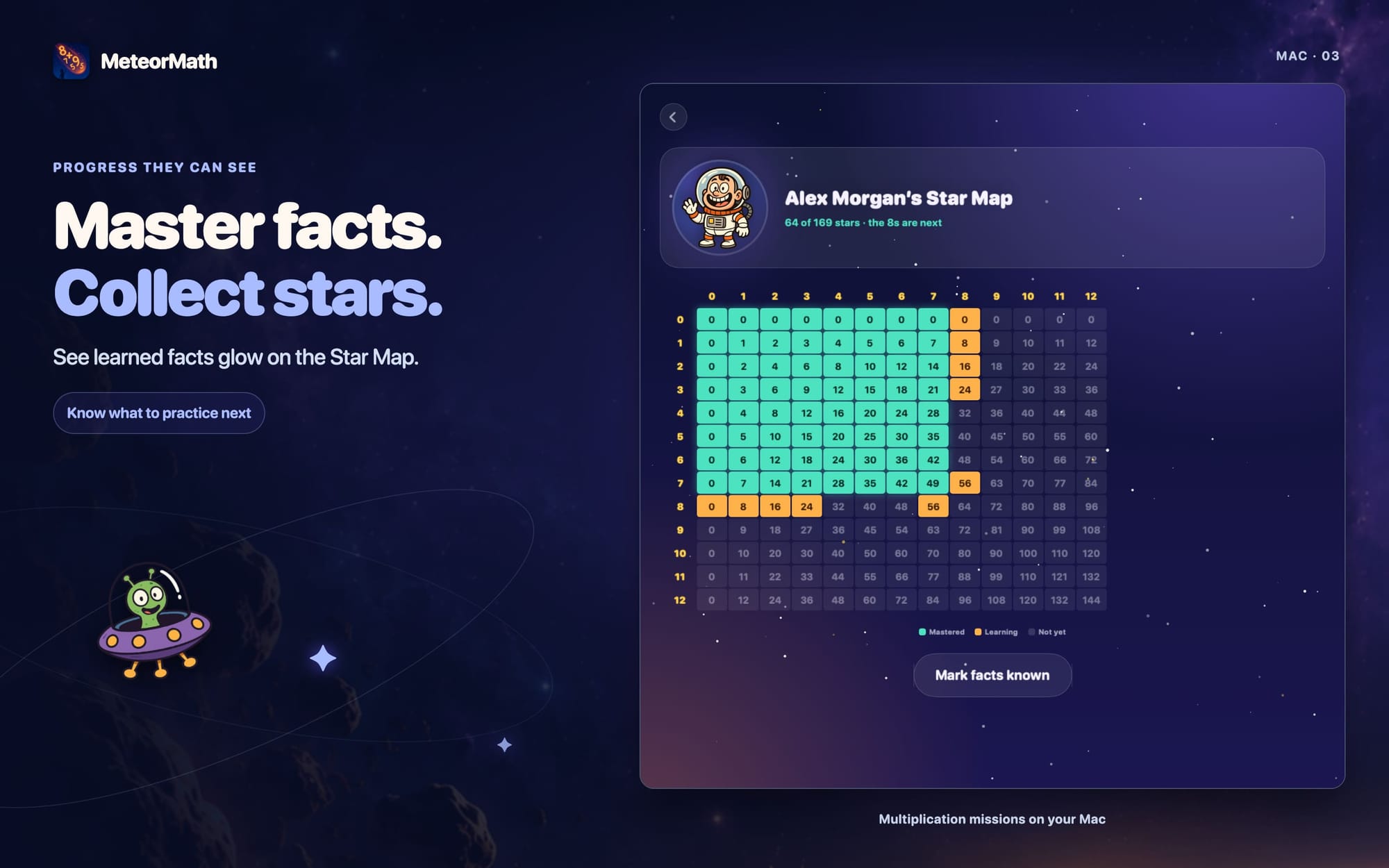
- The multiplication table is now a star map. Mastered facts glow, facts being learned are amber, and the rest are dim. The factors are shown in gold along the top and side.
- Tap a glowing or amber fact to open its review.
- Adjust is now called Mark facts known. It works the same way as before.
Reviews and Awards
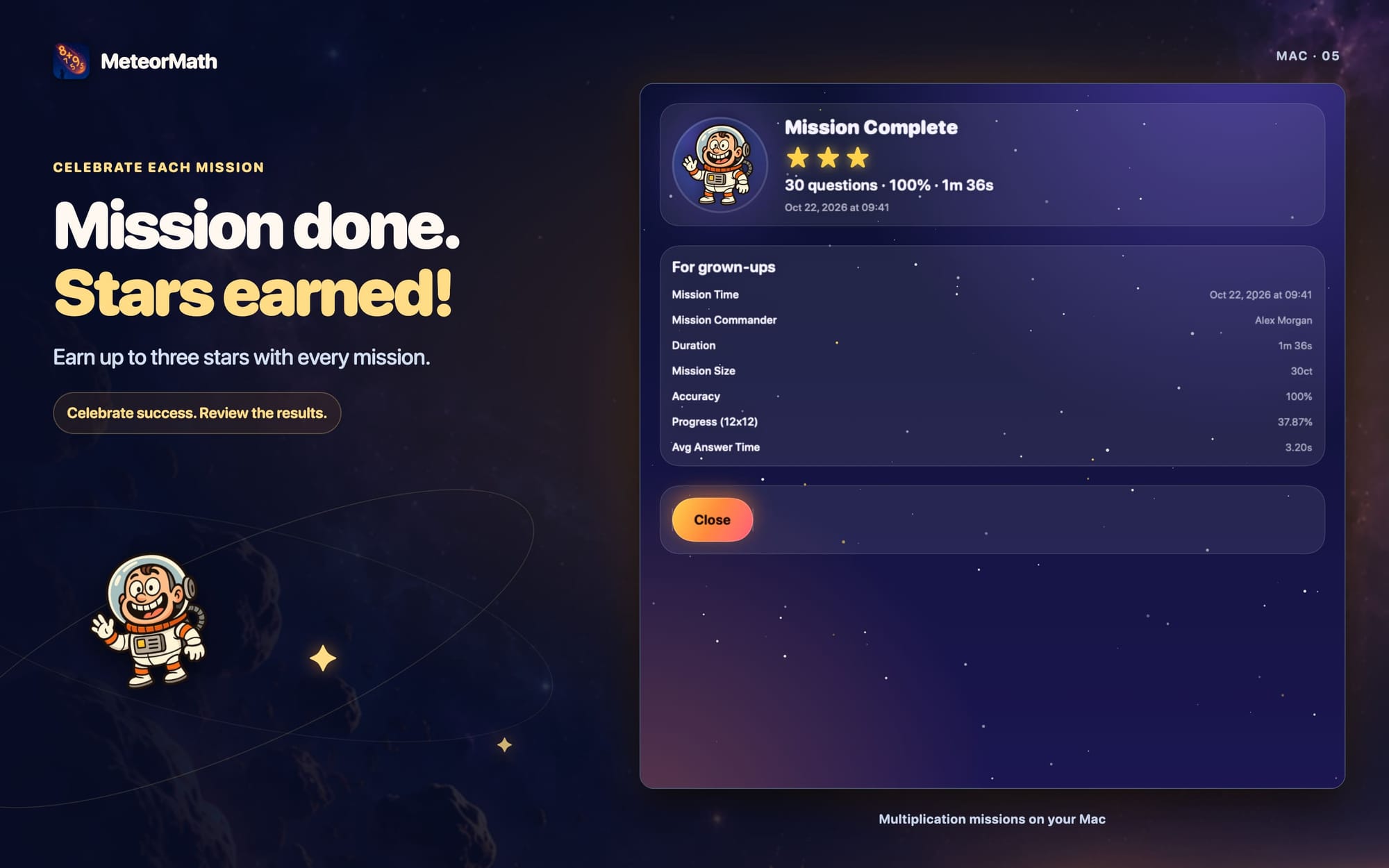
- Every mission earns one to three stars. Three stars take 95% accuracy or better, and two take 80%.
- Mission Review opens with the explorer, the mission's stars, and a one-line summary.
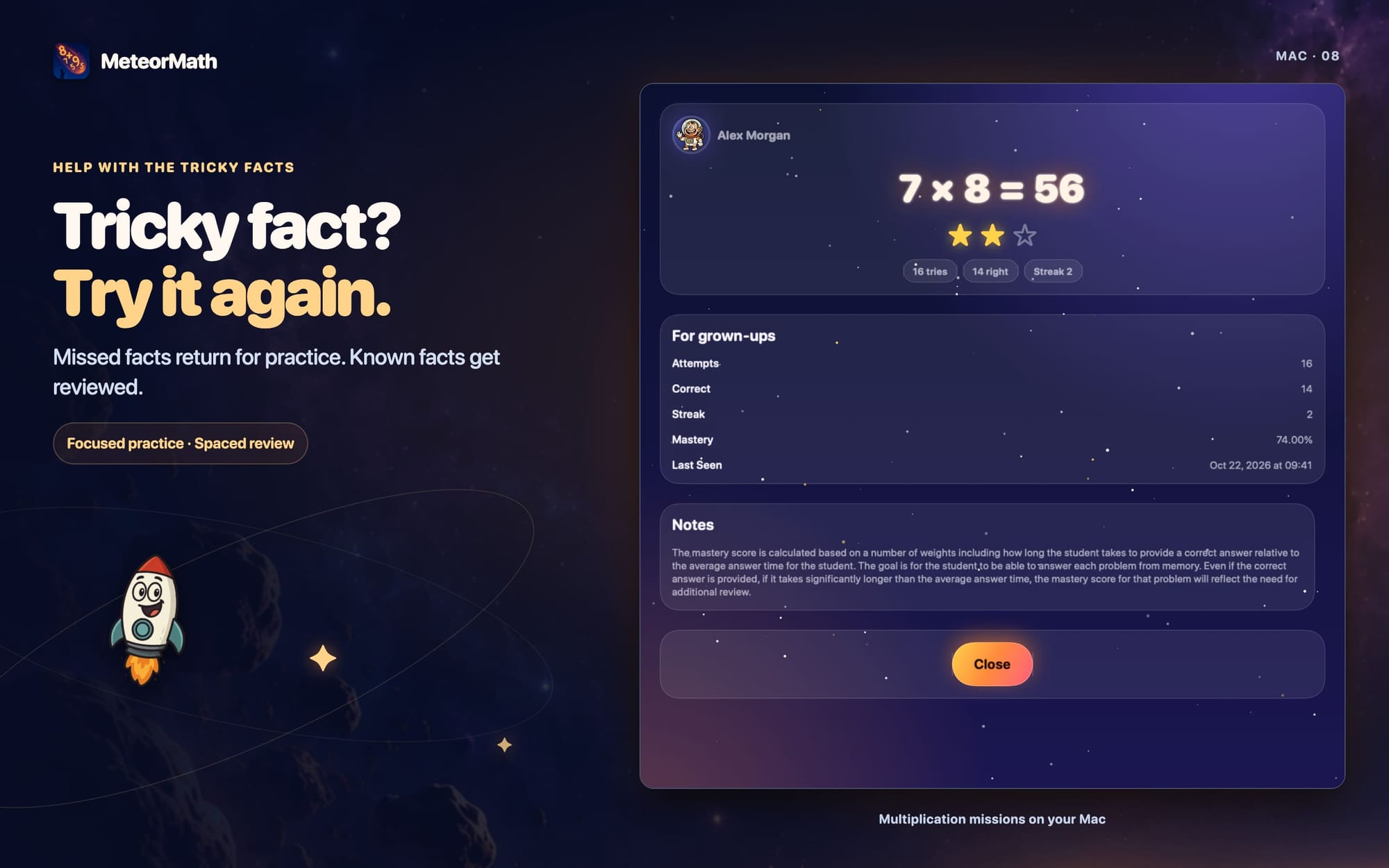
- Fact Review opens with the fact, its stars, and its tries, right answers, and streak.
- On both review screens, the full details are below, under "For grown-ups."
- The award screen shows the mission's stars. Its Fly again button starts another mission for the same explorer.
Bug Fixes
- Fixed a crash at launch on iPads running a version older than iPadOS 27.
- A long player name no longer stretches the screen past its edges.
- The launch screen now lines up exactly with the splash screen that follows it.
Download MeteorMath on the App Store