FrameFerret: Sync Your Sony Camera to Your Mac
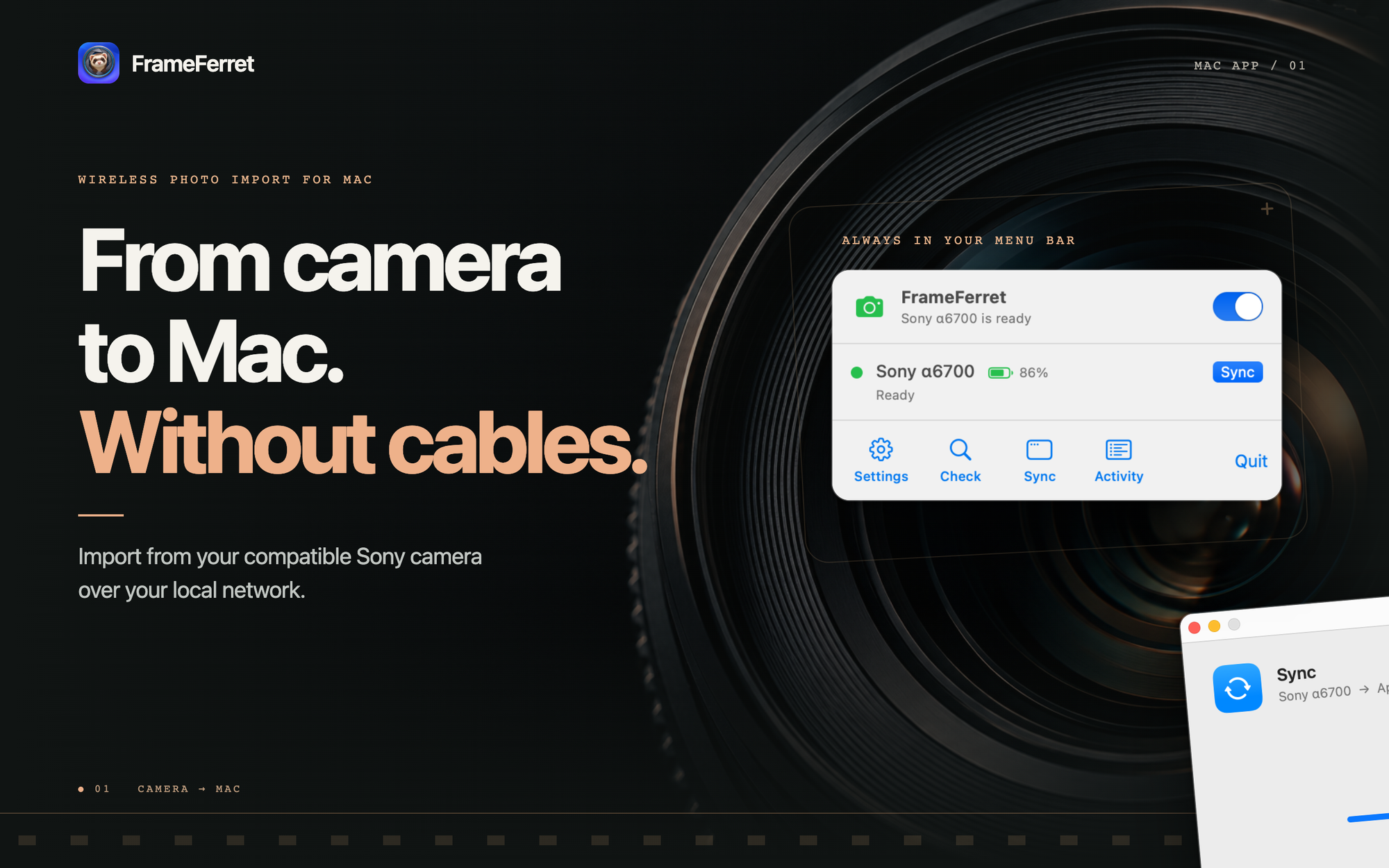
FrameFerret brings photos and videos from a compatible Sony camera to your Mac over Wi-Fi. Import directly into Apple Photos or a folder you choose.
Keep your memory card in the camera. Start an import from your Mac’s menu bar, then continue your work while FrameFerret transfers your files.
FrameFerret is available today.
- Mac App Store
- TestFlight
- Direct Download (Apple notarized)
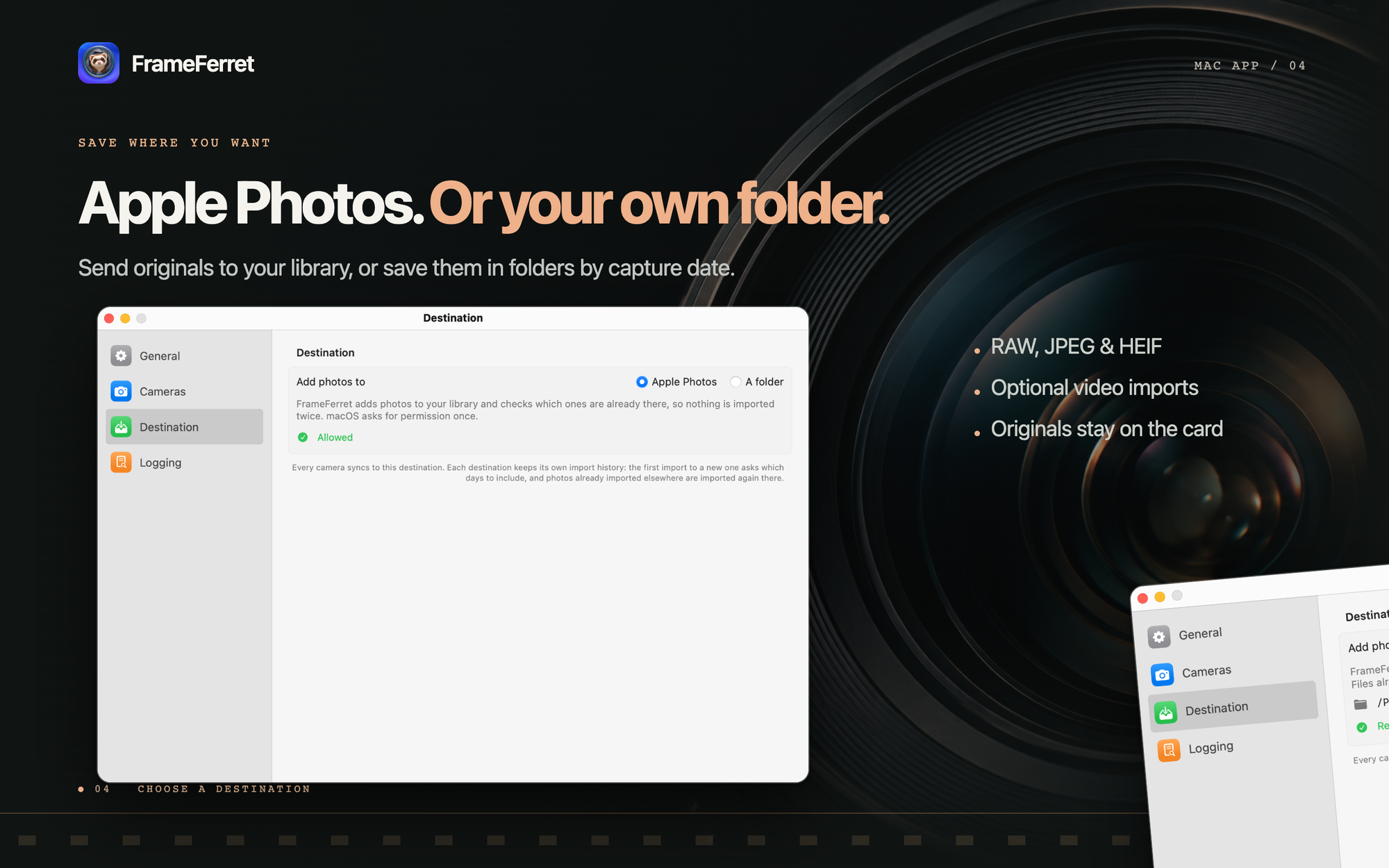
Choose where your photos go
FrameFerret works with the way you keep your photos.
- Apple Photos: Add photos and videos directly to your library, ready to view, edit, and organize.
- A folder: Save original files in folders grouped by capture date, ready for your preferred editor or storage system.
Choose one destination in Settings. FrameFerret keeps a separate import history for each destination.
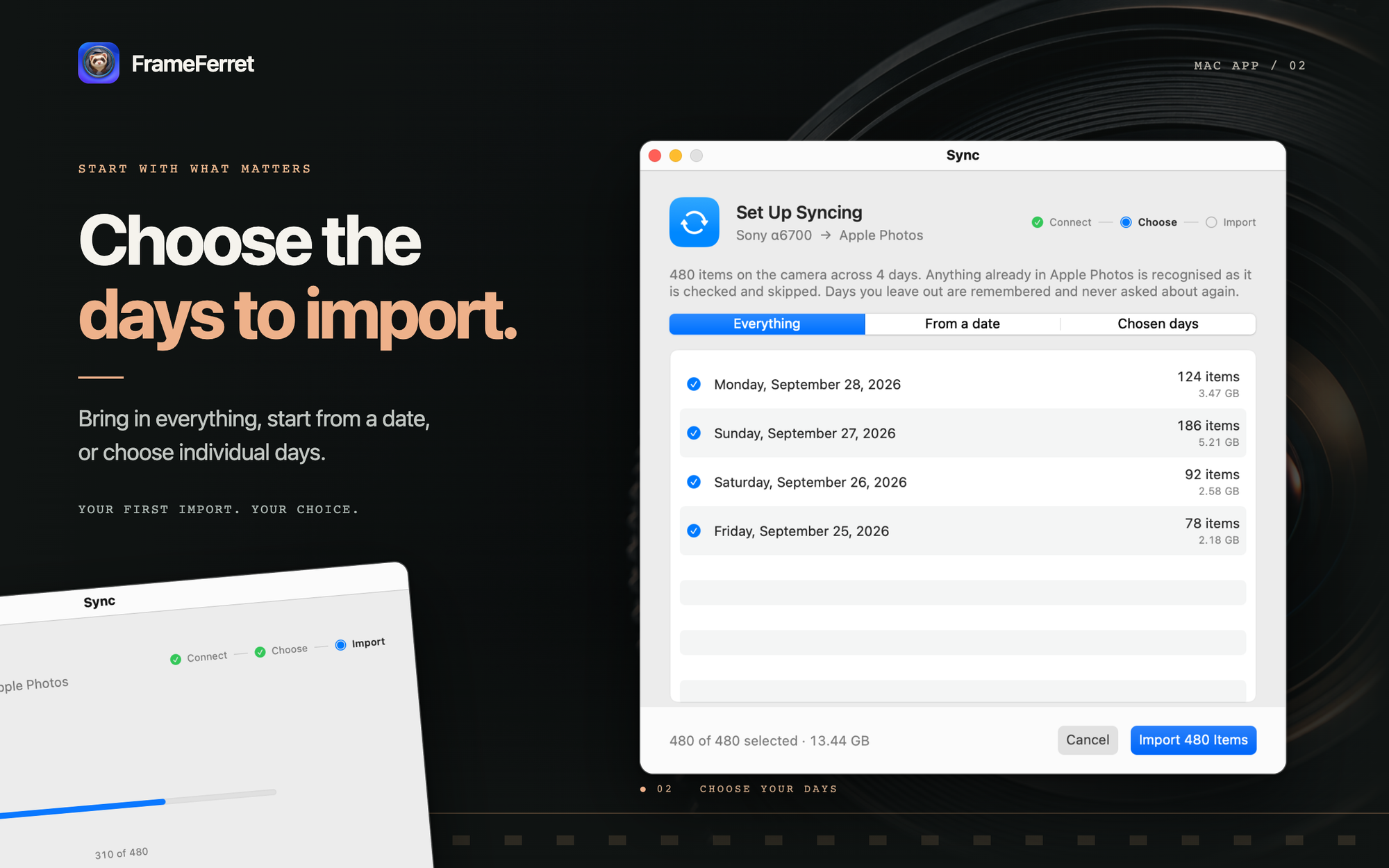
Import the days you need
Your first import lets you choose everything, a starting date, or individual days. Bring in a recent trip or an older collection without selecting each file.
FrameFerret records completed imports and checks the destination for existing files. This reduces repeated transfers and duplicate copies. If a match is uncertain, FrameFerret imports the file and marks it for review.
Keep your original files
FrameFerret supports RAW, JPEG, and HEIF photos, with an option to include videos.
In Apple Photos, you can keep a RAW file and its JPEG or HEIF companion together as one photo. You can also import them separately. When you choose a folder, FrameFerret saves both files separately.
FrameFerret keeps the originals on your camera’s memory card. When it saves to a folder, it preserves existing files.
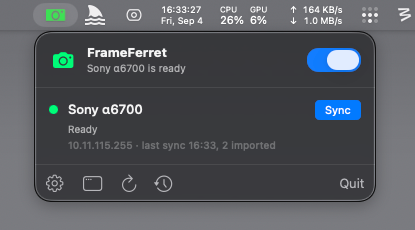
Control imports from the menu bar
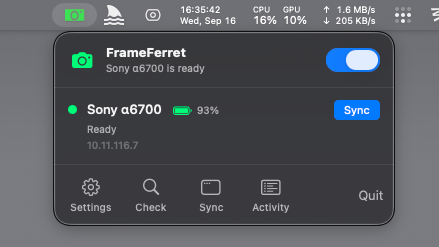
FrameFerret keeps your cameras and their status within reach.
- Check camera availability: See which configured cameras are ready to connect.
- Start a sync: Use the Sync control when you want to import new files.
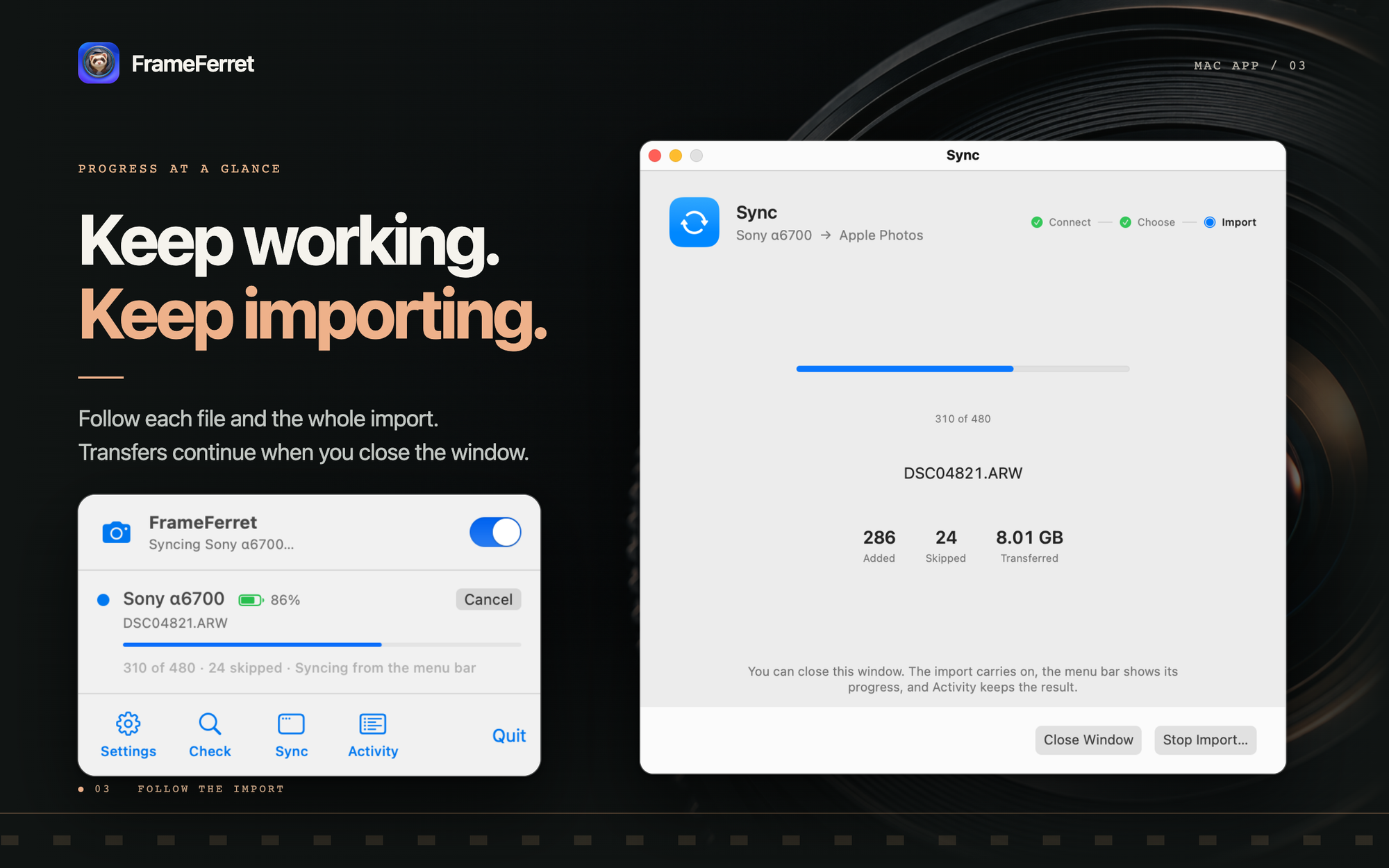
- Follow progress: See the current file and overall progress while an import runs.
- Continue working: Close the import window while the transfer continues.
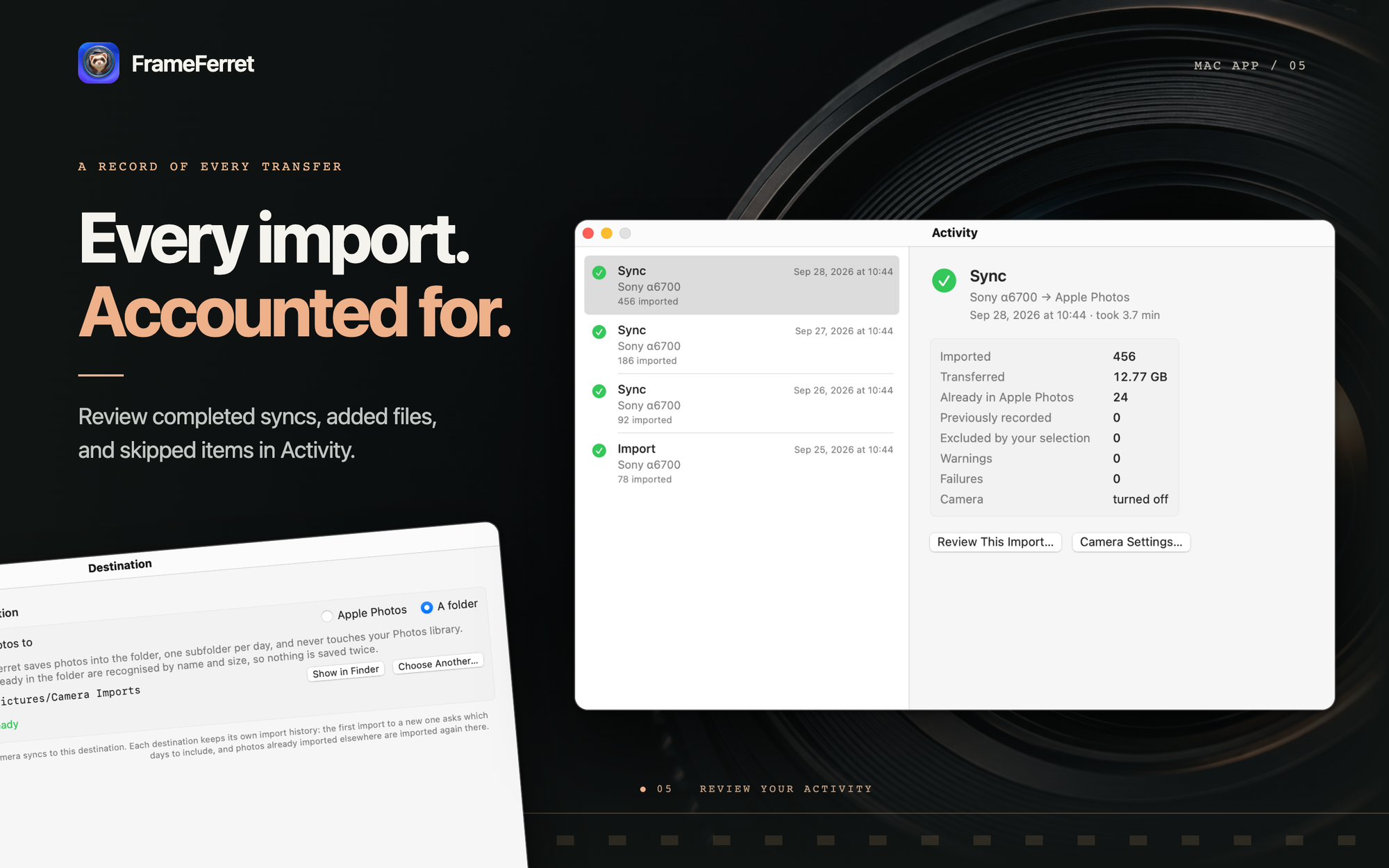
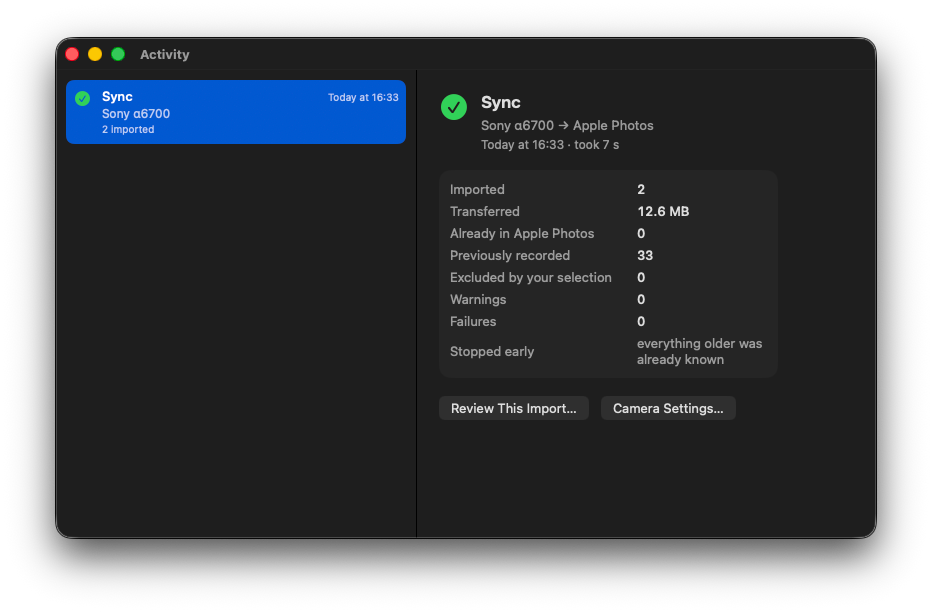
- Review activity: Check completed imports, skipped files, and errors in the Activity window.
You can configure more than one camera. FrameFerret processes imports one at a time.
Finish with the camera off
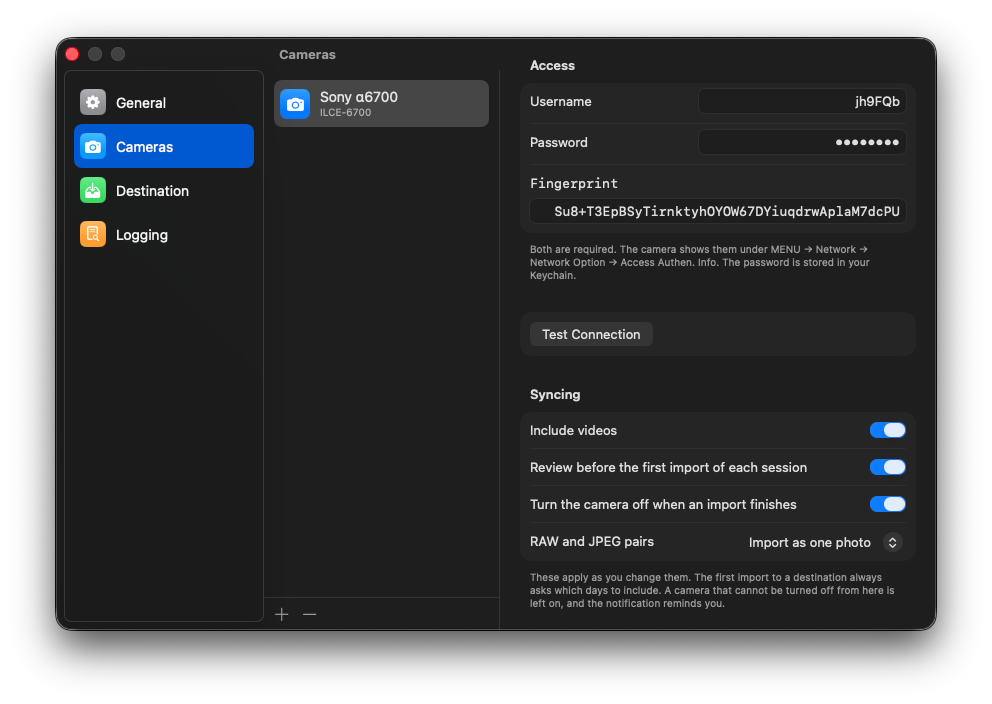
FrameFerret can turn off a compatible camera when an import finishes. Enable this option for each camera in Settings. The completion message confirms the result or reminds you to turn off the camera.
What you need
- A Mac with macOS 15.6 or later.
- A compatible Sony camera connected to the same local network as your Mac.
- PC Remote and access authentication enabled on the camera.
The app includes camera setup choices for Sony α6700, α7 IV, α7C II, α7CR, α7S III, α1, and ZV-E1. The Sony α6700 is the main development camera. Camera features depend on the model and firmware.