Track Planes Without Internet: Take AirBear Off the Grid

You hear a plane before you see it. You look up, spot a white dot, and reach for your phone. What is it? Where is it going?
Then you remember: there is no cell service here.
If you like watching planes, that is a frustrating way to end the story. A flight-tracking website needs an internet connection. Out on a trail or at a remote campsite, you might have a clear sky and no way to explore it.
AirBear gives you another option. Your own receiver hears the aircraft. Your iPad puts them on a map. The internet can sit this one out.
Bring the receiver with you
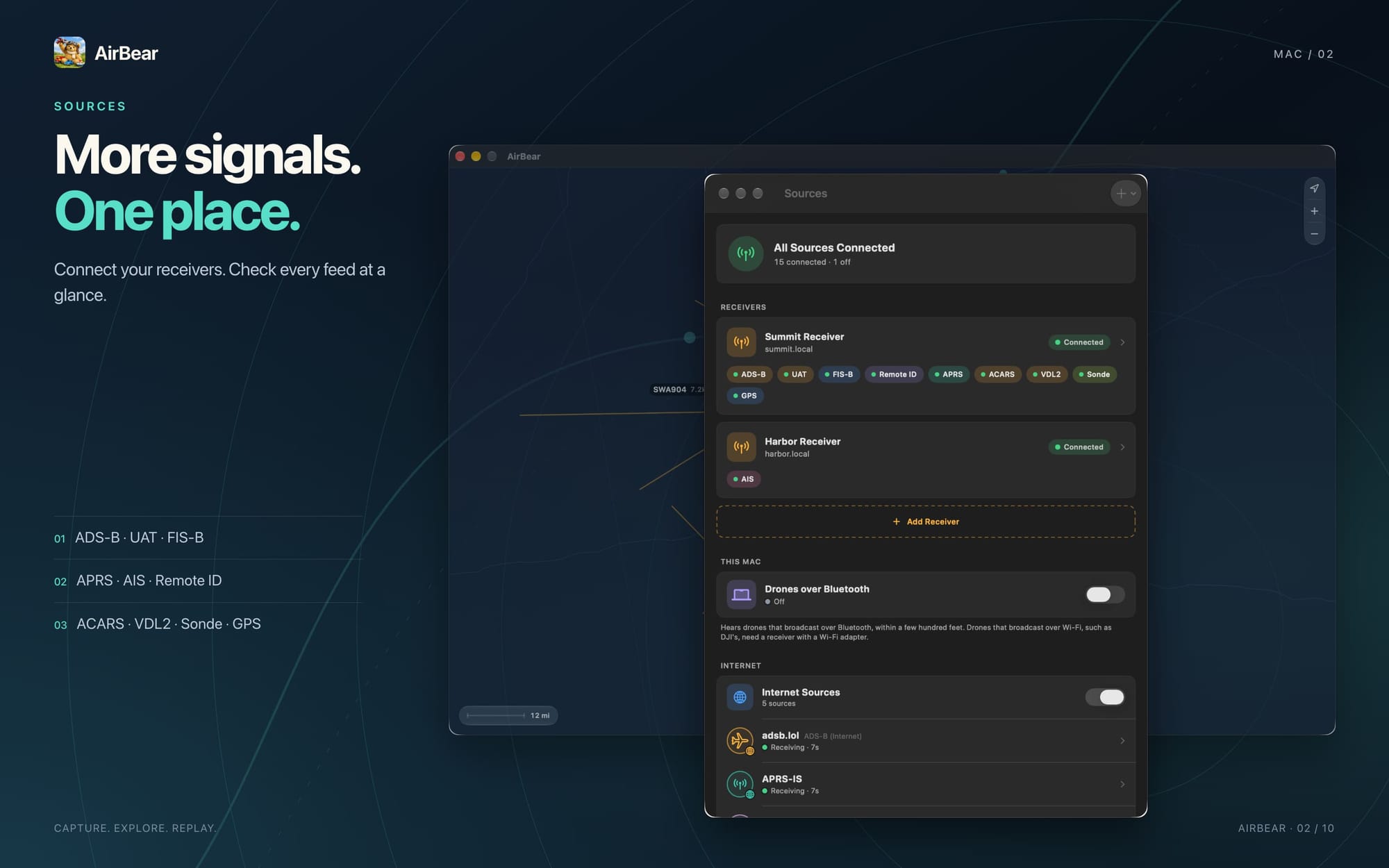
Aircraft broadcast signals that include details such as their position, altitude, and speed. This is called ADS-B. With the right receiver, you can hear those signals yourself.
A typical setup uses a Raspberry Pi, an inexpensive USB radio receiver, and a portable antenna. The Pi turns the signals into data that AirBear can display.
Connect over your local network, or use Bluetooth nearby. A local network can work perfectly well without an internet connection.
With a suitable battery to power your receiver, you can take the setup to a campsite or a favorite plane-watching spot. Your phone or tablet becomes a window into the airspace around you.
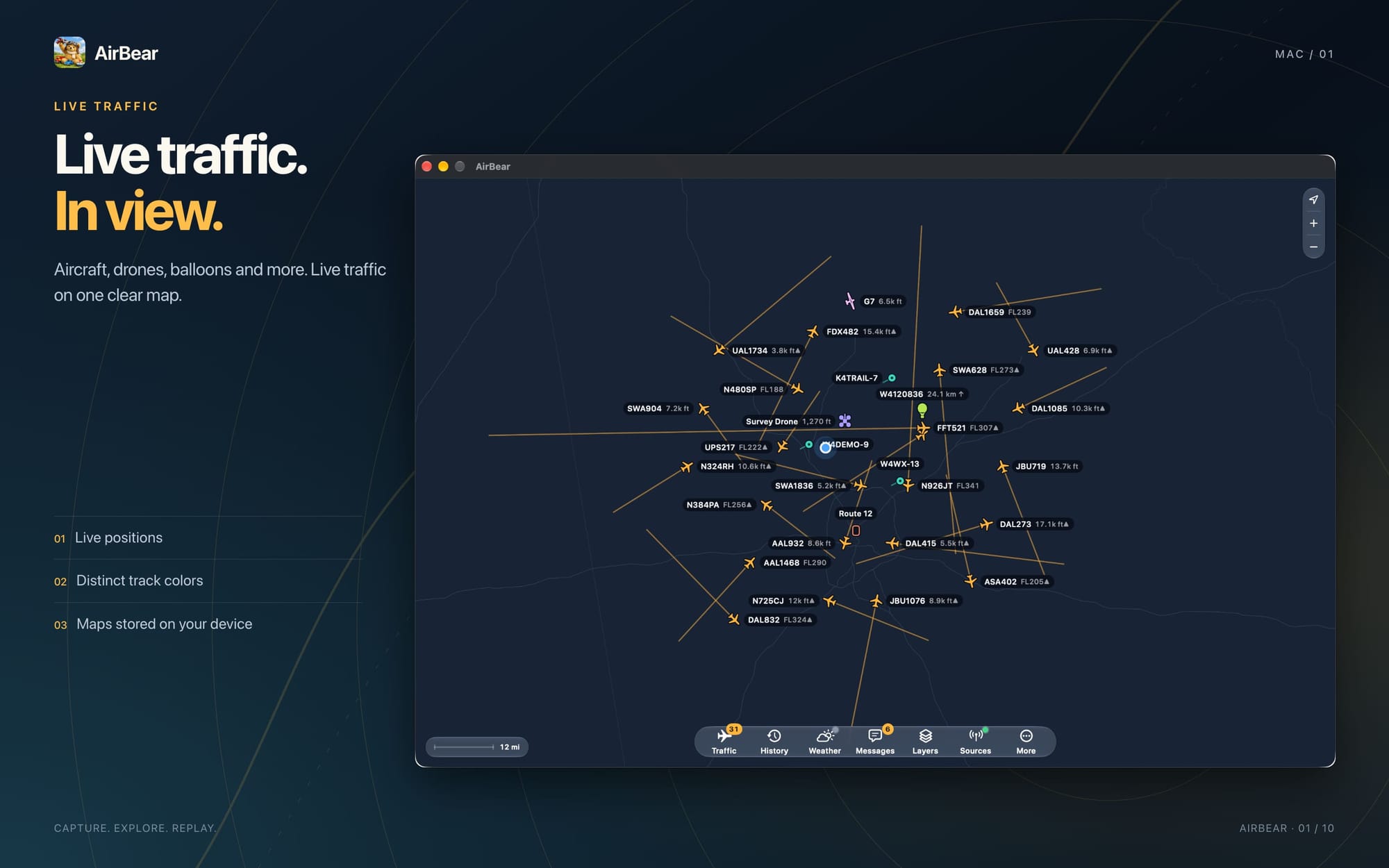
An aircraft appears. You tap it. Now you can see its altitude, speed, heading, and distance. You follow its trail across the map.
You are looking at signals your own equipment receives. Range depends on your antenna, its position, the terrain, and the aircraft. There is no fixed coverage circle to promise.

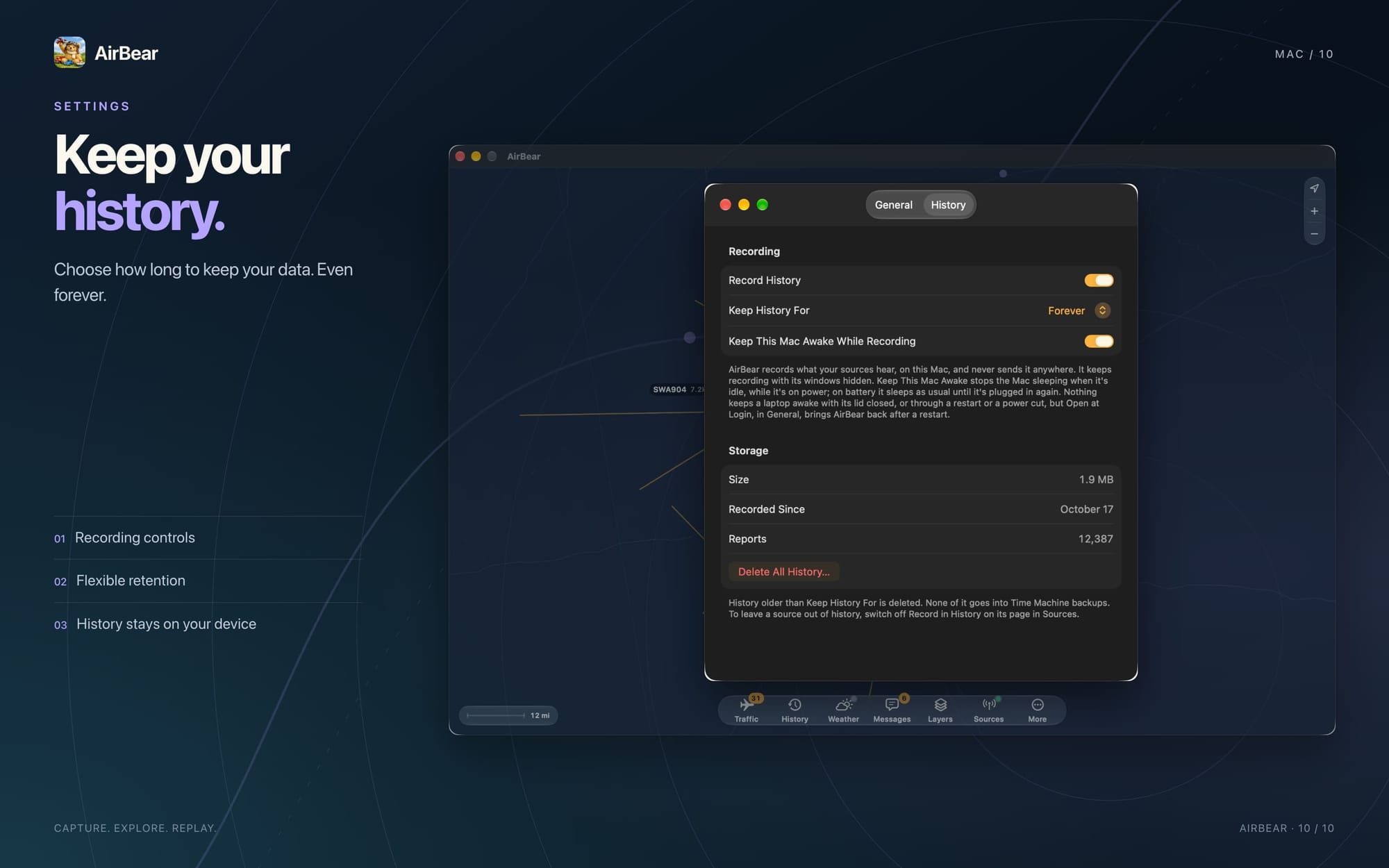
Keep the map when you lose the connection
A dot on a blank screen would only get you so far. AirBear includes an offline map with borders, roads, and airports.
That gives the traffic a place. You can see where a plane is in relation to the nearby airport or the road beside your campsite.
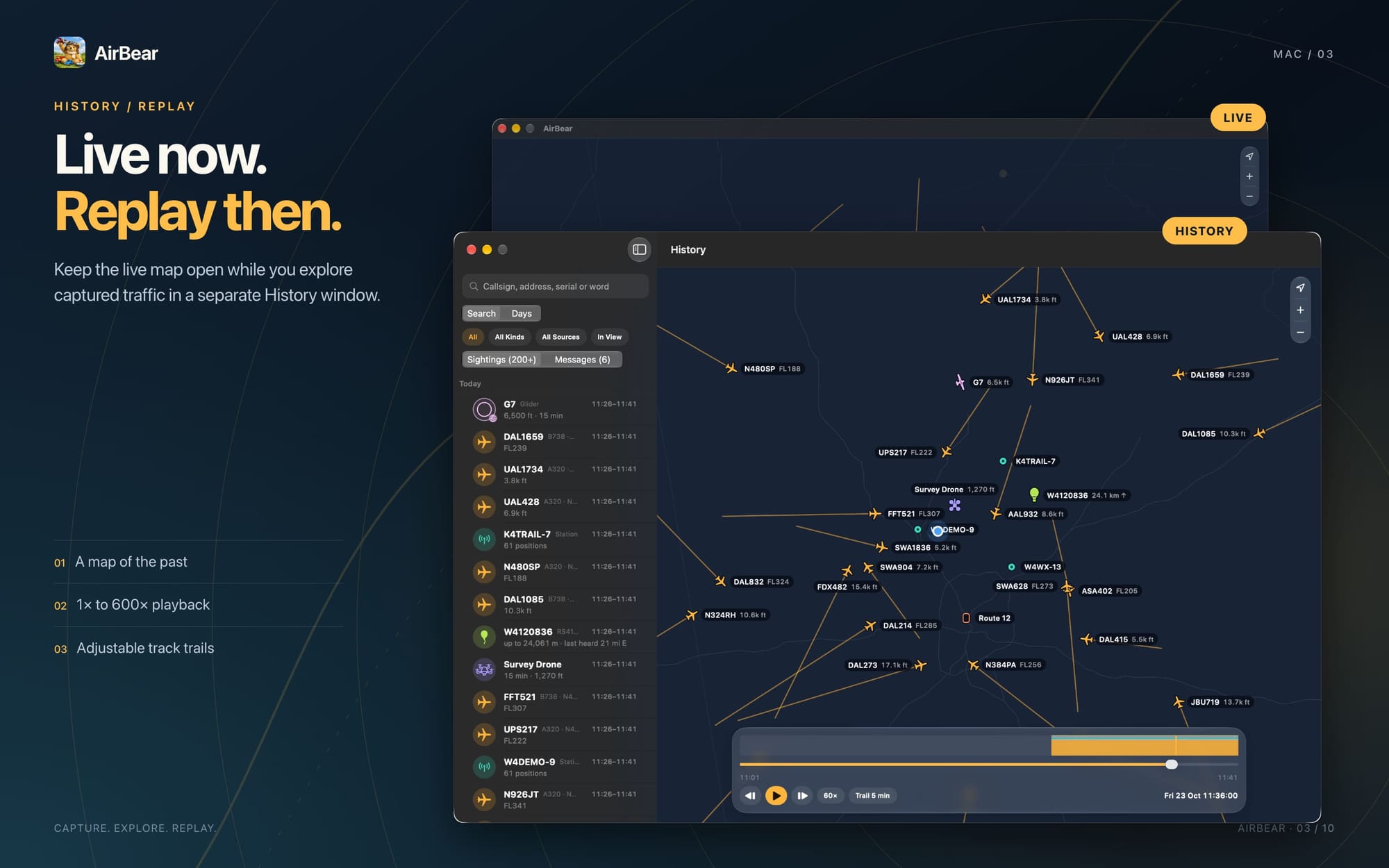
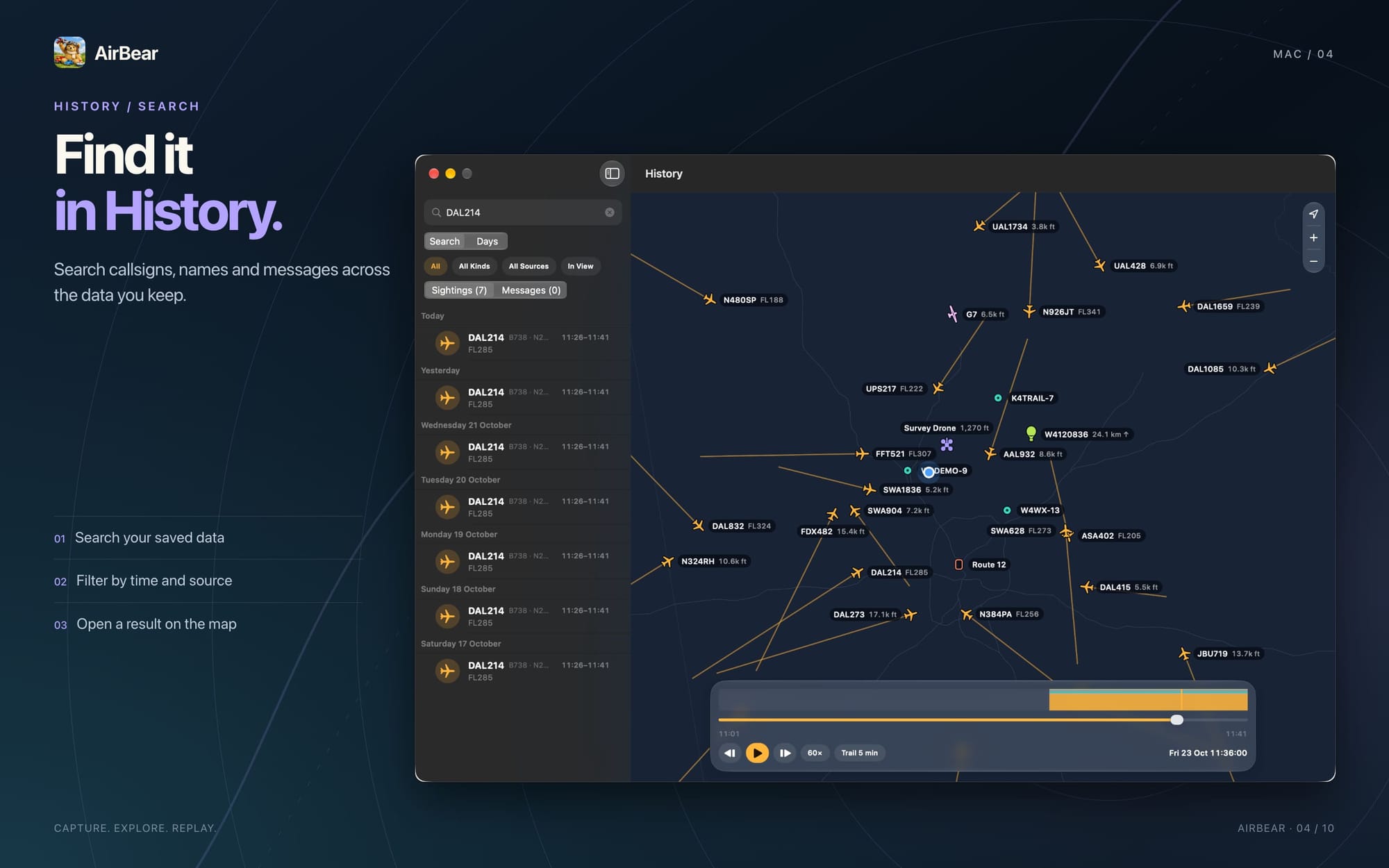
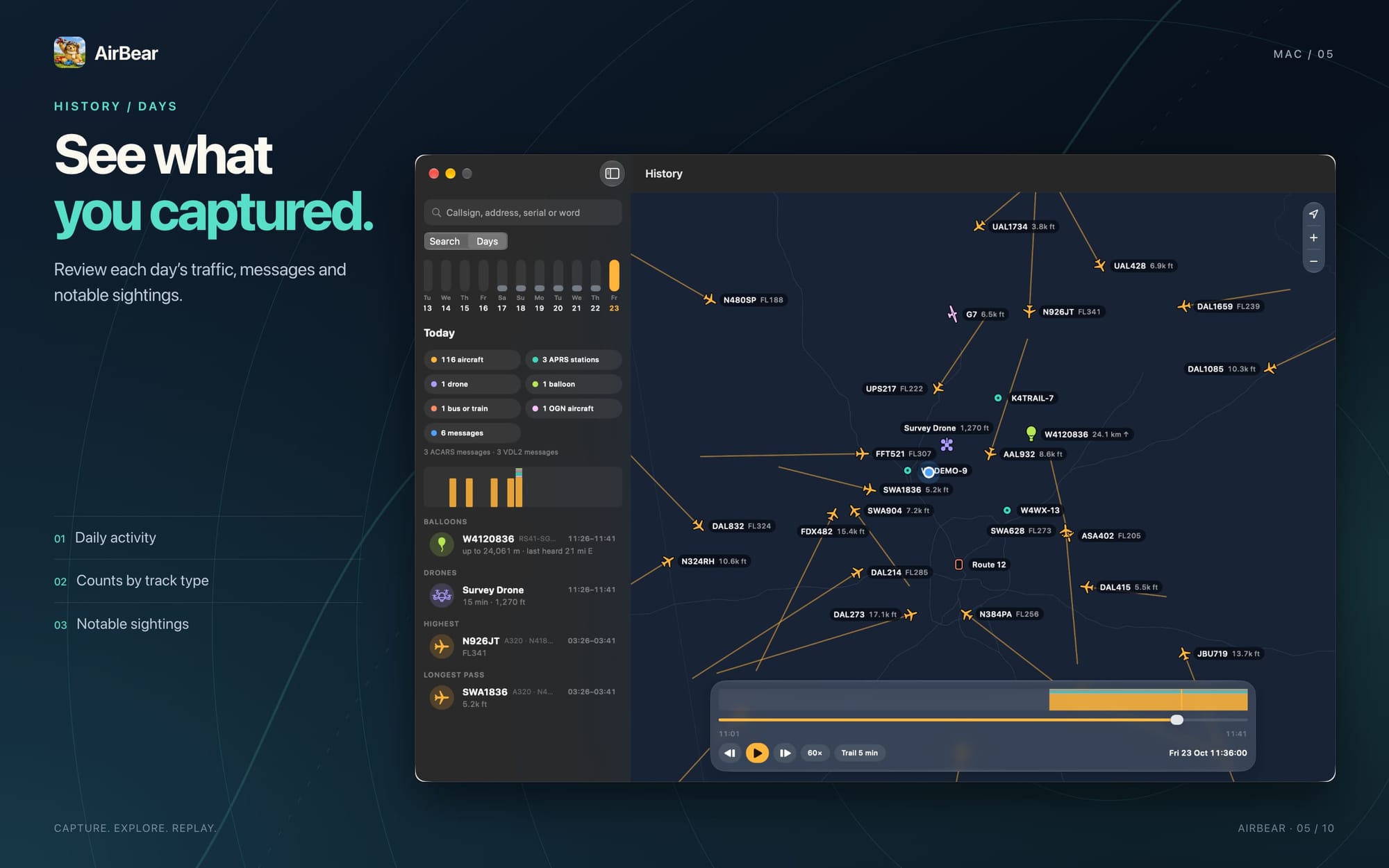
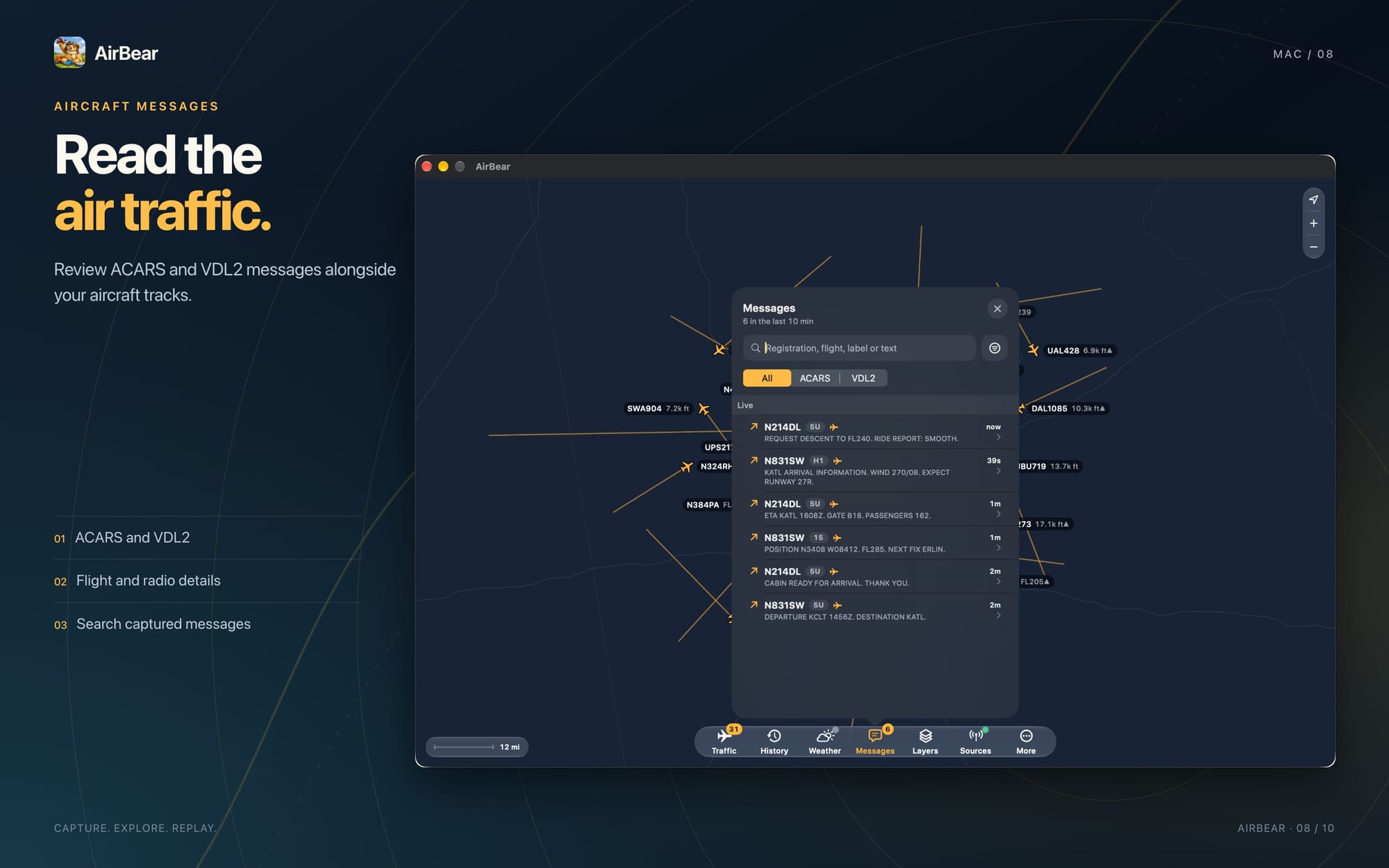
History and replay let you look back at earlier traffic, too. If something interesting passed while you were making lunch, you can return to the recording.
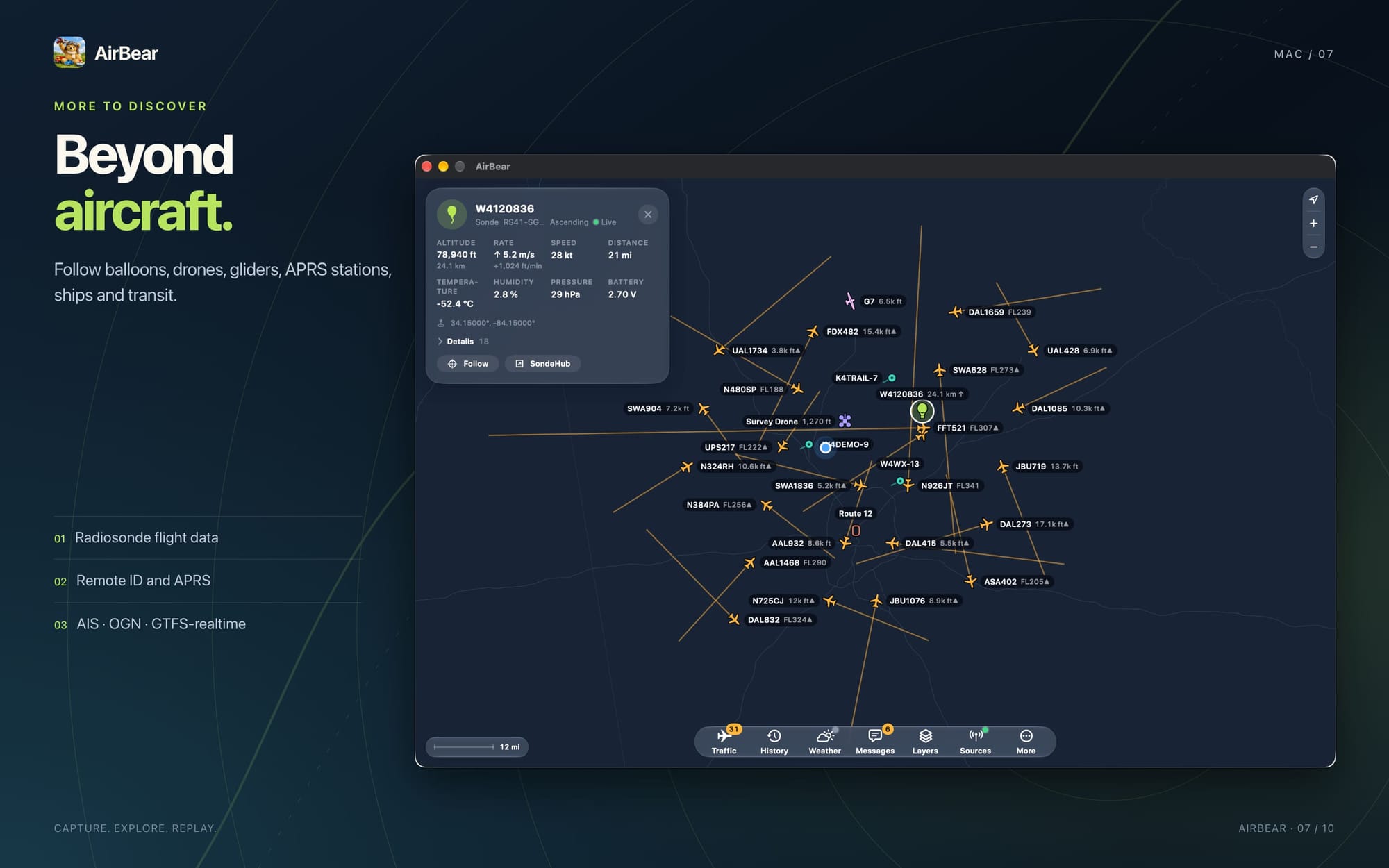
If you also enjoy amateur radio, a second receiver and suitable antenna can add APRS traffic. That can include radio stations, vehicles, weather stations, and balloons.
Start with the sky above you
AirBear is free for Mac, iPhone, iPad, and Apple Vision Pro. You supply the receiver hardware and antenna.
Start with the AirBear receiver setup guide, then take your first look at what your own antenna can hear.
The next time a plane catches your eye, a missing cell signal does not have to end your curiosity.
Get AirBear · More AirBear articles and updates