Introducing MeteorMath
Designed for Mac and iPad.
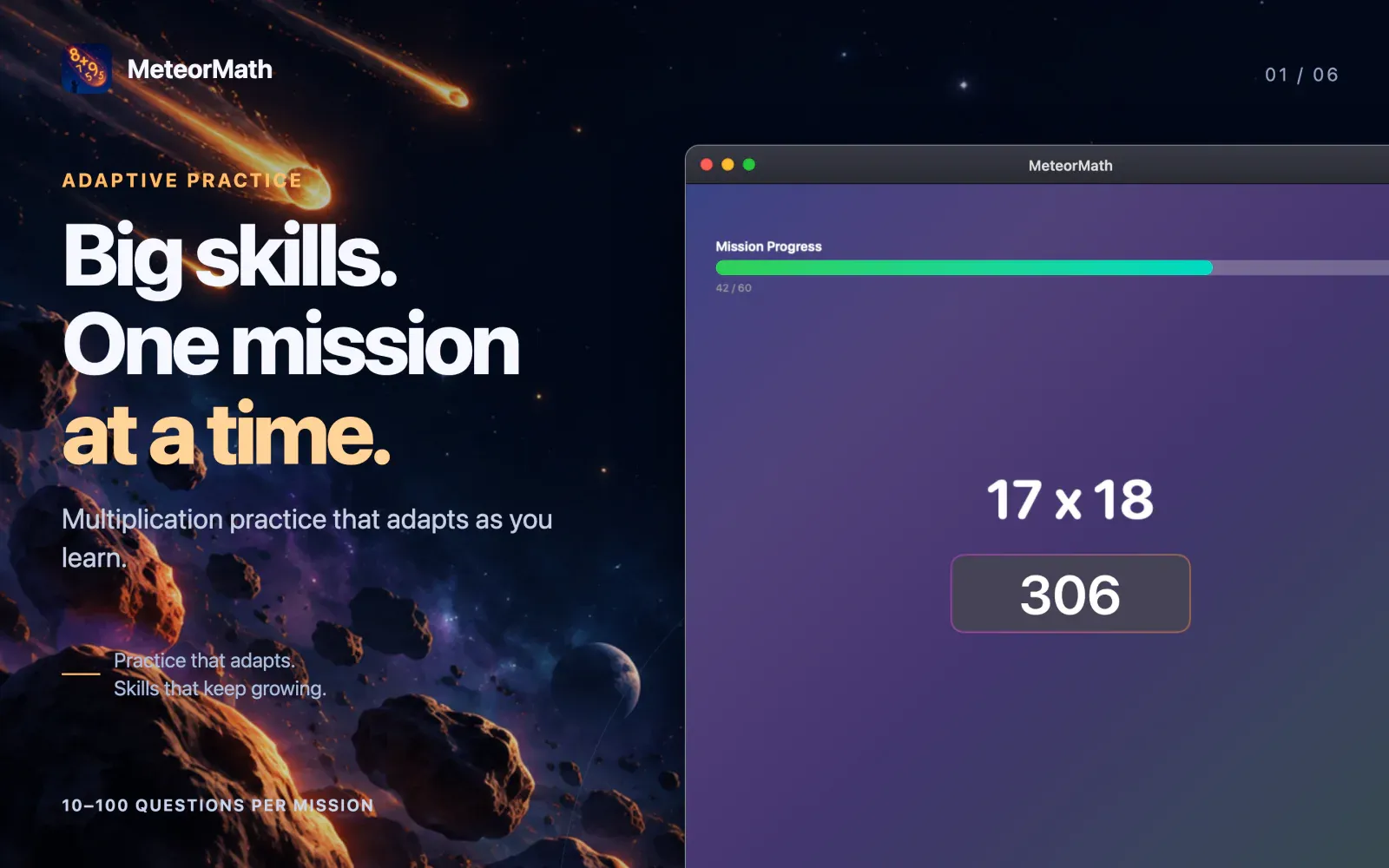
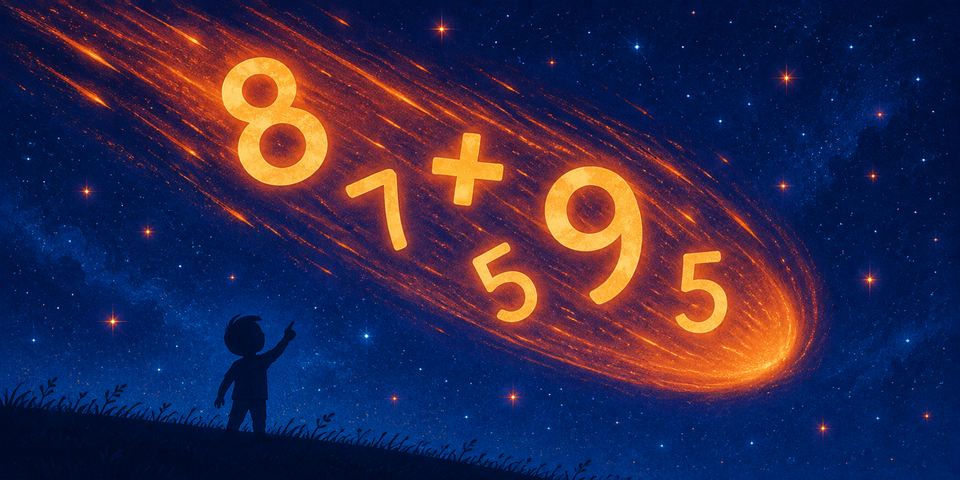
Blast off into multiplication mastery! MeteorMath turns the times tables into a space adventure for kids on iPad and Mac. Every practice session is a mission, and every finished mission earns a celebration video. Behind the scenes, a smart learning engine works out exactly which fact your child should see next.
Download MeteorMath on the App Store
Every practice session is a mission
- Pick your space explorer. Kids choose from 38 characters, including astronauts, aliens, dragons, robots, unicorns, race cars, and even George Washington.
- Earn a reward video. When a mission ends, your child's explorer stars in their own celebration video. A perfect score unlocks a special one.
- Get instant feedback. The answer glows green when it's right, red when it's wrong, and yellow when it's right but slow. MeteorMath says "Correct! Try to be faster." so kids know what to aim for.
- Choose the mission length. Missions run from a quick 10 questions up to 100.
A learning engine that adapts to your child
MeteorMath doesn't just drill random problems. It remembers every fact your child has practiced and decides what comes next.
- Easy facts first. Practice starts with the small facts and builds outward, so kids gain confidence before the tough ones arrive.
- Speed counts. A fact is mastered only when it's answered correctly and quickly. That's the difference between working it out and simply knowing it. The timing adapts to your child's own pace and allows extra time for longer answers.
- Missed facts come right back. Get one wrong and it returns within a few questions, while it's still fresh.
- Spaced review. Mastered facts return for review at growing intervals, up to a month apart, so they stick for the long haul.
- Challenging, never crushing. MeteorMath limits how many tough facts appear close together and mixes in easy wins when a mission gets hard.
- Smart shortcuts. Learning 7 × 3 earns credit toward 3 × 7. Facts with 0 and 1 follow simple rules, so kids master them fast and move on.
Progress you can see
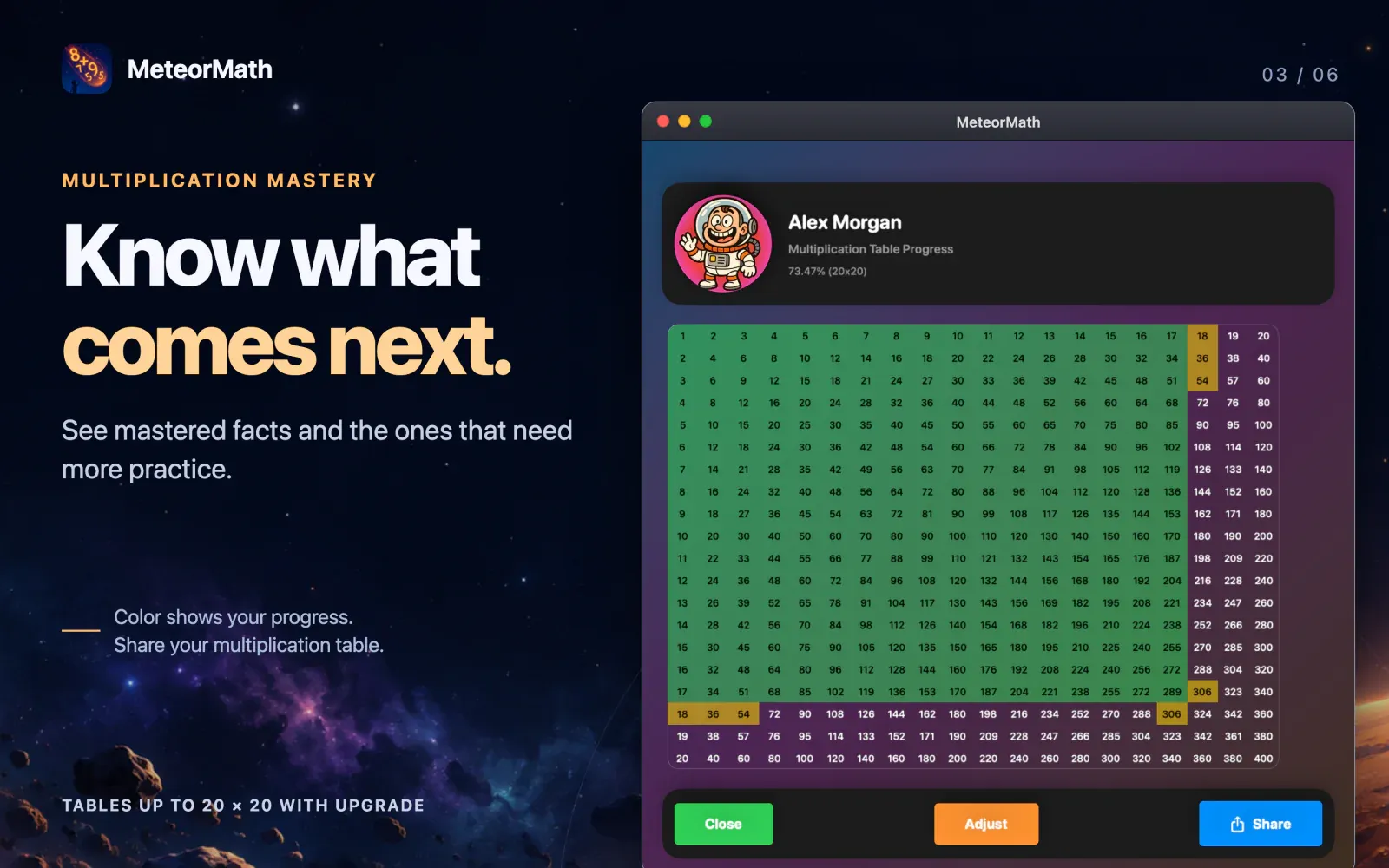
- Multiplication table view. Watch the grid fill in. A square turns green once your child has mastered that fact both ways.
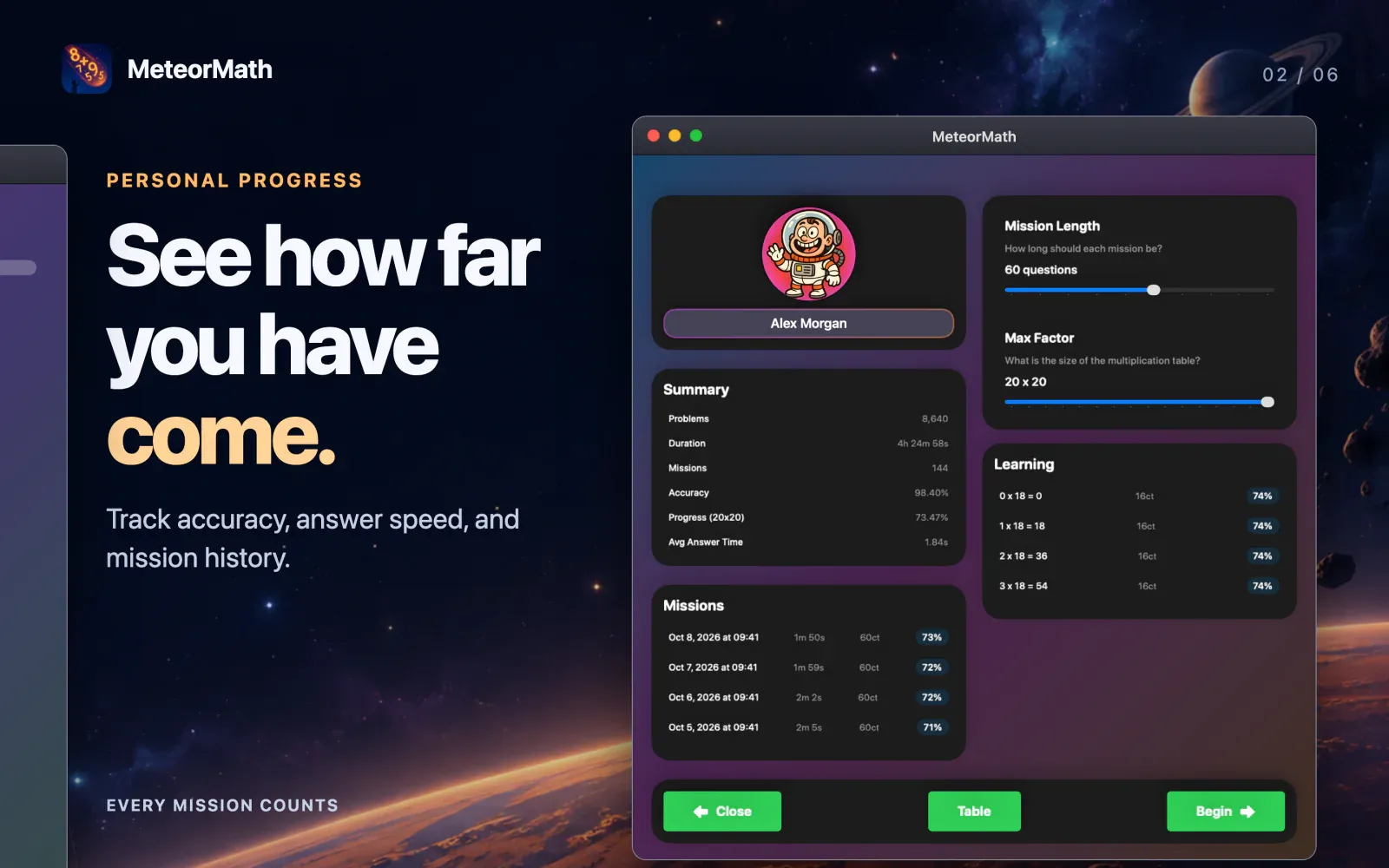
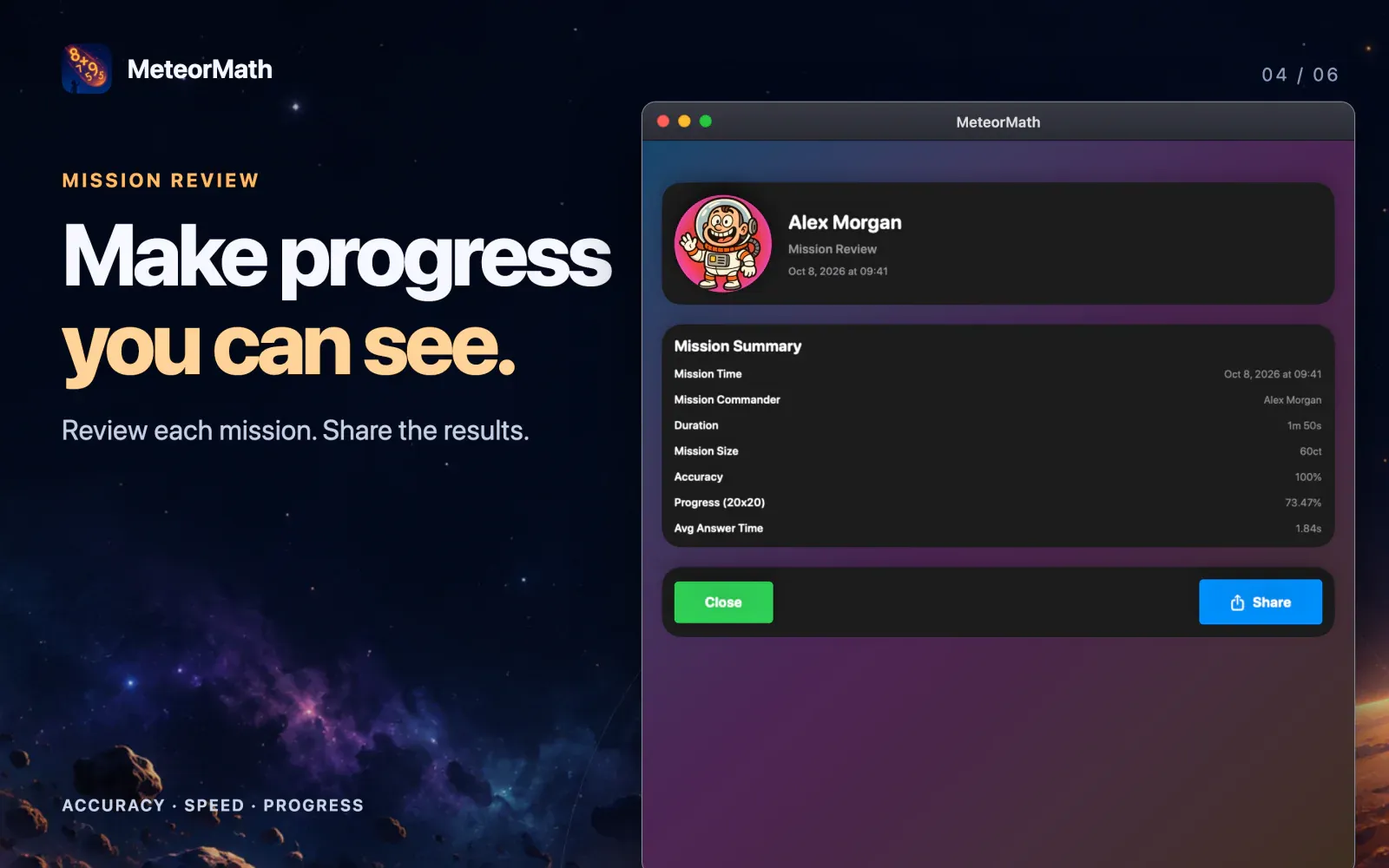
- Mission history. See accuracy, time spent, average answer speed, and facts mastered for every mission.
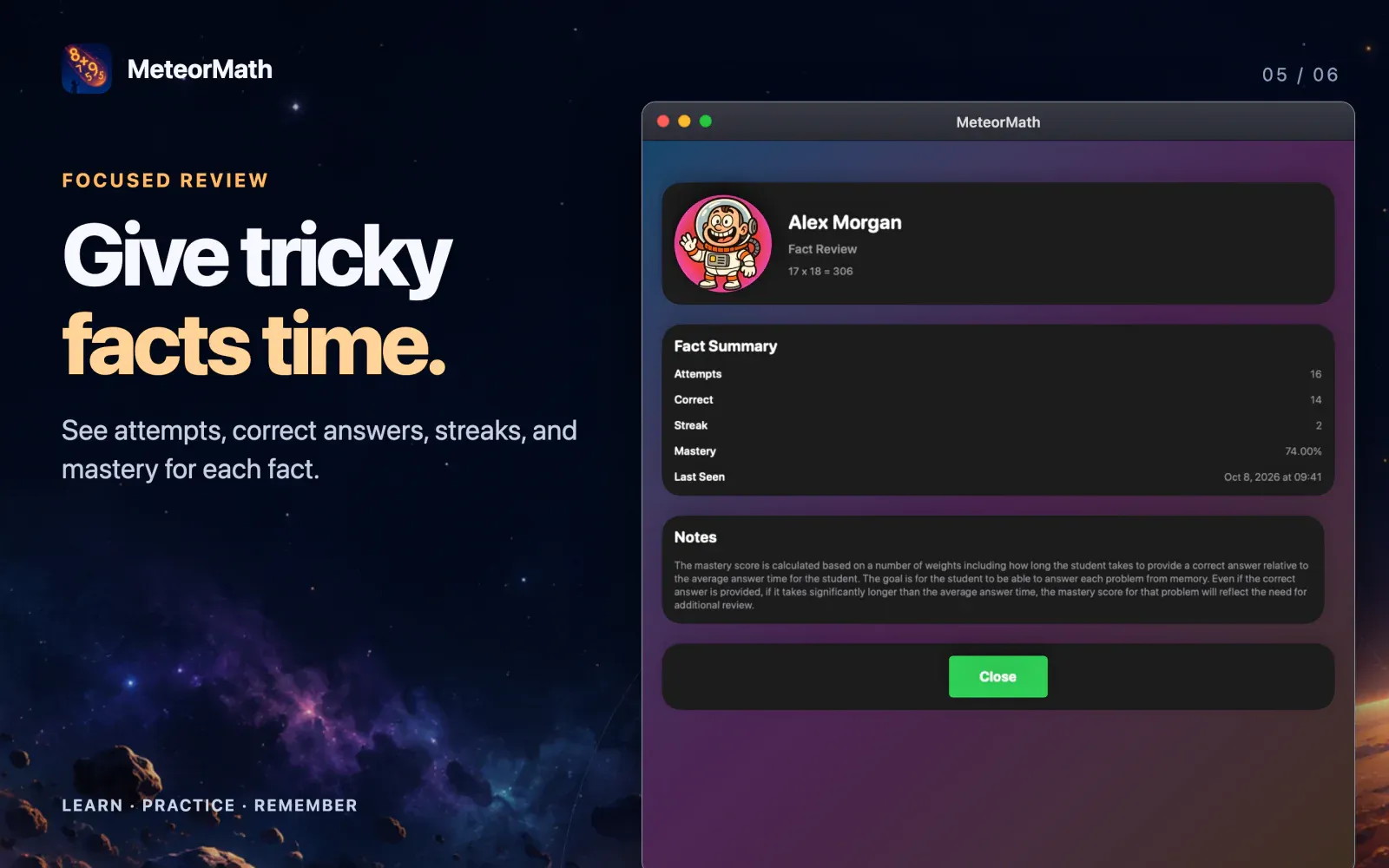
- Fact-by-fact detail. See which facts are mastered and how many more answers each one needs.
- Share the wins. Turn a mission review or progress table into an image and send it to the grandparents.
Built for families
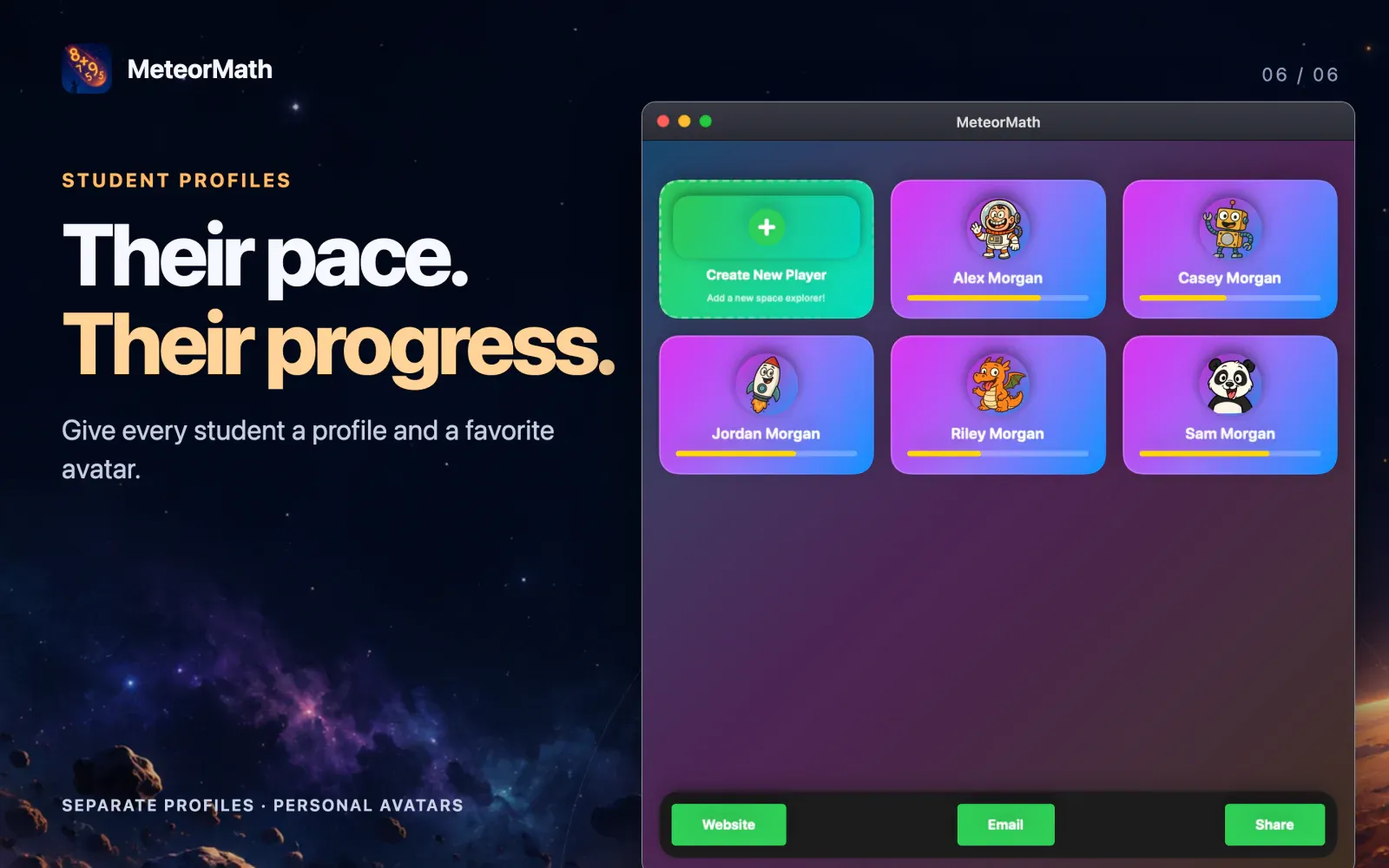
- A profile for every child. Each player gets their own explorer, progress, and mission history.
- Start at the right level. Already know some facts? Set a starting point and MeteorMath marks those facts complete, then reviews them now and then.
- Grow at your own pace. Start with 5 × 5 and work all the way up to 20 × 20. If you lower the size later, progress on the bigger facts is kept.
- Syncs with iCloud. Practice on the iPad and pick up where you left off on the Mac.
- Parent-protected. Deleting a player requires a grown-up to answer a two-digit multiplication question first.
- Made for each device. On iPad, kids tap a big-key number pad or use a hardware keyboard. On Mac, they just type and press Return.
Free to start. Yours for life.
MeteorMath is free to use through 5 × 5. Upgrade to Lifetime Access to unlock the bigger tables, all the way to 20 × 20. It's a one-time purchase with no subscriptions, and it includes email support if you ever need help.
Download MeteorMath on the App Store
Learn more here.