
Keep the Memory Card in Your Sony Camera. Bring the Photos to Your Mac with FrameFerret.
You get home with a camera full of photos. You want to look through them on your Mac while the day is still fresh.
First, you need the card reader. Or the cable. The right cable, which is apparently somewhere else. And even if you have the cable, Apple Photos could win an award for slowest import process.
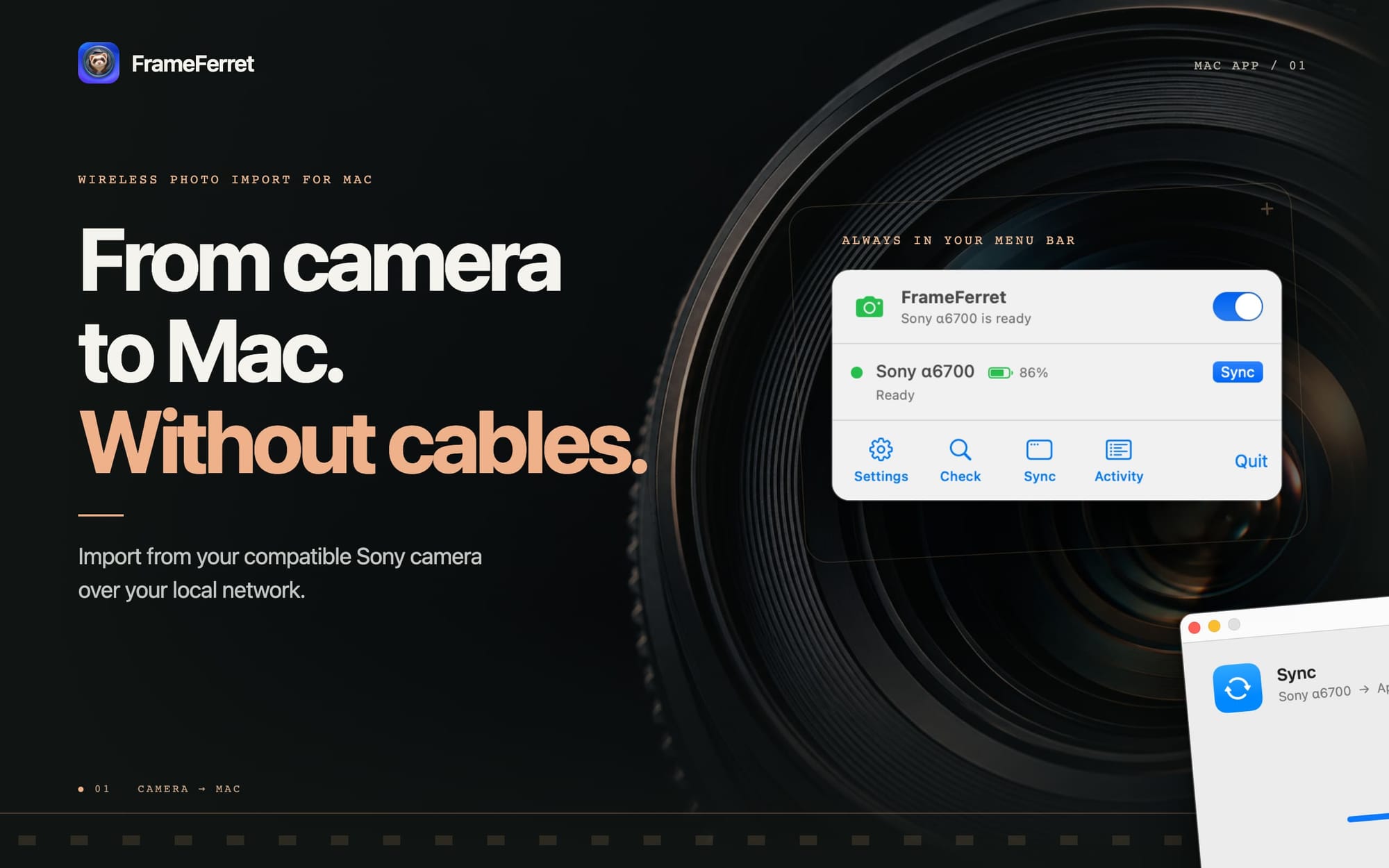
FrameFerret gives you a shorter route. It imports photos and videos from a compatible Sony camera to your Mac over Wi-Fi. The memory card stays in the camera.
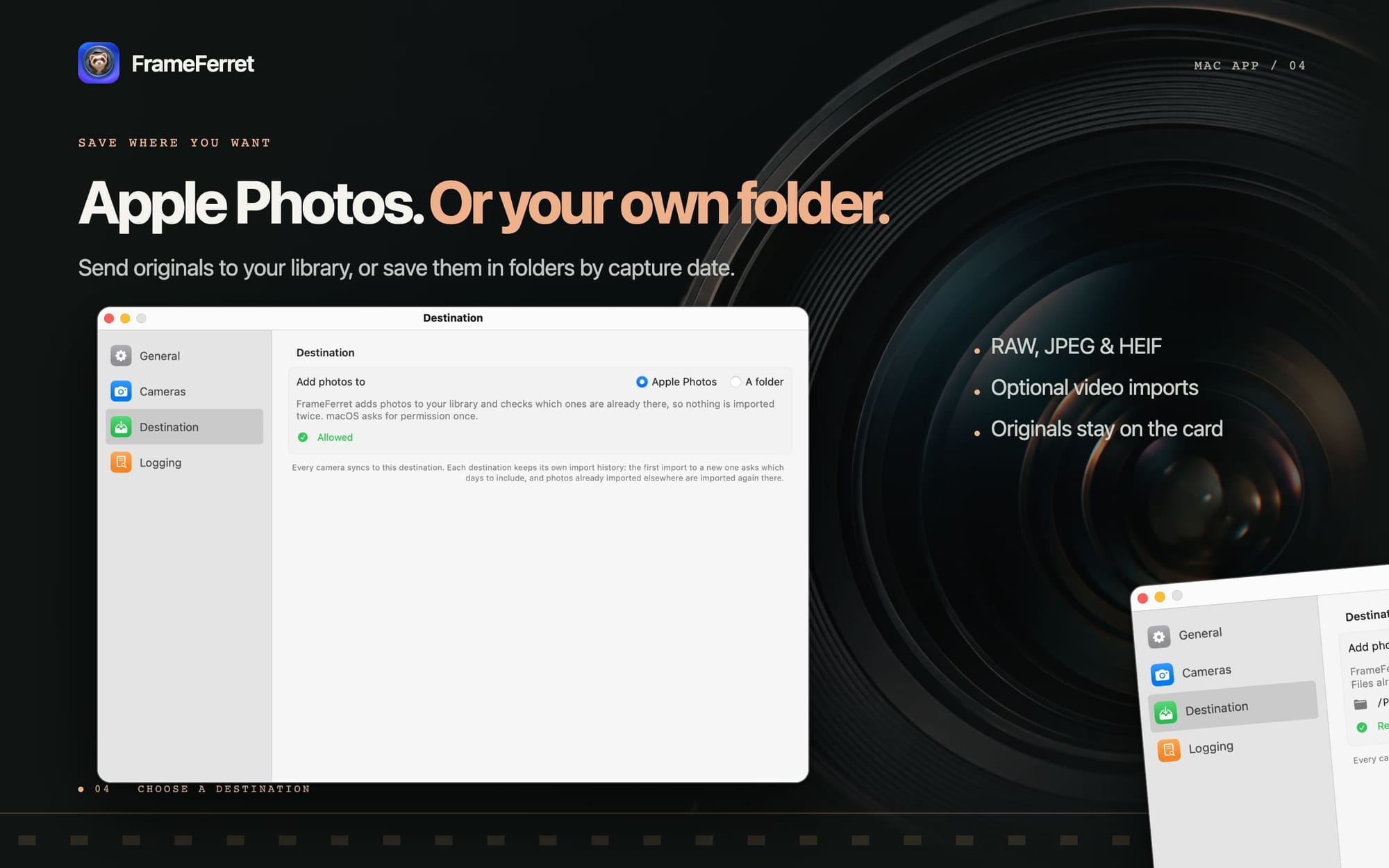
Choose where the originals go
Perhaps Apple Photos is where you keep everything. Perhaps you prefer folders that you can browse, back up, or open in another photo app.
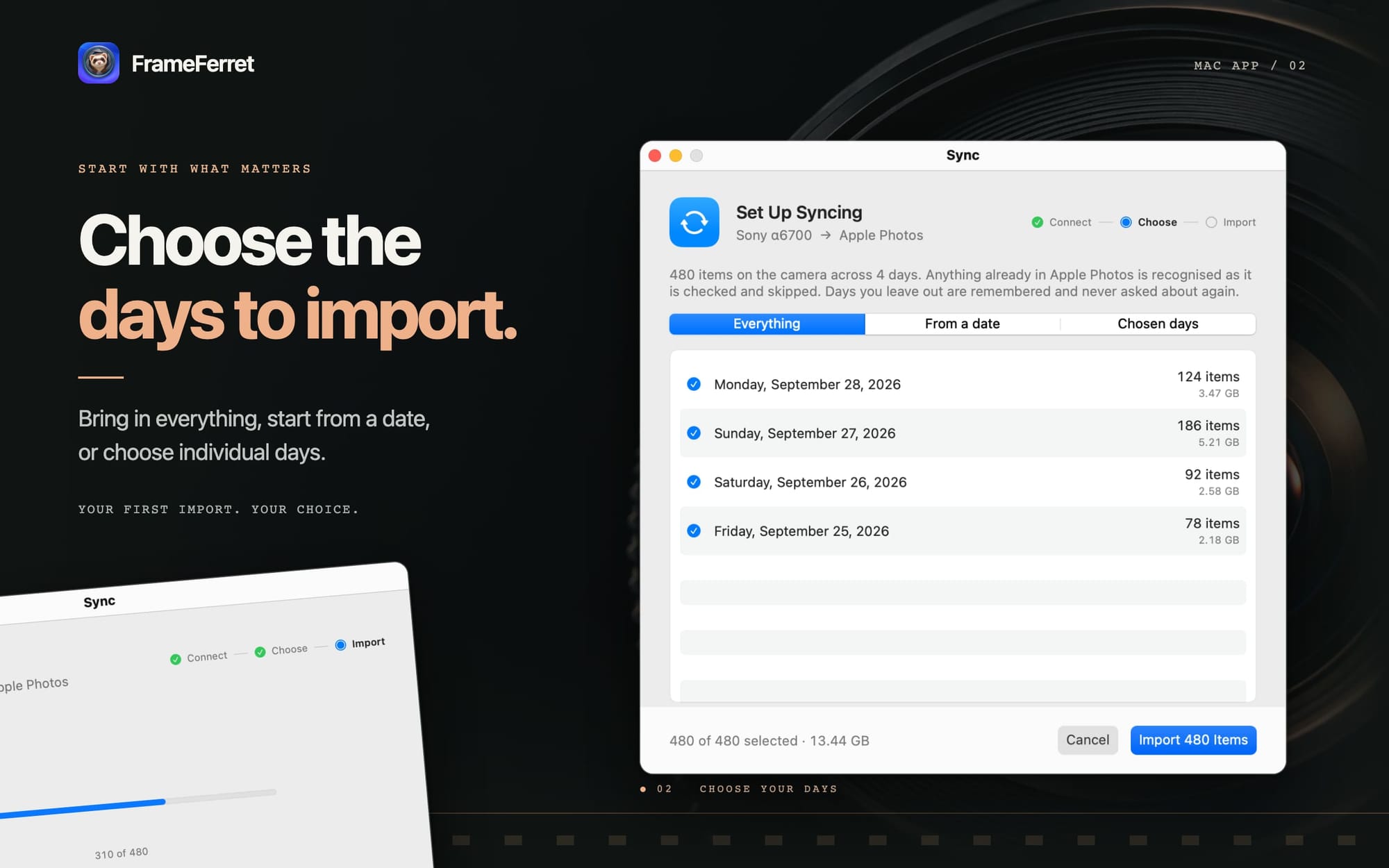
FrameFerret supports both. You choose Apple Photos or a folder as your destination.
It can bring in RAW, JPEG, HEIF, and video files. If you shoot RAW with a JPEG or HEIF companion, you can keep the pair together in Apple Photos or import the files separately.
For folder imports, files are grouped by capture date. You get your originals in a useful order, without sorting the whole card by hand.
The originals stay on the camera's memory card, too.
Import the trip you just took
You may have several weeks of photos on that card. Today, you only want the weekend.
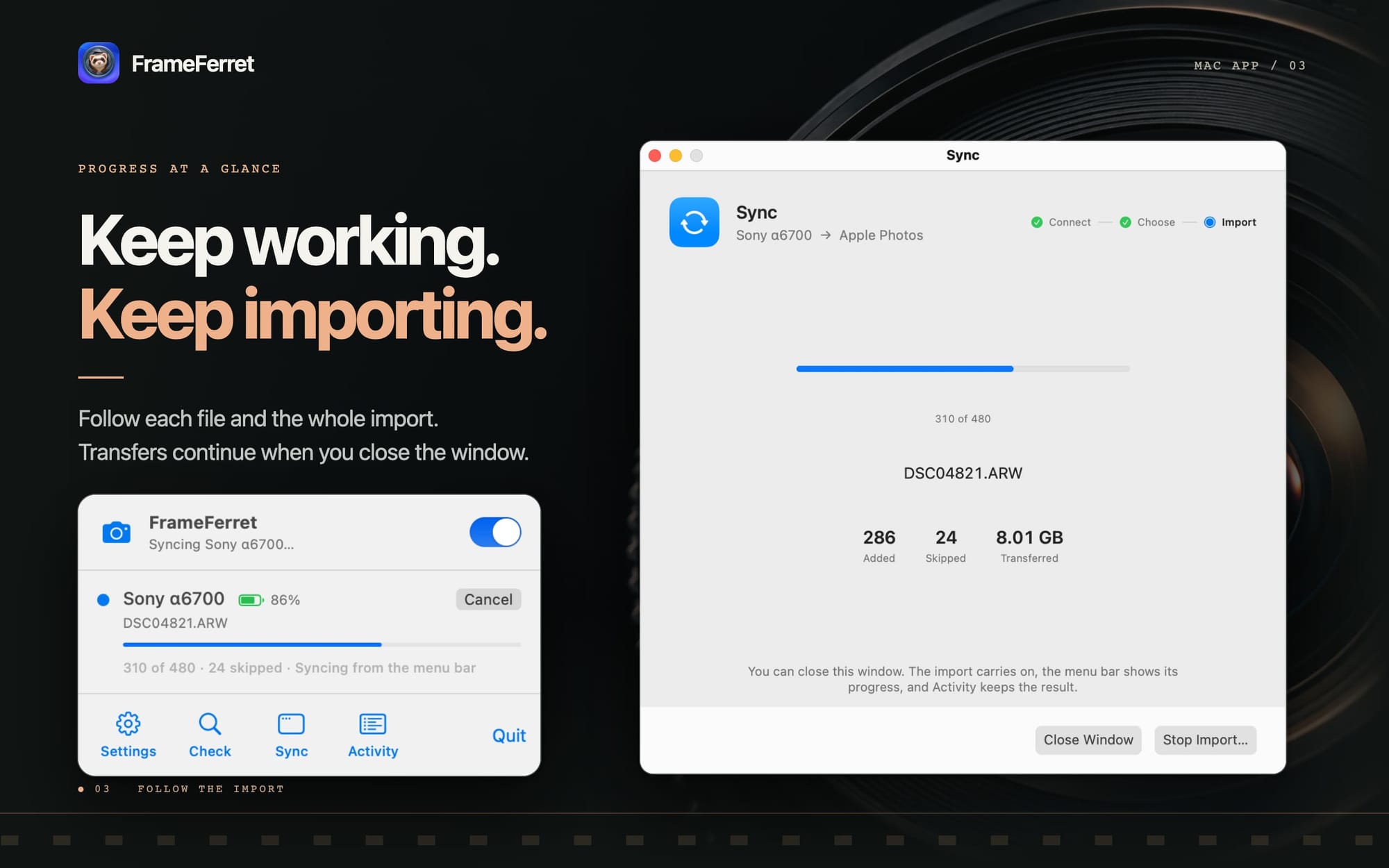
Choose individual days, start from a date, or import everything. You do not have to select each photo one at a time.
FrameFerret checks its import history and existing files to reduce repeated transfers. When a match is uncertain, it imports the file and marks it for review.
That matters when you return for another import and cannot remember exactly where you stopped.
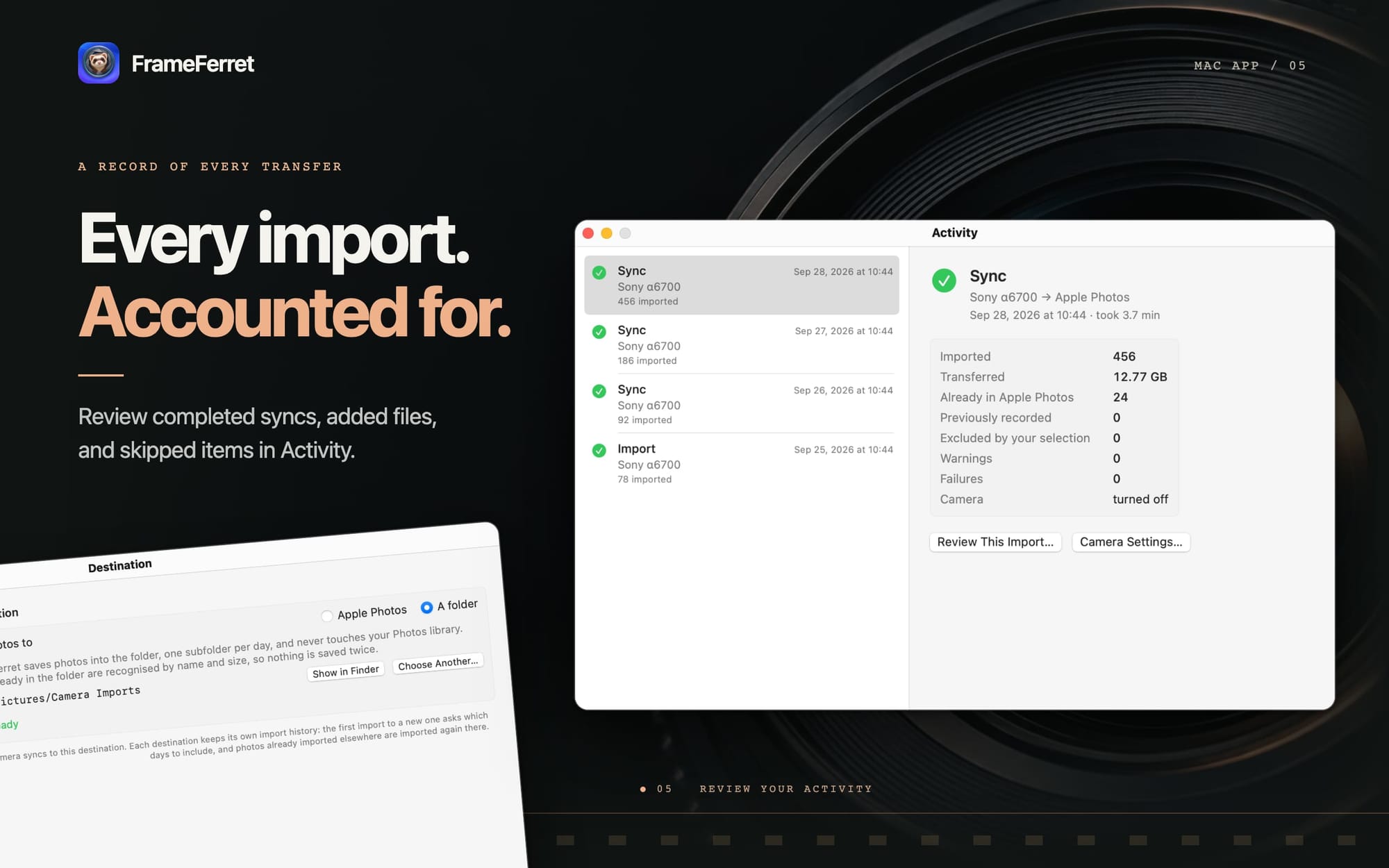
You can close the import window while the transfer continues. Later, Activity shows completed imports, skipped files, and errors. The menu bar gives you a quick way to check camera availability and start another import.
Check your Sony camera before you start
FrameFerret works with modern Sony cameras that support PC Remote. Model and firmware affect the available features.
FrameFerret should be compatible with α6700, α7 IV, α7C II, α7CR, α7S III, α1, and ZV-E1. FrameFerret is free to try for 30 days with no obligation and no purchase, so you can make sure your camera is compatible with no risk.
Your camera and Mac need to share a local network. Enable PC Remote and access authentication on the camera, then choose your destination in FrameFerret.
FrameFerret runs on macOS 15.6 or later. The app is a $12 USD one-time purchase with a 30-day trial beforehand.
Try it with the photos you took today. The card can stay exactly where it is. And the cable can stay wherever it is.
Get FrameFerret for Mac · More FrameFerret articles and updates