
Different Camera Brands. One Place to See Your Home. CoreView.

You bought a camera for the front door. Later, you added one for the garage. Then a different brand had the right camera for the back garden.
Now checking your home means opening three apps.
You know the views you want. The front door, the driveway, the back gate. You would like to see them together without remembering which company made each camera.
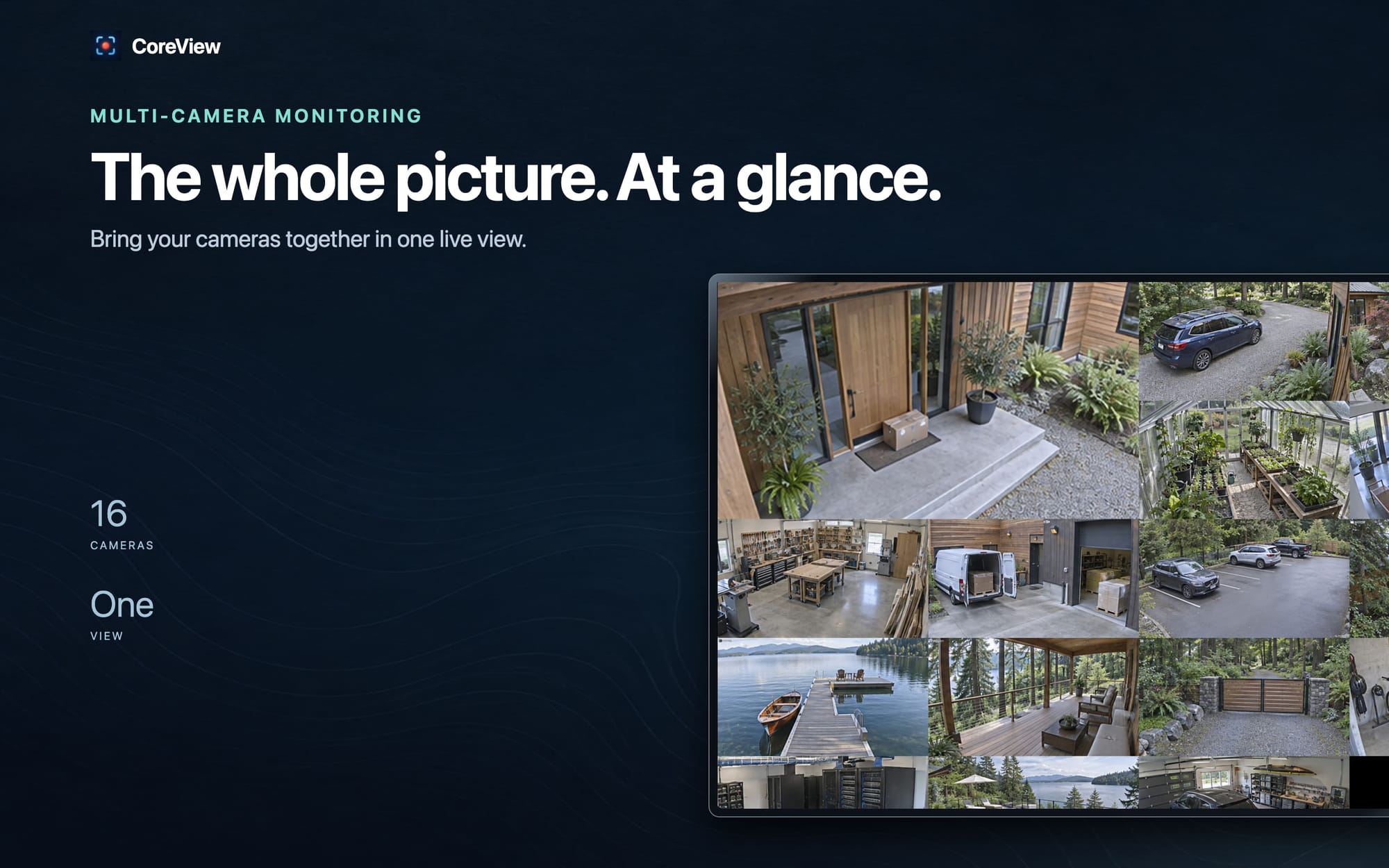
CoreView brings compatible cameras into one view on your Apple devices. You can keep the cameras you chose and make their live video easier to reach.
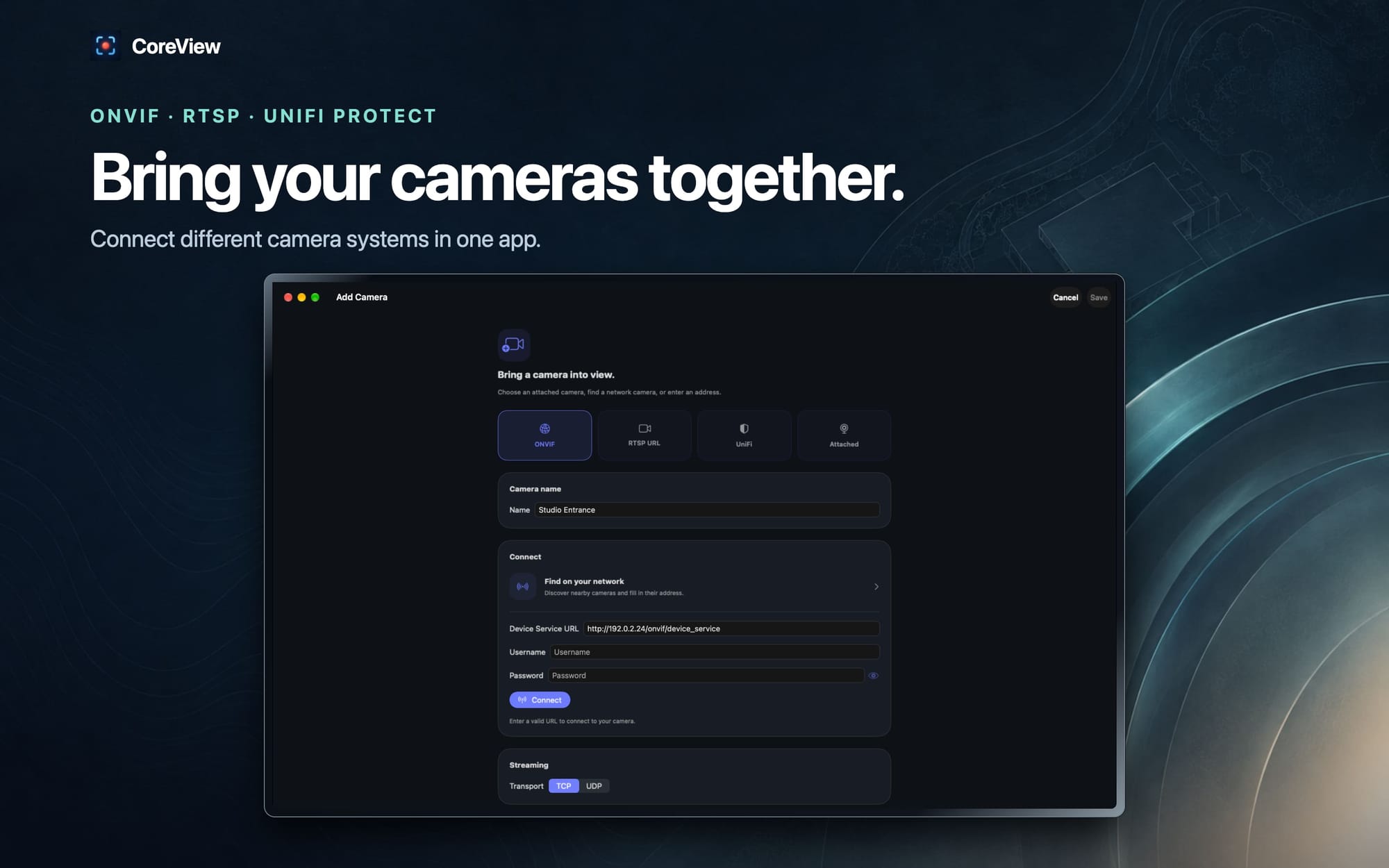
Choose cameras by what they can connect to
The important detail is whether your camera supports ONVIF or RTSP. Those names describe common ways to connect to cameras and their video streams.
Many consumer and professional camera brands offer models with that support. Familiar examples include Reolink, Amcrest, TP-Link Tapo, Lorex, Annke, and EZVIZ.
The brand alone is not a guarantee. Check your particular model and enable the connection in its settings. A camera that only works through its maker's cloud service might not provide it.
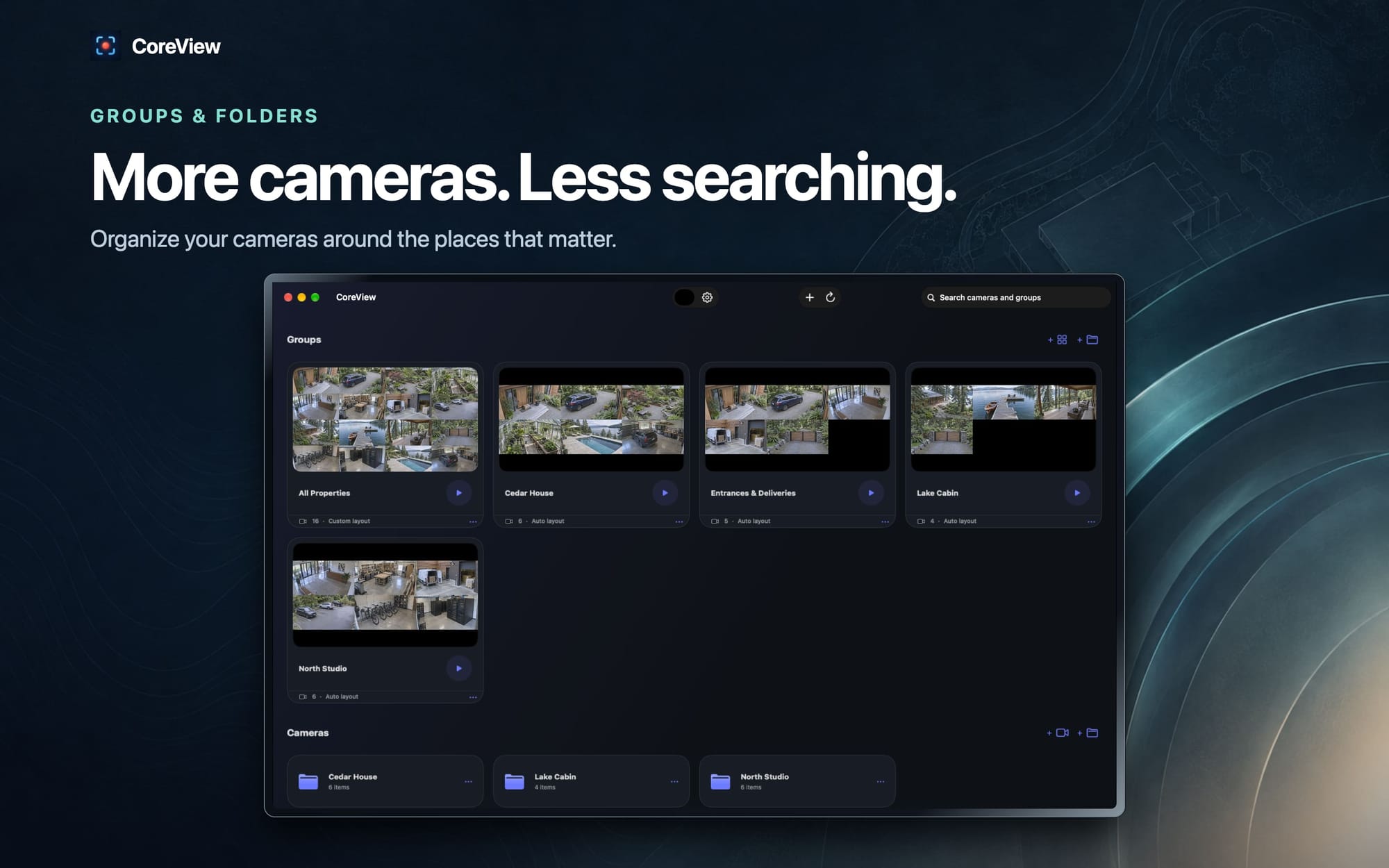
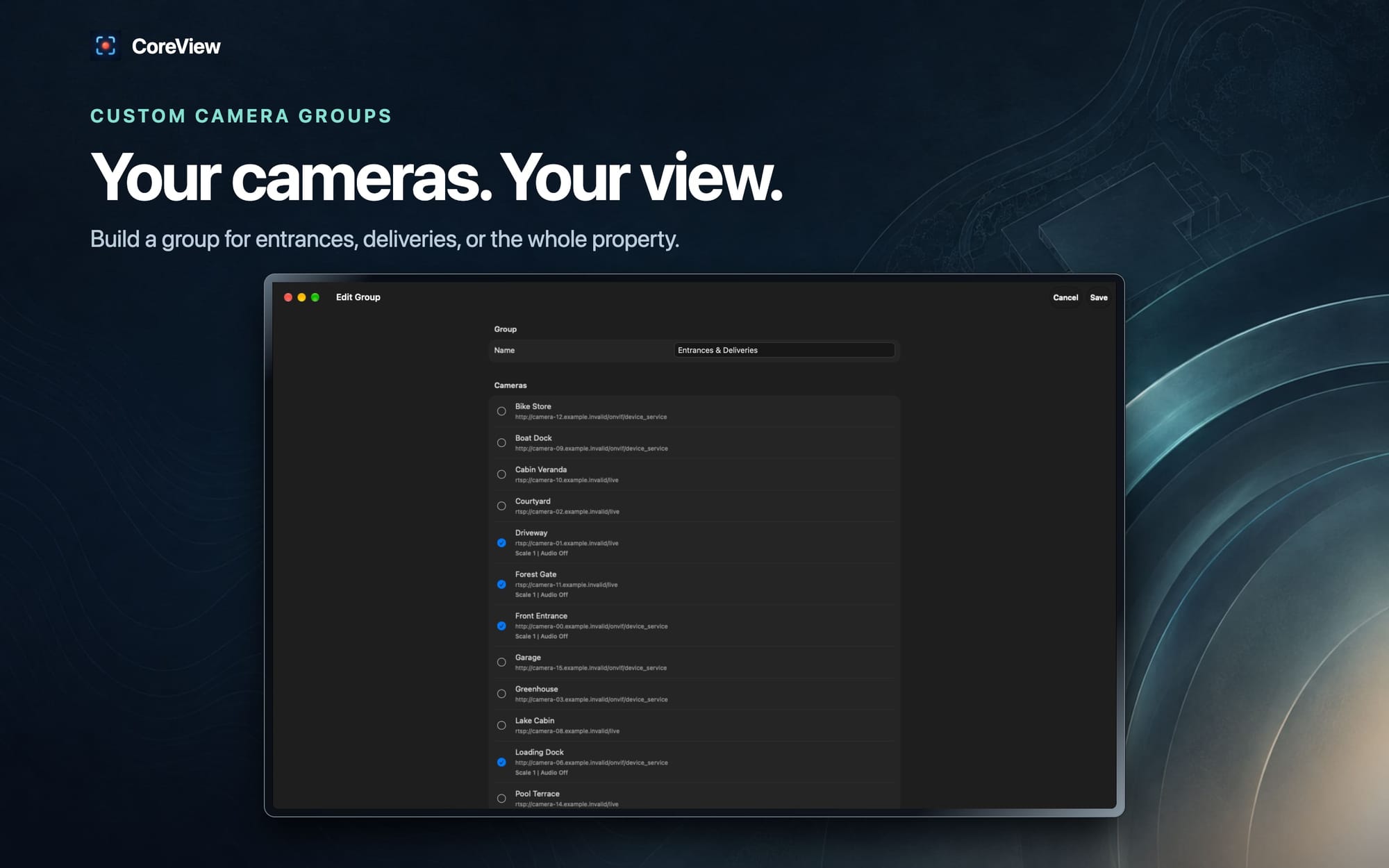
CoreView also has built-in connections for UniFi Protect and Rhombus. Once you add your cameras, you can group them into views that make sense for your home.
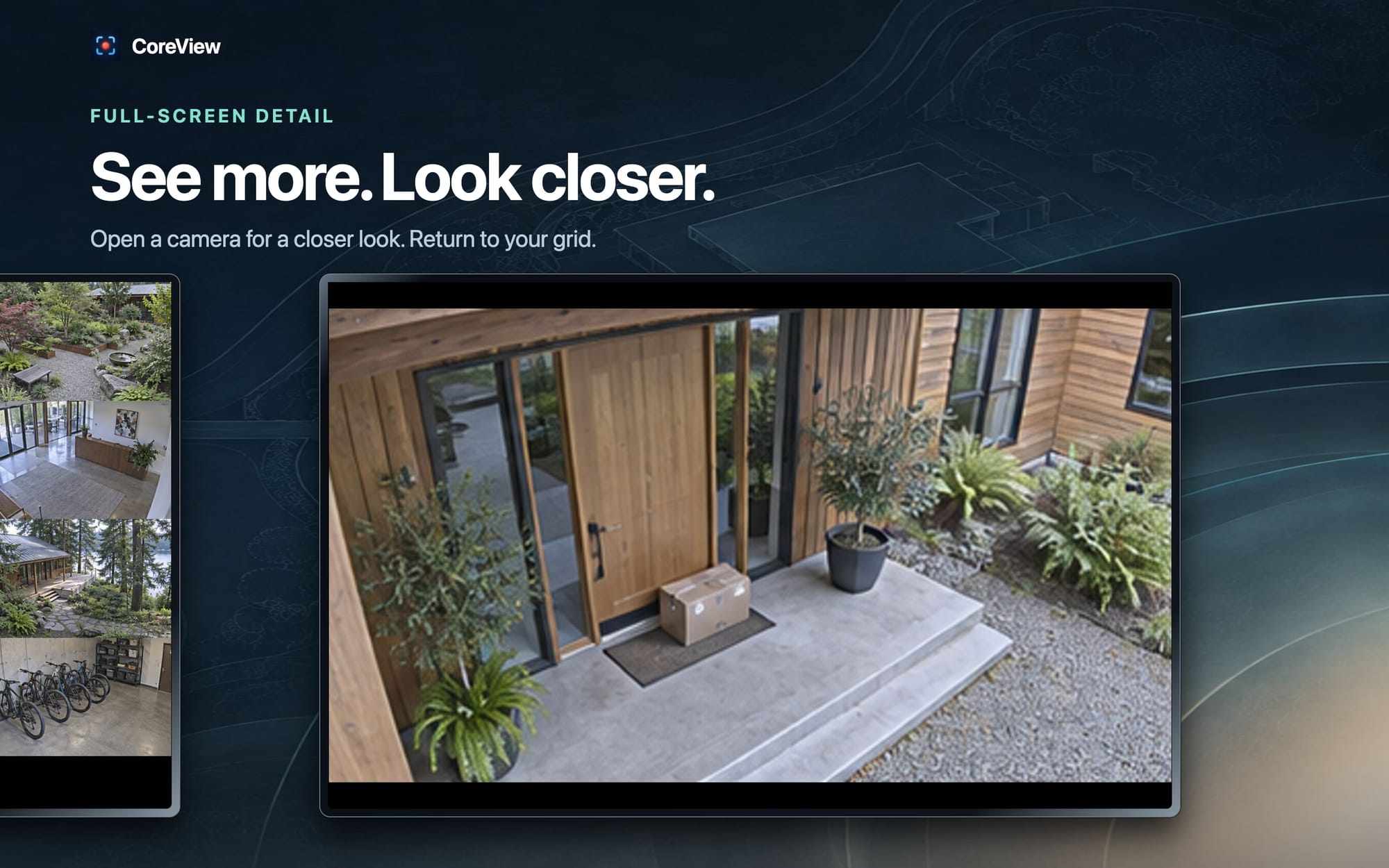
Put the outdoor cameras together. Give the garage its own view. Open a single camera when you want a closer look.
You spend less time finding the right app and more time seeing what you came to check.
Put the view on a useful screen
Your phone is useful when you are moving around the house. It is less useful when you want a camera view beside your work all afternoon.
CoreView runs on iPhone, iPad, Mac, Apple TV, and Vision Pro. You can choose a screen that suits the moment.
Keep a view open on your Mac while you work. Use an iPad as a larger display. Bring your cameras to the television through Apple TV.
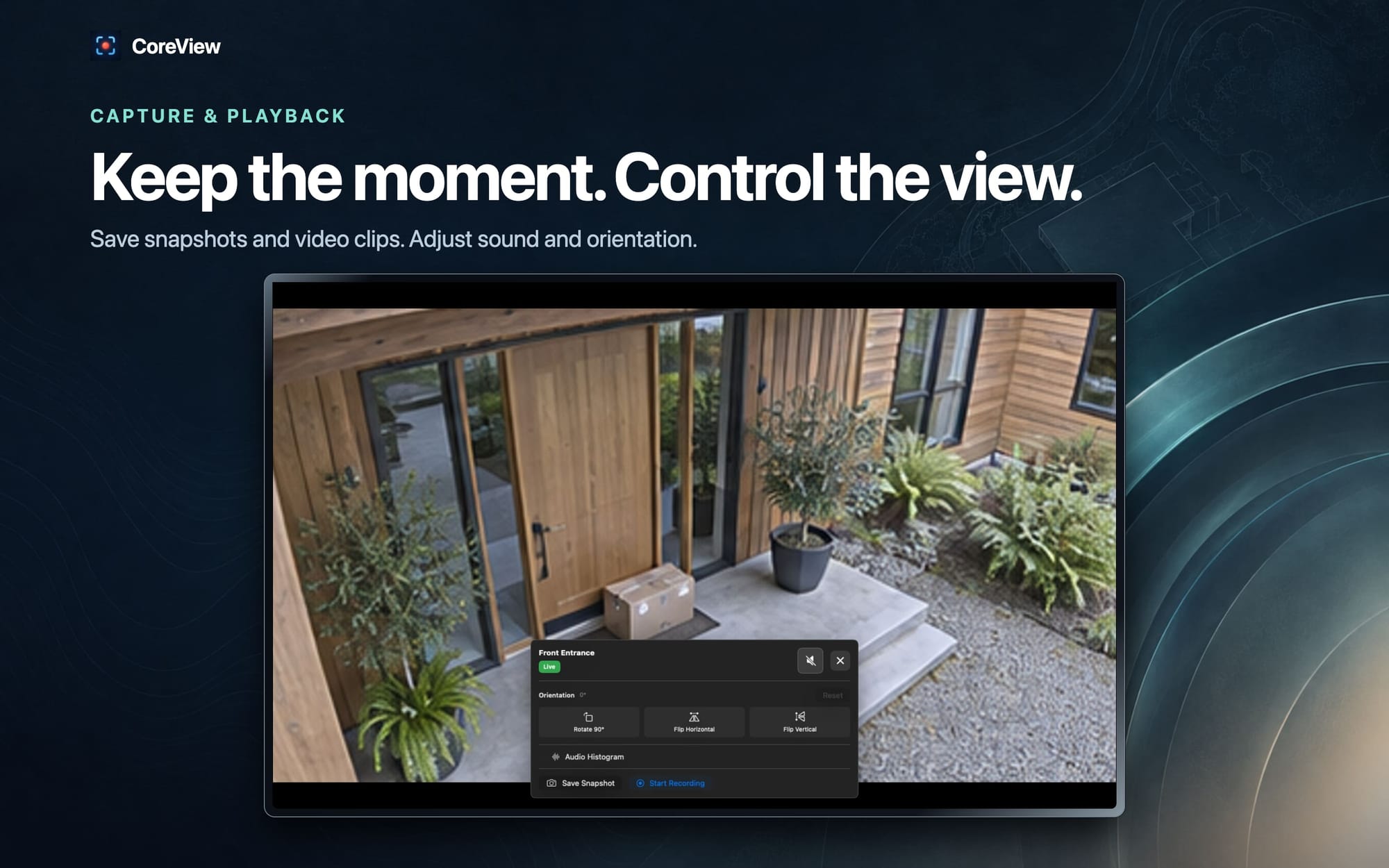
If you need to keep a moment, you can save a snapshot or a recording from an open camera. Keep your existing recorder for continuous recording; CoreView gives you a useful place to watch live video.
Try your own cameras first
The home license costs $15 USD once per device, with no subscription. Each device needs its own license.
You can stream for five minutes without a license or an account. That gives you a way to check your cameras before buying.
Start with the view you use most. Add the front door and the driveway. See how it feels to find both in the same place.