ShowShark Release Notes v2026.02.16
ShowShark v2026.02.16 Release Notes
ShowShark is a personal media server and client system. The server runs on macOS, managing your media library and streaming content to client apps on iOS, tvOS, macOS, and visionOS.
This is the first public release of ShowShark, representing a full-featured media streaming platform built from the ground up.
Photos
- iCloud Photos integration -- browse your iCloud Photo Library directly from the server, with album grouping by type (My Albums, Shared Albums, Smart Albums) and full video playback support
- Full-screen photo viewer with left/right navigation, a 3-image prefetch buffer, and an auto-hiding info bar. Platform-specific input: arrow keys (macOS), swipe gestures (iOS/visionOS), D-pad/remote (tvOS)
- Infinite scroll pagination for large photo albums, loading 100 items at a time with automatic fetching as you scroll
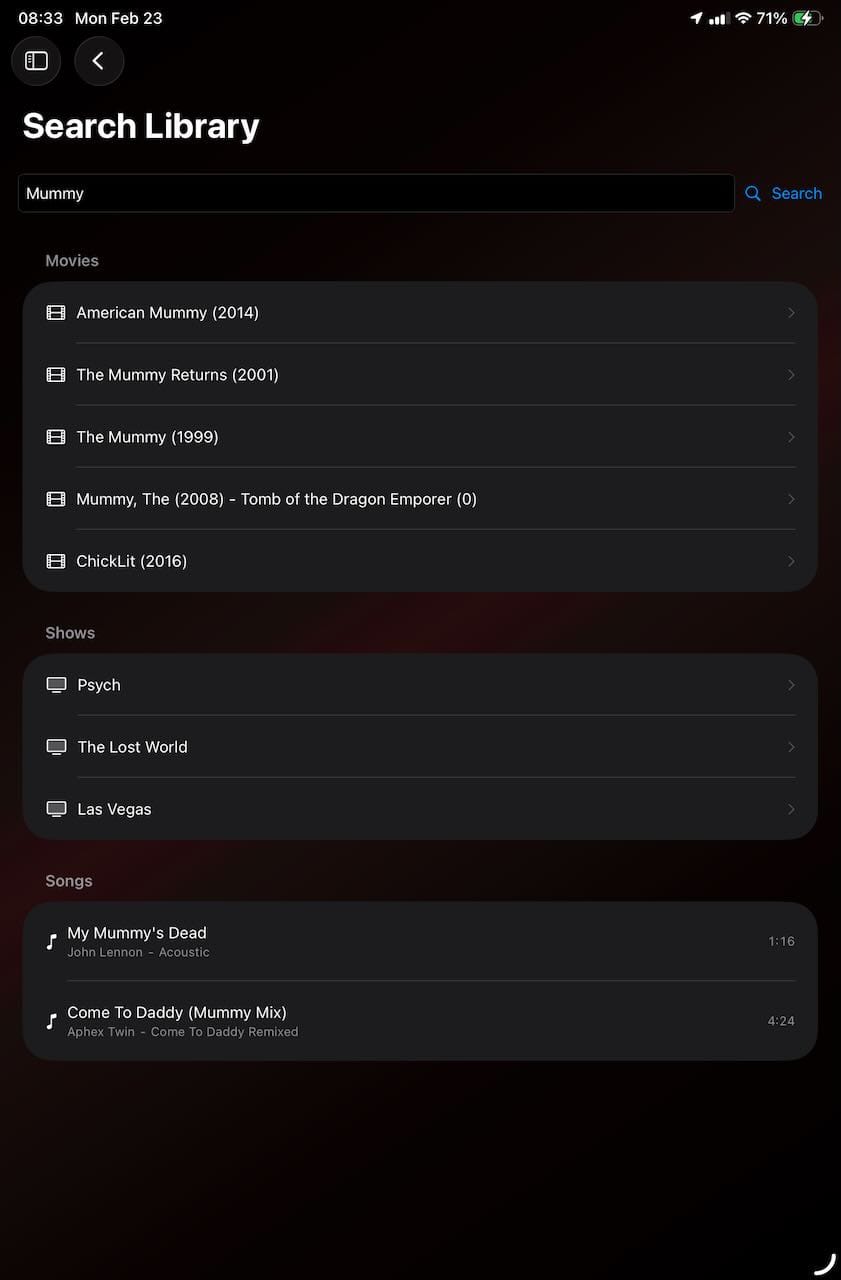
- Photo album search in library search results, with deduplication so the same album doesn't appear under multiple categories
- Filesystem photo viewing for image files (JPEG, PNG, HEIC, etc.) in your media locations, with hardware-accelerated thumbnail scaling and EXIF orientation support
Channels
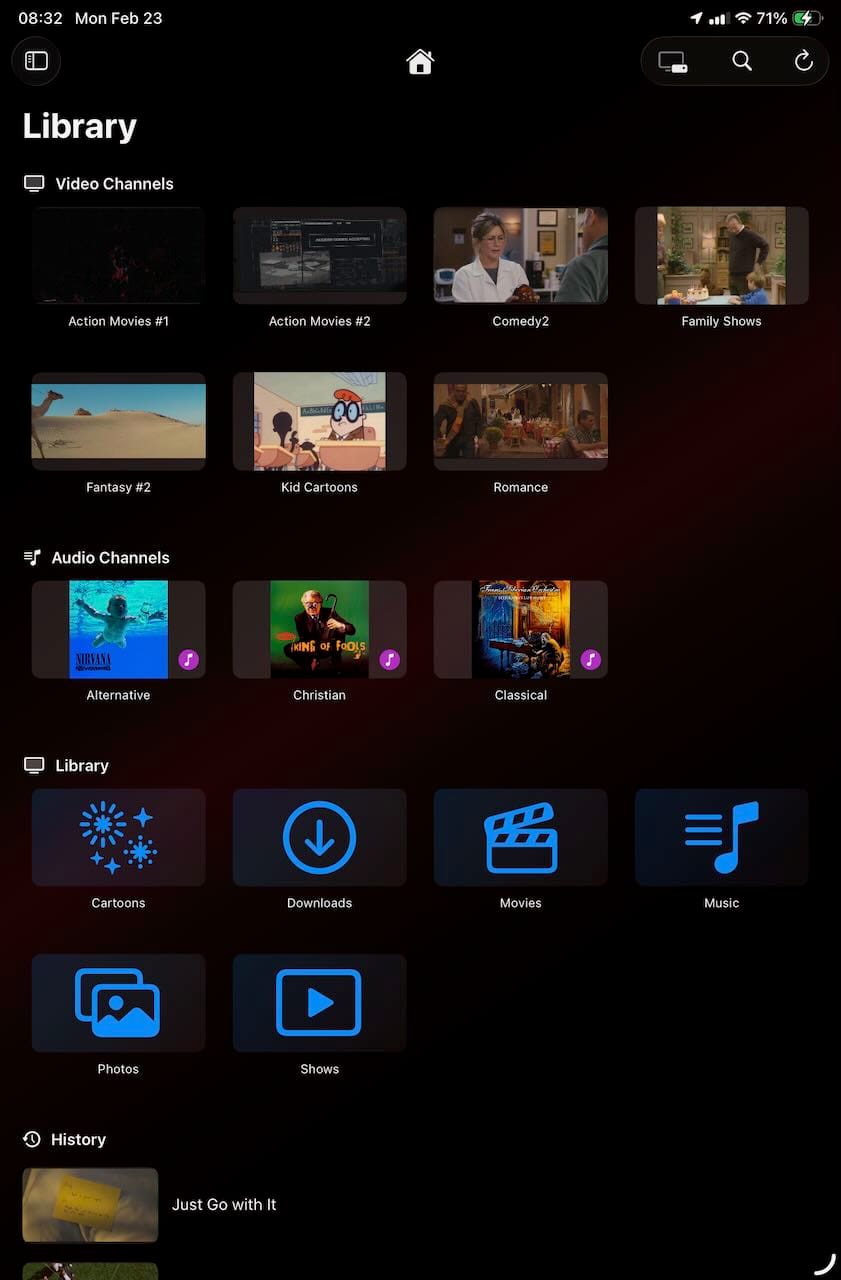
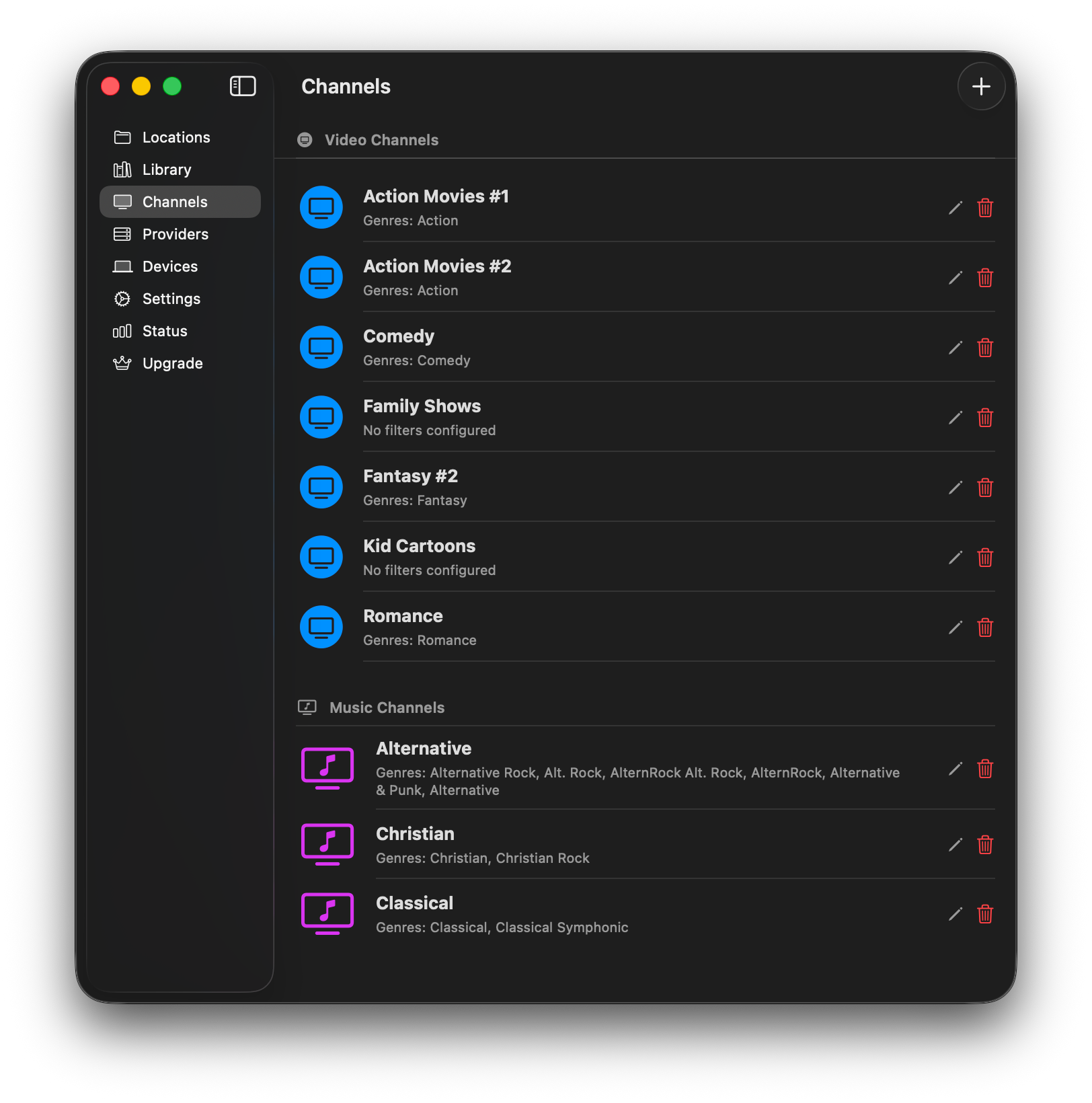
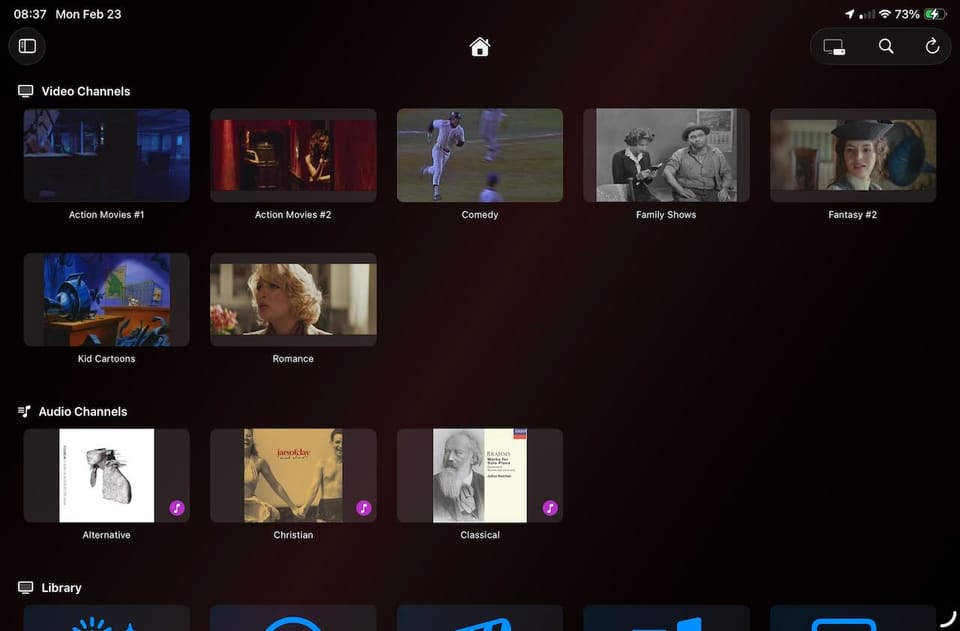
- Virtual TV channels with scheduled programming -- create channels filtered by genre, actors, content ratings, and media type (movies, TV shows, music)
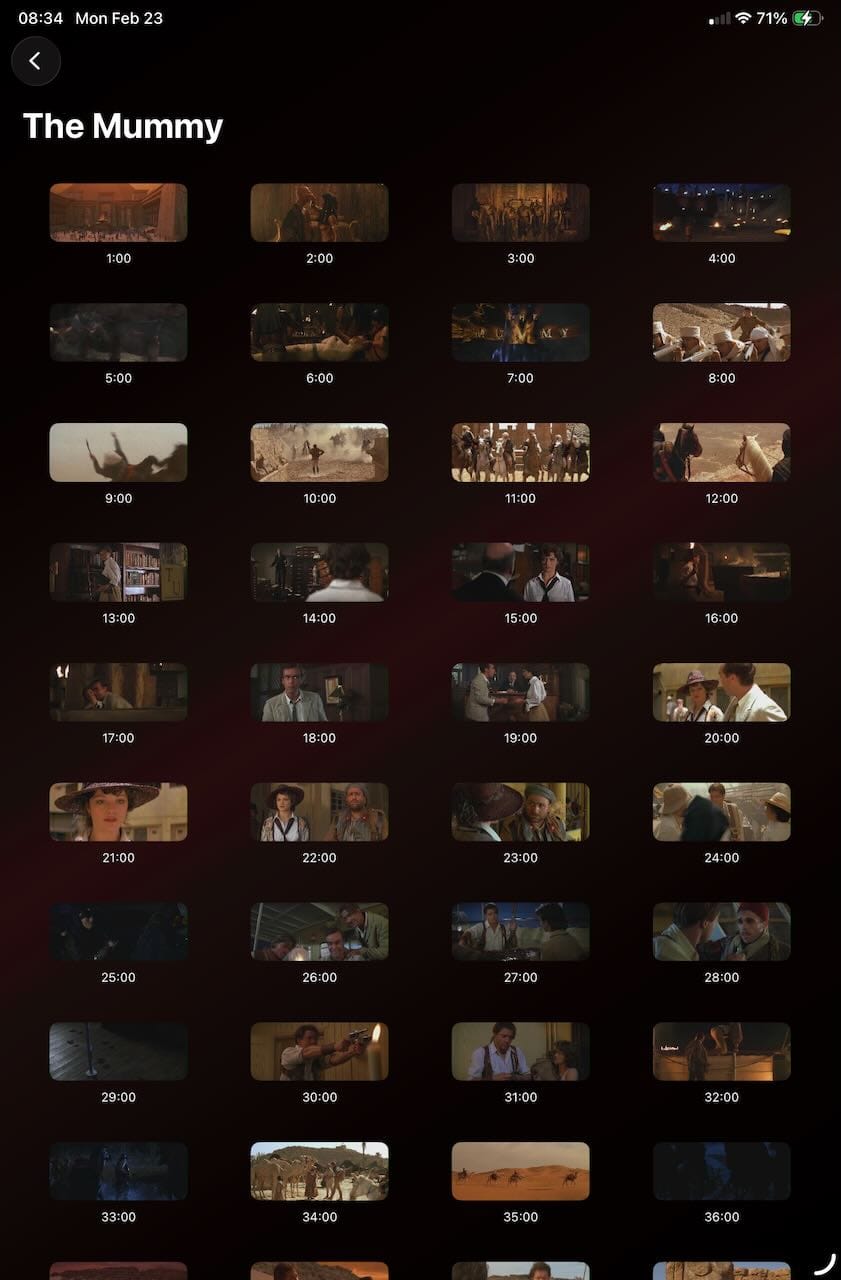
- Channel Guide with a 24-hour timeline view, program thumbnails, scroll locking, and a "Watch Now" button to jump straight into playback
- Channel playback automatically advances to the next scheduled program when the current one ends
- Programming scheduler supports sorted or random content ordering, avoids unnecessary repeats, and can be manually refreshed from the channel editor
- Channel editor with movie/show title filters, actor pill-based autocomplete, and OR-based actor filtering
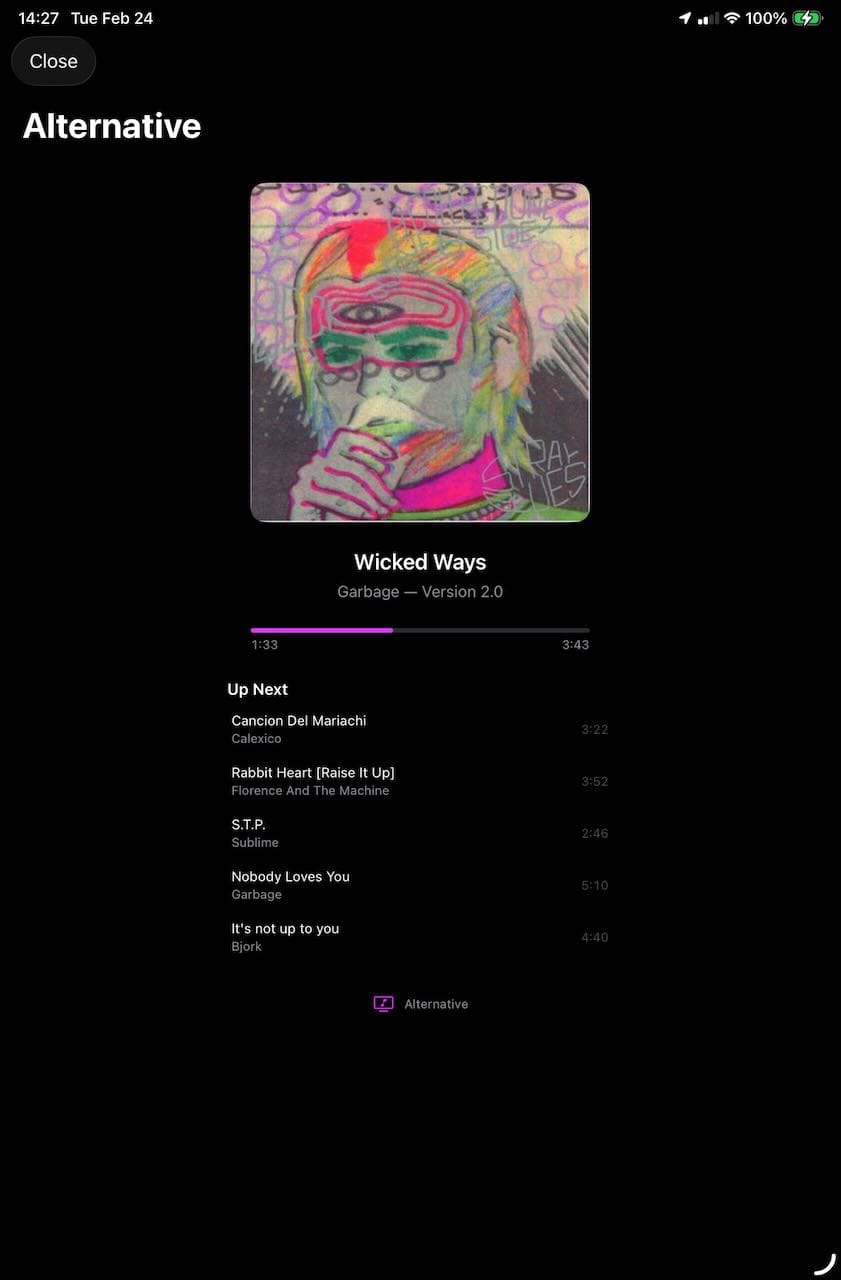
- Music channels with genre filtering, displayed separately from video channels in the Channel Guide
- Video and audio channels displayed in separate sections for easier browsing
- Channel preview thumbnails are cached locally to reduce server load
Library & Metadata
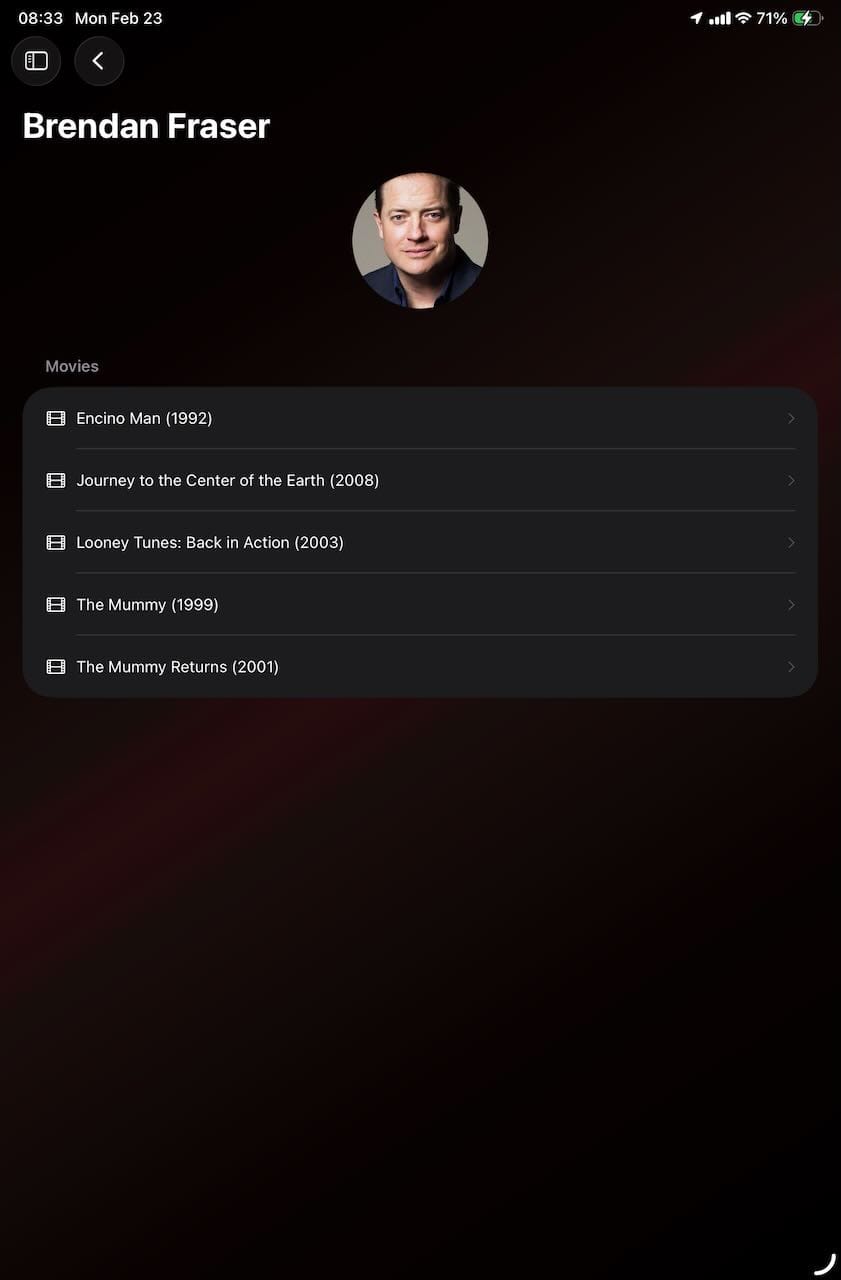
- Library search across movies, shows, episodes, genres, and actors with dedicated detail views for each
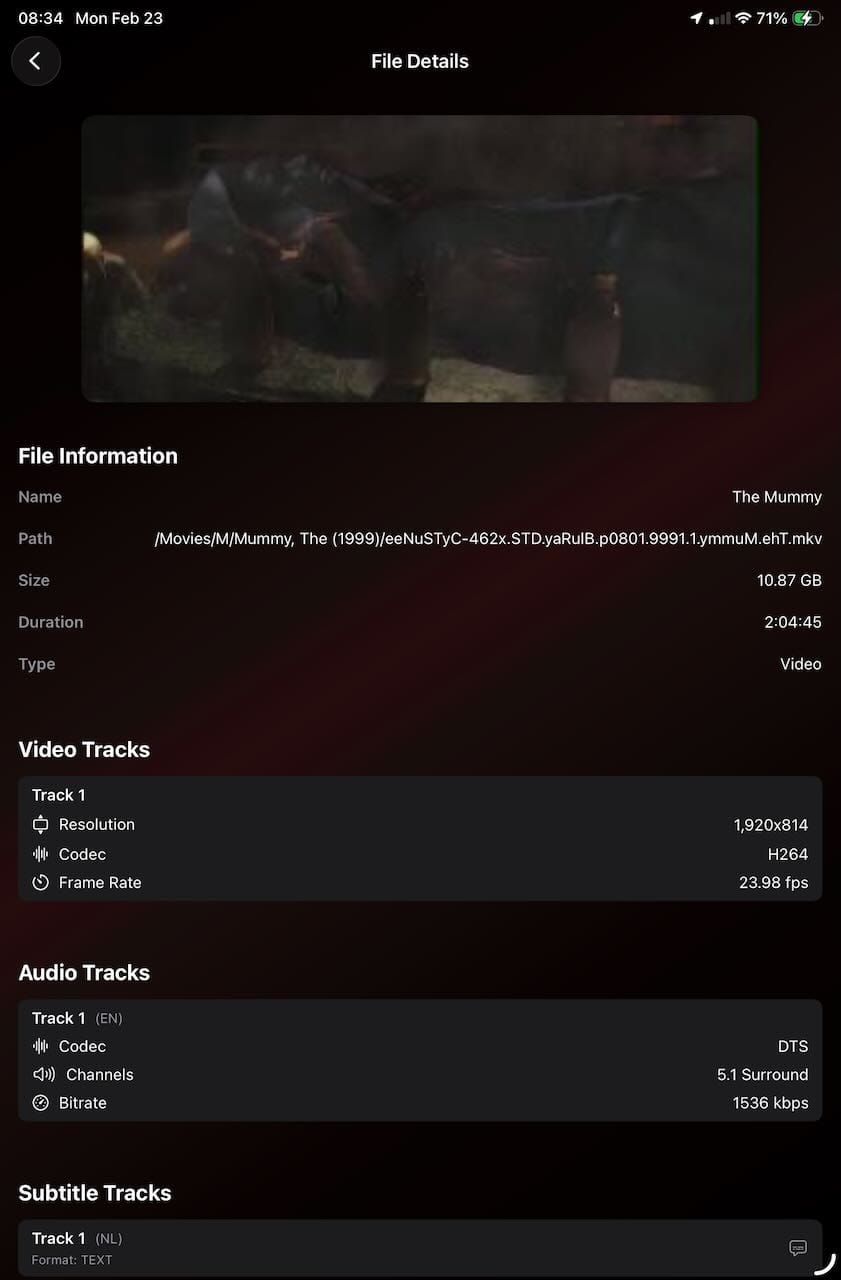
- Metadata display names shown throughout the client instead of raw filenames
- Content ratings and Rotten Tomatoes scores displayed in the Channel Guide and track selection
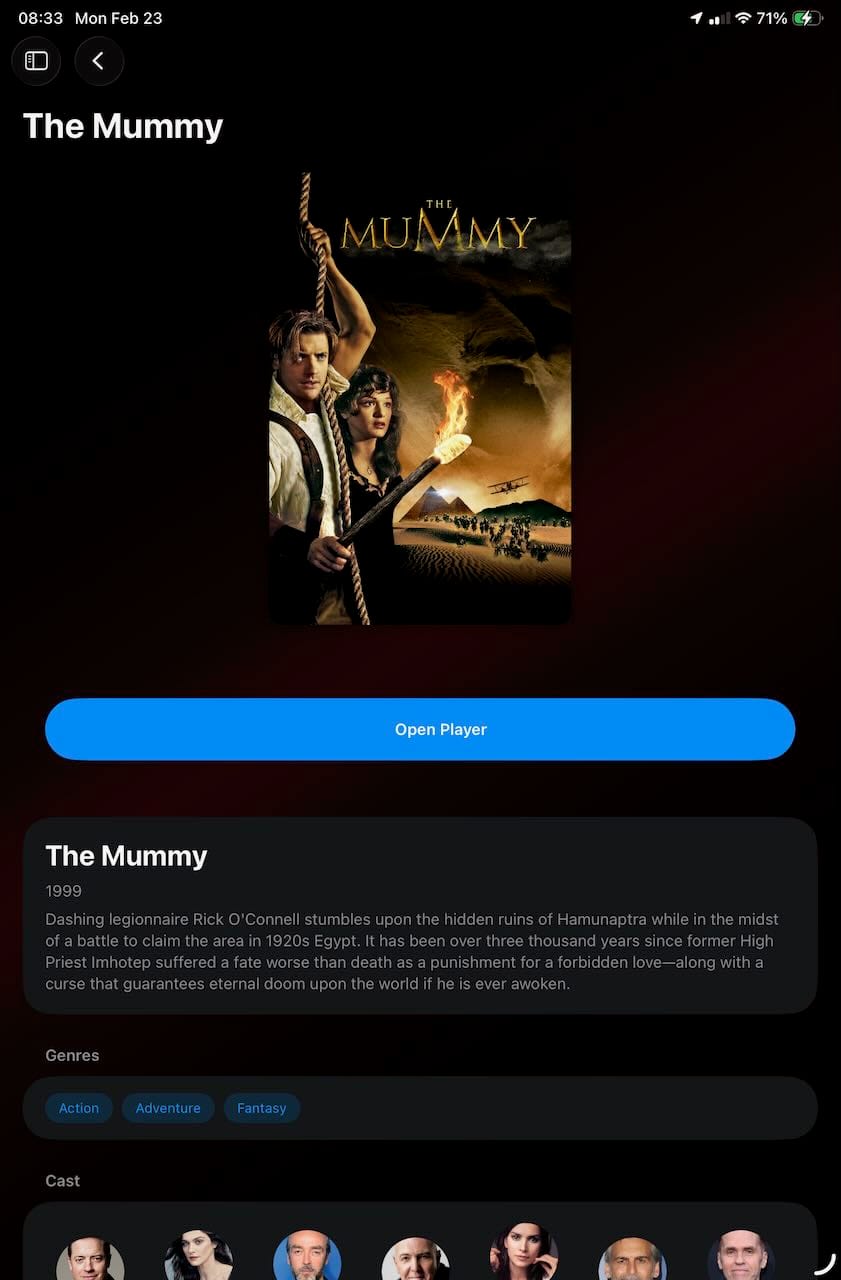
- Cast and crew metadata with person photos, character names, and structured cast member lists proxied through the server
- Overviews and synopses for movies, shows, and episodes delivered from server to client
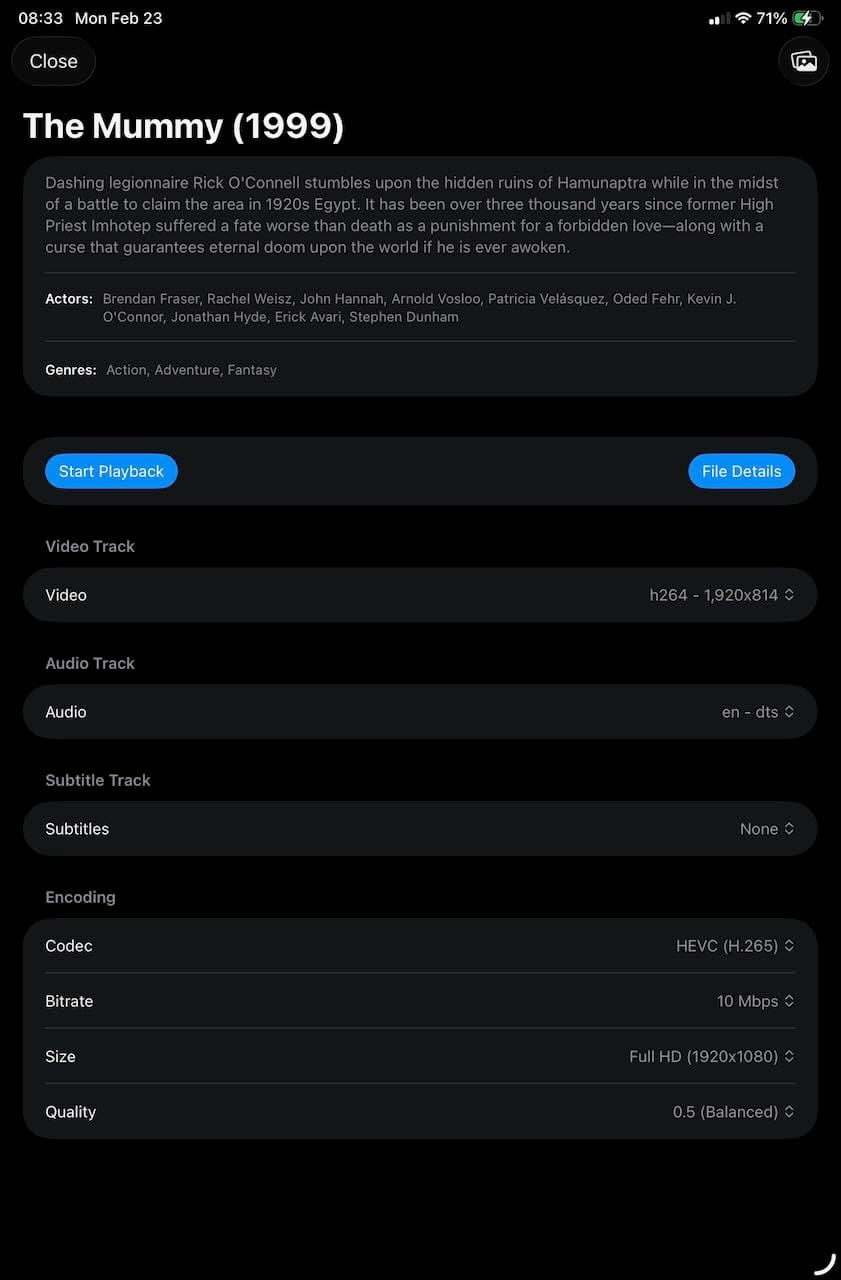
- Year, actors, and genres displayed in playback views
- Music library support with artist, album, and song management
- TV show episode range parsing (e.g.,
s01e01-03) in the library scanner - Directory exclusion allows specific folders to be skipped during library scans
- Deleted file detection with user-confirmed cleanup of orphaned library records
- Orphaned location cleanup removes database records for deleted media locations
- Library stats overview section in the Library tab
- Scan progress indicator with indeterminate progress during the file discovery phase
- Empty state screens with helpful instructions when no locations, providers, or media are configured
- Duplicate record prevention via database migration with deduplication and UNIQUE indexes
Video Playback
- H.265/HEVC as the default video codec, with AV1 support
- Hardware-accelerated video decoding via VideoToolbox
- PAR (pixel aspect ratio) correction so non-square pixels display at the correct aspect ratio
- PTS interpolation for B-frame videos (e.g., MPEG files) that lack presentation timestamps
- Subtitle support with optional burn-in and alphabetical track sorting
- Audio track selection with English selected by default when available
- Configurable encoder settings including bitrate and quality, with resolution capped at 1920x1080
- Legacy AVI compatibility -- automatic detection and targeted pipeline handling for MPEG-4/XviD + MPEG audio AVI files that previously exhibited unstable A/V behavior after seek, without affecting modern formats
- Dynamic encoder keyframe interval computed from the source video's framerate to maintain consistent 3-4 second GOP spacing, replacing hardcoded values that produced inconsistent results across different framerates
- Resume playback from your last position, automatically restarting from the beginning if you were near the end
- iOS Picture-in-Picture support
- Prevent screen sleep during both video and audio playback
- Demo mode with stream caps and graceful end-of-stream shutdown
Audio
- DC offset removal via FIR high-pass filter to eliminate distortion when downmixing multichannel audio to stereo
- Channel-aware downmix gain compensation to restore volume lost during 5.1/7.1 to stereo conversion (up to 3x gain for 7.1 sources)
- Dolby and AC-3 audio handling with decode stability improvements
- Multi-codec transcoding support for a wide range of audio formats
Streaming Architecture
- Full teardown-and-restart model for pause, resume, and seek -- the GStreamer pipeline is completely torn down on pause or seek and rebuilt from scratch, eliminating complex state management and providing reliable A/V sync
- Single code path for seek, resume, reconnection after network loss, and initial playback -- all use the same
startPlayback()flow - AsyncStream-based data delivery replacing polling loops for video and audio frame handling
- Structured stream logging with session correlation for debugging
- Idempotent stream close callbacks and proper continuation cleanup to prevent hangs
- Pipeline error detection improvements for faster failure when GStreamer encounters problems
Server
- Metadata providers: TMDB and OMDB integration with API key/token validation, provider editing, and direct links to provider websites. TMDB uses bearer token authentication; OMDB accepts both API keys and URLs
- Non-TLS WebSocket listener option alongside the secure listener, with dual-port status indicators
- Sharded caches for thumbnails and metadata (256 hex-prefix subdirectories) improving filesystem performance for large libraries
- Database performance improvements with critical indexes and batch query methods, eliminating N+1 query patterns in channel media filtering
- Custom SF Symbol icons for media locations via an integrated symbol picker
- Custom display names for media locations
- Channels sorted alphabetically in both server and client
- Locations tab sorted alphabetically by display name, with a "Folders" section header
- Active connections display showing connected client details in the Status tab
- Audio sessions included in the Status tab's transcoding sessions list
- Sentry crash tracking integration
- Server deploy script for packaging and uploading builds
Client
All Platforms
- Watch history improvements -- history items now display saved playback position, and individual items can be deleted via context menu (macOS), long-press (iOS), or action sheet (tvOS)
- Breadcrumb navigation shows human-readable display names instead of raw internal paths (e.g., "Photos > Vacation 2024" instead of "photos > my_albums > UUID")
- Section headers in the media grid for organized content grouping (e.g., album types in Photos)
- Bonjour server discovery with deduplication across network interfaces
- IPv6 link-local address support with proper zone identifiers
- Auto-reconnect with stale content refresh -- browse data and channels reload after reconnecting
- Command+R refresh (macOS) to manually reload content
- Auto-refresh of the media grid every 5 minutes while visible
- Authentication failure alerts when connecting to a server
- Update availability notifications for both client and server
- First-launch tutorial (skipped on tvOS) with an "Open in Browser" option
- Server form unified into a single Add/Edit view with improved styling
- Saved server status indicators with per-row connection state dots
- Saved servers listed above discovered servers for quicker access
- Cross-advertising section for other apps in the client sidebar
- Standard gradient background applied consistently throughout the app
- Light-mode readability improvements
- Responsive media grid with dynamic cell sizing and column count
- Client startup performance improved by unblocking the main thread
macOS
- SwiftUI-native window lifecycle for both client and server apps
- Window frame persistence across launches
- Main-window reopen command and single-instance behavior
- Click-to-show player controls (replaces hover activation)
- Window chrome hiding during video playback
- Space bar play/pause keyboard shortcut
tvOS
- Full tvOS support with top shelf images, app icons, and platform-appropriate layouts
- Focus system refinements throughout -- player controls, channel names, media grid, audio playback controls
- Menu button correctly returns to the previous screen instead of exiting the app
- Play/pause hardware button works reliably after pausing
- Navigation title hides when player controls are hidden
iOS / iPadOS
- iPad silent mode no longer mutes ShowShark audio
- Improved breadcrumb navigation with larger tap targets
- Music channel crash fix for
MPMediaItemArtworkclosure called off the main thread
Purchases & Accounts
- Stripe payment integration with a Cloudflare Worker backend and macOS checkout flow
- Sign in with Apple OAuth authentication
- Upgrade tab with purchase status, trial information, and an "Extend Updates" option
- Refund and dispute handling via Stripe webhooks
- Periodic device check-in for license validation
Networking & Reliability
- Generation-scoped connection lifecycle coordination to prevent stale session interference
- Path authorization and containment checks centralized for security
- Force-cast removal from TLS and keychain runtime paths
- FileSystemWatcher callback hardening
- Play-history base directory crash fix
- Connection monitor task lifecycle fix on reconnect
- Stream error correlation with session IDs for improved diagnostics