
CoreView for Enterprise

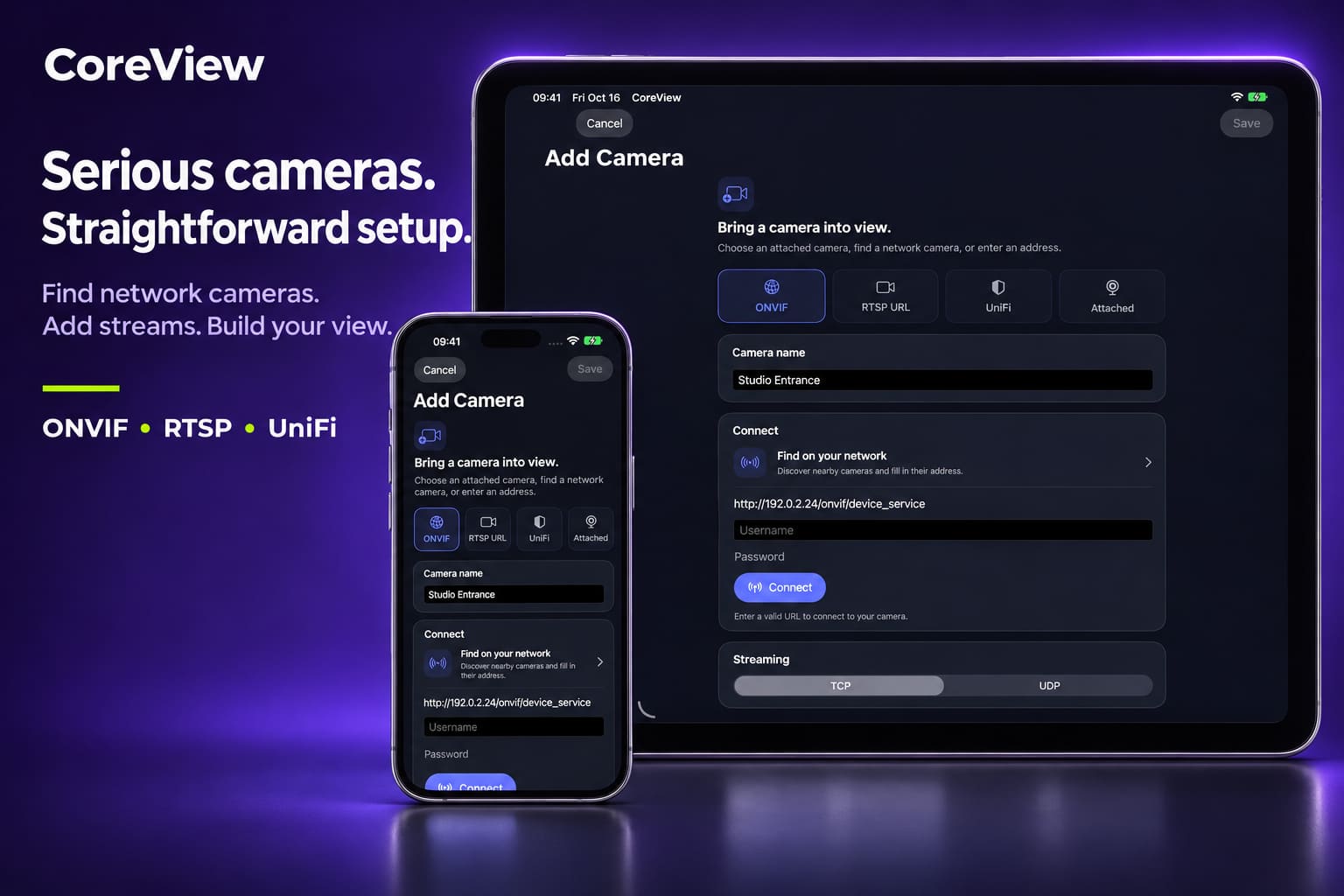
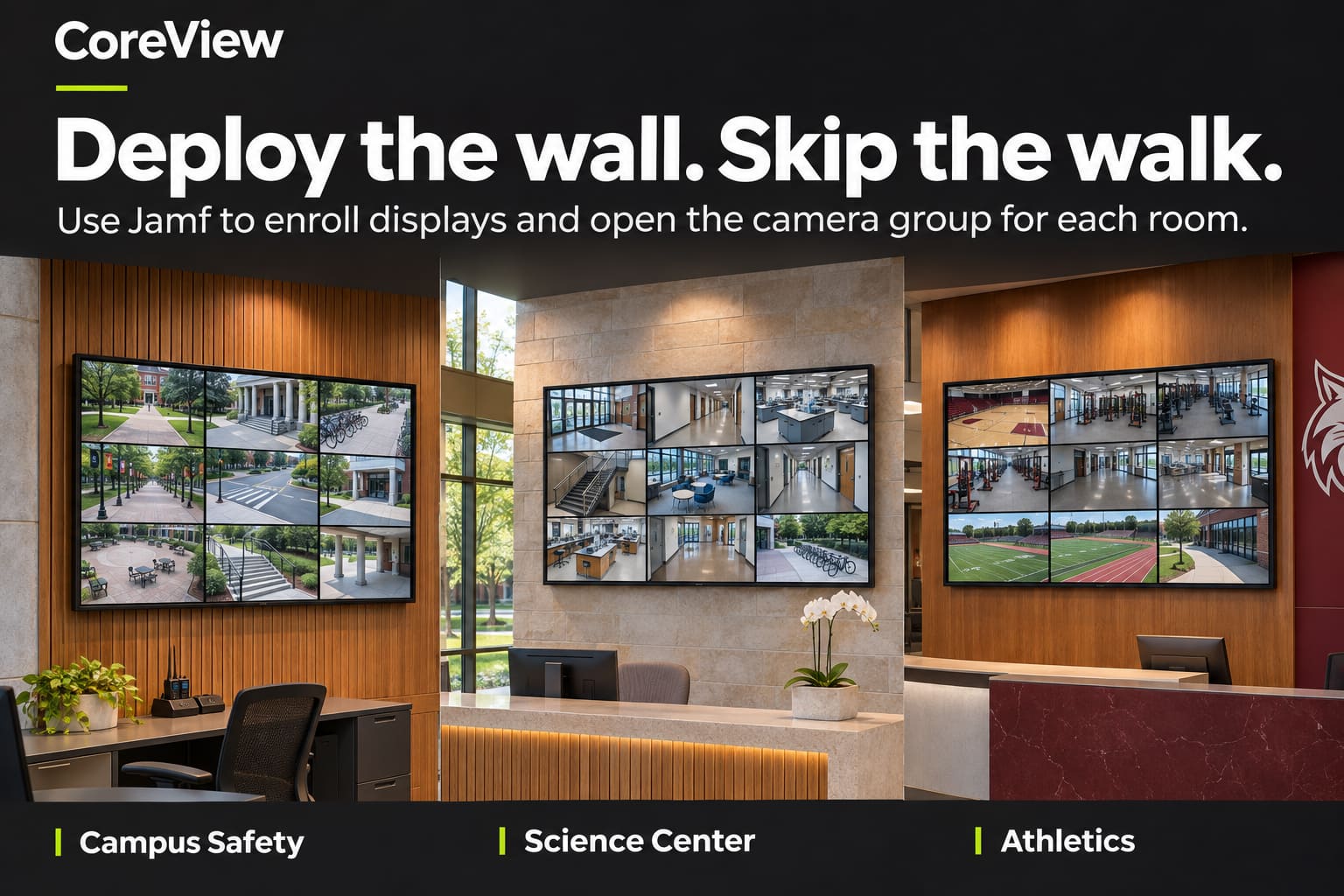
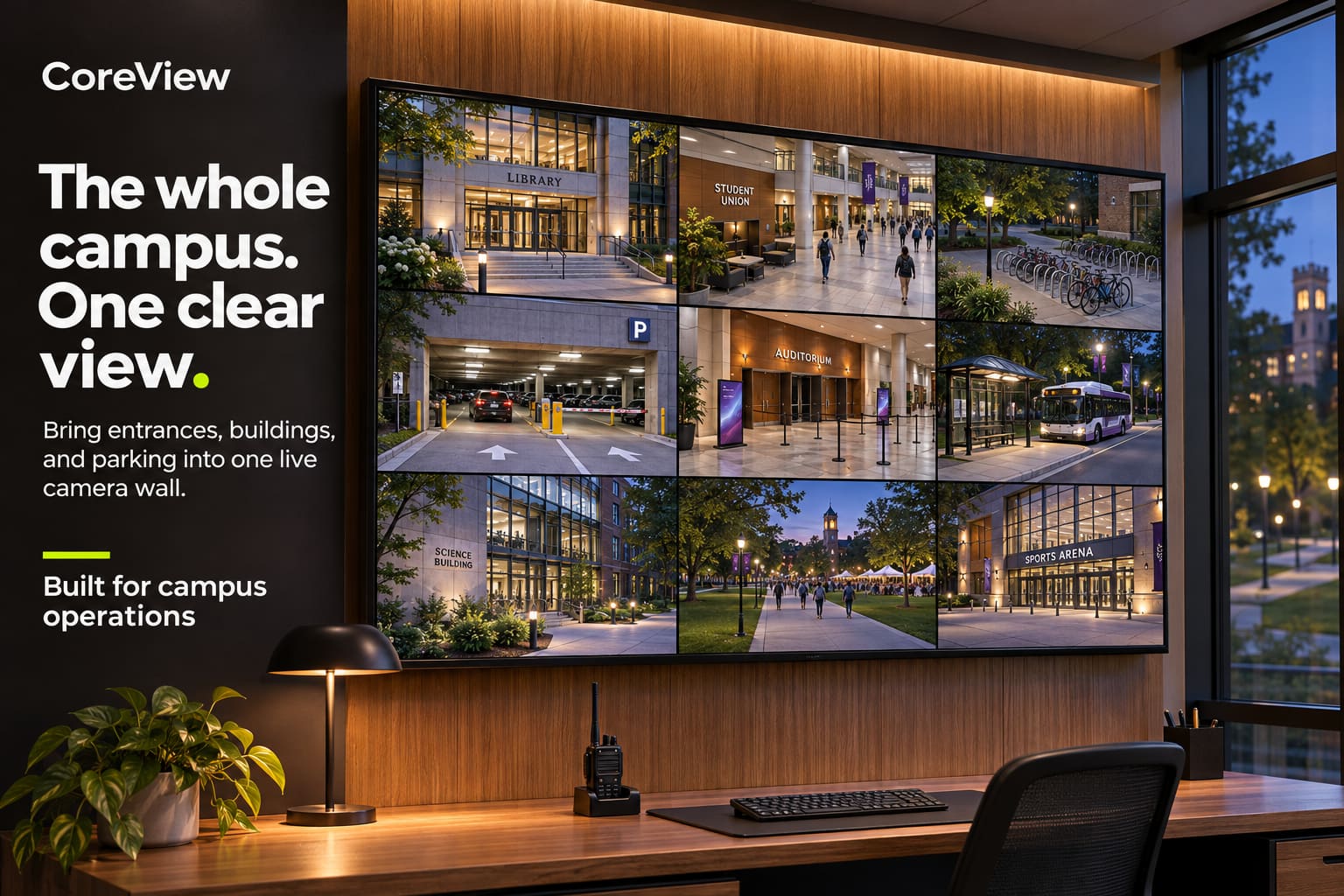
CoreView already turns ONVIF, RTSP, UniFi and Rhombus cameras into professional live views on every Apple device, on your own network. CoreView brings that to organizations that run camera walls at scale, from a single school front office to hundreds of screens across a campus or company including multi-location organizations spanning the country or globe.
Built for the video wall
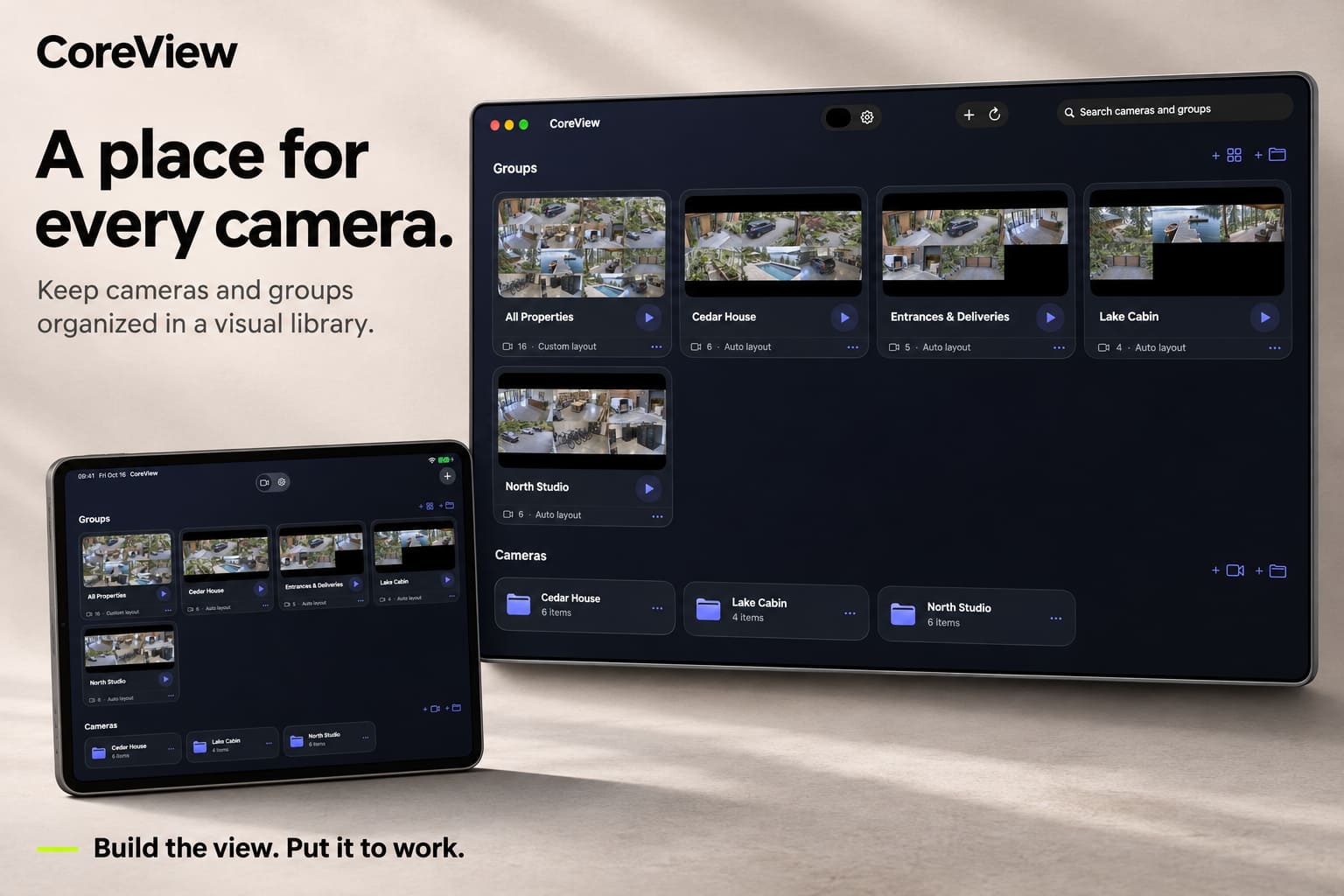
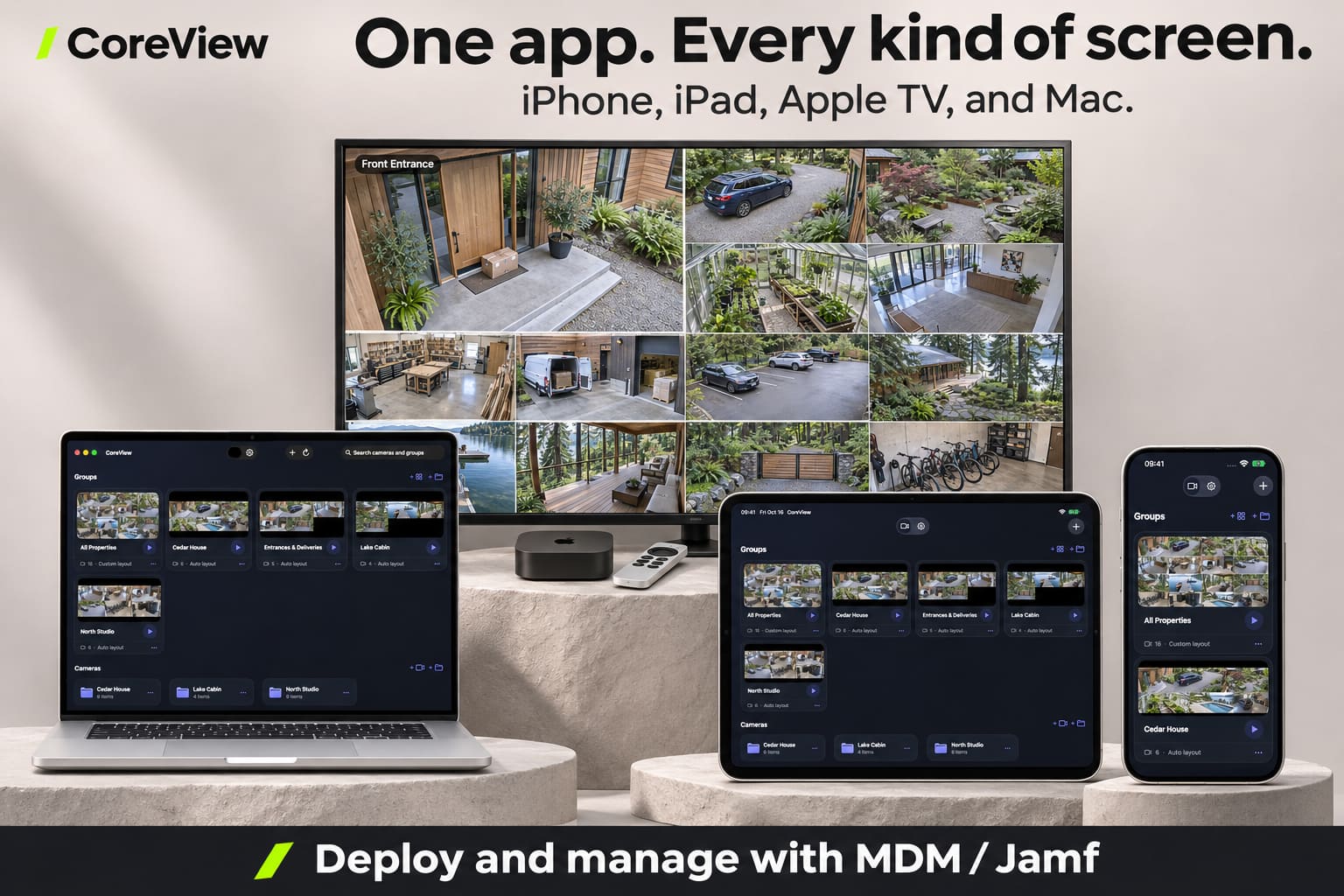
- Every camera, on one screen. Optimized to show as many cameras as possible on a single Apple TV.
- Low latency. Live video that stays live.
- Self-healing. Streams recover on their own after network errors, with no one touching the remote.
- Runs unattended. Launches straight into your wall and stays there.
- Managed deployment. Configure and lock every Apple TV from Jamf or your MDM, with no per-device setup.
- Priority support. A setup call and guaranteed response times.
Works with the cameras you already have
CoreView connects directly to cameras that support RTSP, the open streaming standard used across the security industry. No cloud account or vendor lock-in required. Cameras from these vendors generally support RTSP:
Prosumer and small business
- Ubiquiti UniFi Protect (RTSP and RTSPS, enabled per camera in Protect)
- Reolink (most PoE and Wi-Fi models; battery models excluded)
- Amcrest
- Lorex (many IP cameras and NVR systems)
- TP-Link Tapo and VIGI
- Annke
- EZVIZ (many models)
- Wyze (select models and firmware only)
Enterprise
- Axis Communications
- Hanwha Vision (Wisenet)
- Bosch Security
- Hikvision*
- Dahua*
- Uniview (UNV)
- Vivotek
- Sony
- i-PRO (formerly Panasonic)
- Mobotix
- Avigilon (on-premise cameras)
* Restricted for US federal and many publicly funded buyers under the NDAA. Check your organization's procurement rules.
Most cameras that support ONVIF also offer RTSP. Cloud-only cameras, such as Ring, Nest, Arlo, Verkada and Meraki, generally don't provide standard RTSP streams.
Not sure about your camera? Contact us and we'll help you check.
For education
K-12 schools, districts, colleges and universities get special education pricing, along with the paperwork schools need: formal quotes, purchase orders, invoices and a W-9. Multi-year terms can be prepaid from a single budget year.
For corporations
Offices, warehouses, retail and multi-site businesses get the same reliable video walls, with volume and multi-year pricing that grows with your deployment.
Pricing
Prices are per screen, per year. A screen is any Apple TV, Mac, iPad or iPhone running CoreView. Your screen count sets the rate for every screen on your order, and multi-year terms are prepaid with an additional discount.
Corporate
| Screens | 1 year | 3 years | 5 years | 10 years |
|---|---|---|---|---|
| 1–9 | $149 | $134 | $127 | $119 |
| 10–49 | $134 | $121 | $114 | $107 |
| 50–199 | $119 | $107 | $101 | $95 |
| 200–999 | $104 | $94 | $88 | $83 |
| 1,000+ | $89 | $80 | $76 | $71 |
Education
| Screens | 1 year | 3 years | 5 years | 10 years |
|---|---|---|---|---|
| 1–9 | $99 | $89 | $84 | $79 |
| 10–49 | $89 | $80 | $76 | $71 |
| 50–199 | $79 | $71 | $67 | $63 |
| 200–999 | $69 | $62 | $59 | $55 |
| 1,000+ | $59 | $53 | $50 | $47 |
Example: a school with 12 screens on a 5-year term pays 12 × $76 × 5 = $4,560, prepaid.
Looking for CoreView for home or personal use? Get CoreView now.