AirBear Setup
Overview
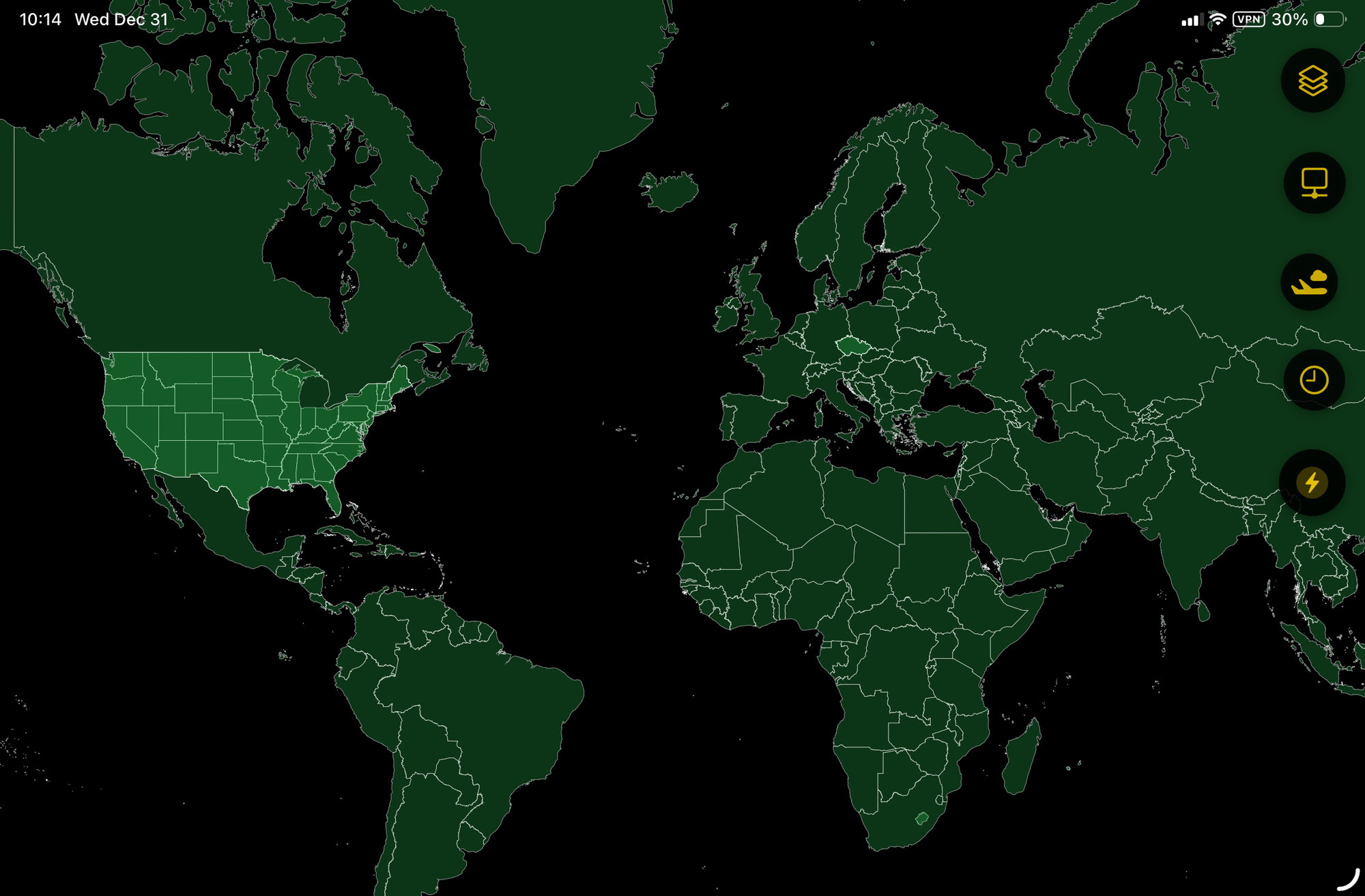
AirBear is an app for Mac, iPad and iPhone. AirBear integrates with 3rd party software to track and map APRS, ADS-B and NMEA (GPS) data sources. AIS should be available soon as well. AirBear works fully offline, using built-in mapping data. AirBear requires no internet access.
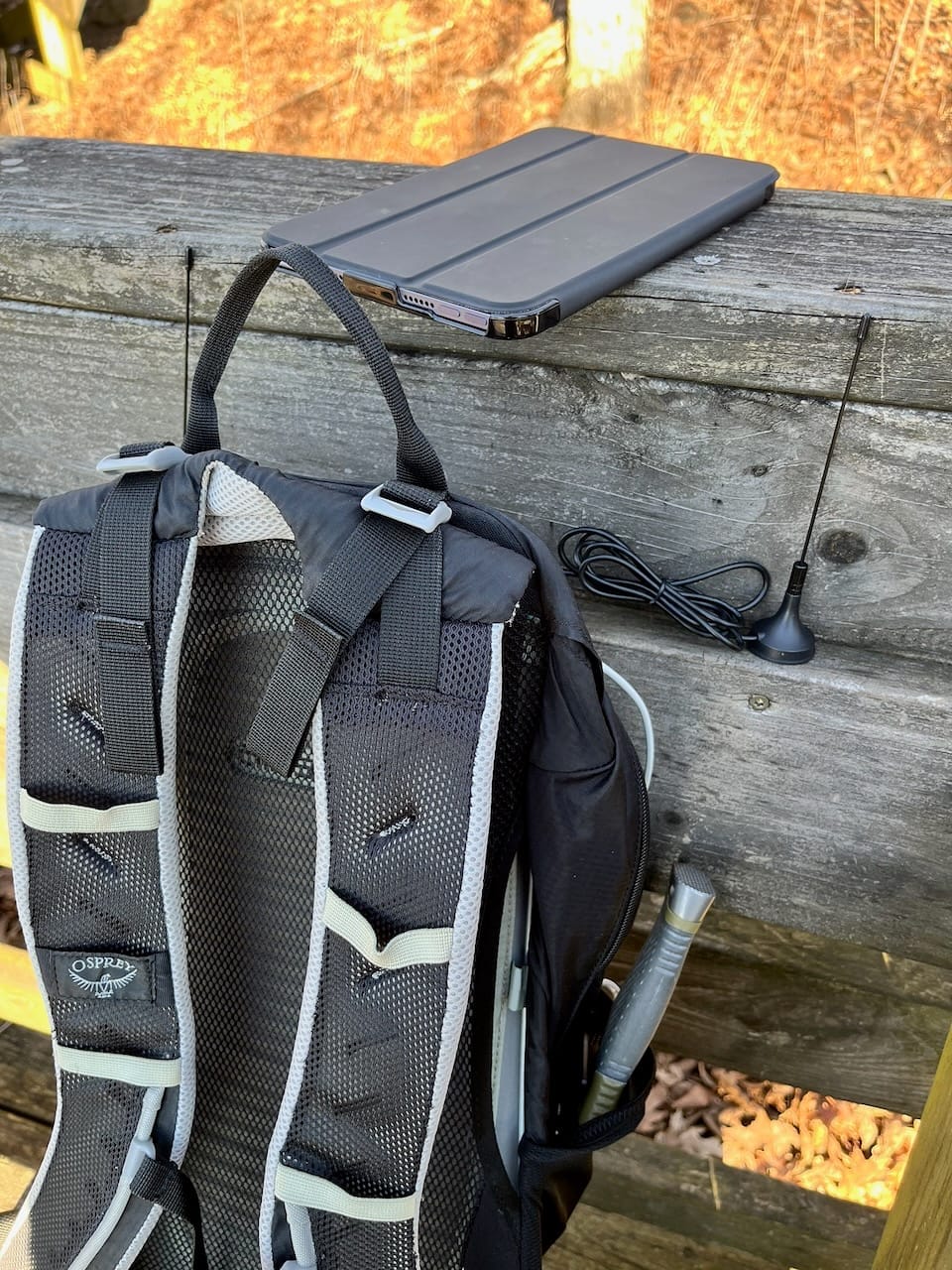
AirBear receives data via TCP and BLE (Bluetooth Low Energy). The mechanism you choose is based on your requirements. If you have a wired or wireless network connecting your macOS or iOS device with the data source, you should use TCP. If you will be on-the-go without a network, BLE is the best option.
A typical setup includes a Raspberry Pi with one or more RTL receivers.
These instructions are preliminary. More detailed instructions will be available in the future.
APRS (People & Vehicles)
APRS is a protocol used to broadcast locations and text messages from handheld radios, mobile radios and tracking devices. It is perhaps most frequently used in vehicles.
AirBear is designed to work with the output from Dump1090. Dump1090 will create a TCP listener which AirBear can be configured to connect to on port 8001.
dump1090-mutability --quiet --fix --lon "-80.123" --lat "30.456" --modeac --phase-enhance --aggressive --netADS-B (Planes)
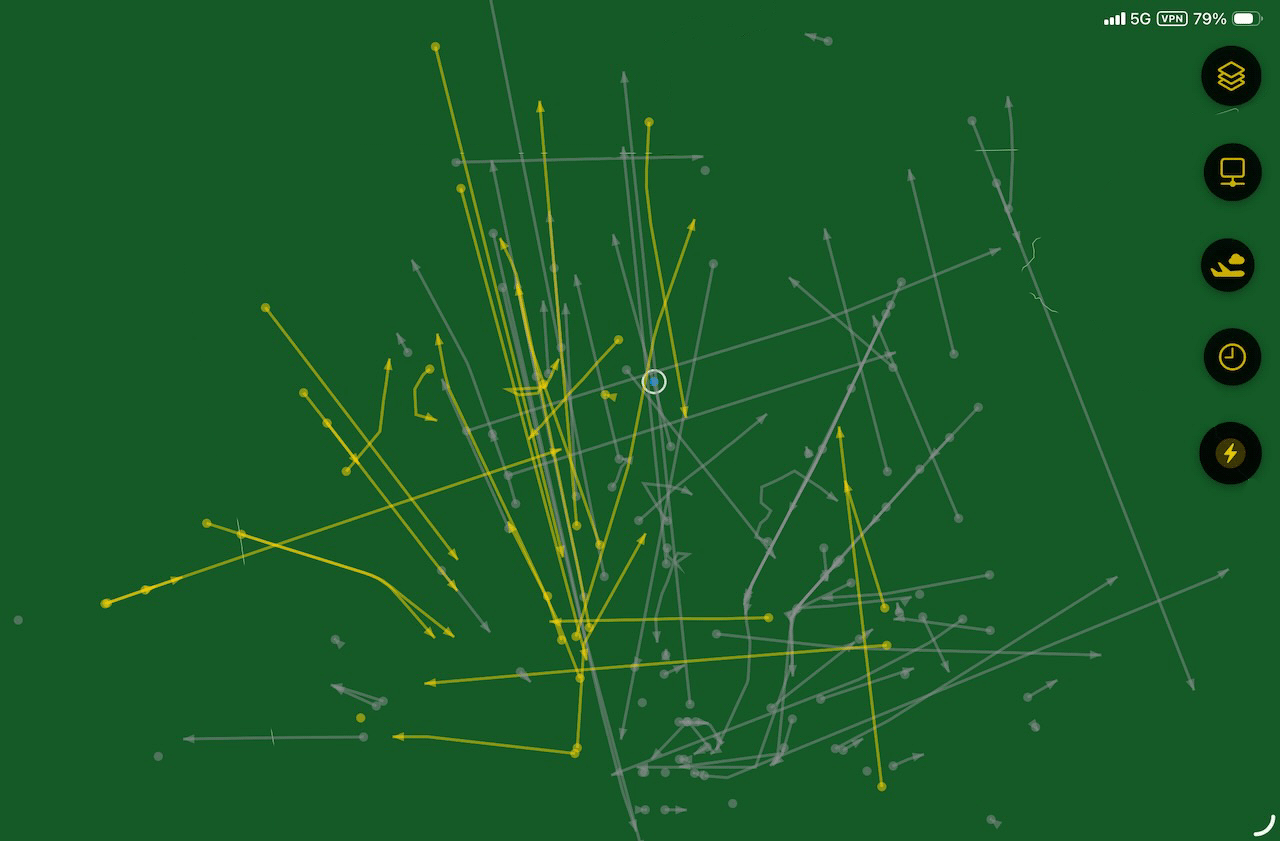
ADS-B is the protocol used by airplane transponders to broadcast basic flight information for air traffic control and other planes. ADS-B messages can include a flight number, heading, altitude, location and other information.
AirBear is designed to work with the output from Dire Wolf. Dire Wolf will create a TCP listener which AirBear can be configured to connect to on port 30003.
rtl_fm -f 144.39M - | direwolf -c ~/direwolf.conf -r 24000 -D 1 -AIS (Boats)
AIS is the protocol used by boats; not unlike an ADS-B airplane transponder. AIS support in AirBear is still forthcoming. Stay tuned, so to speak.
NMEA (GPS)
I'll skip the explanation of what GPS is. AirBear will work with the NMEA-0183 output from a USB GPS or with CoreLocation on your macOS or iOS device.
AirBear is designed to work with the output from ser2net. Determine the baud rate of your GPS and adjust the following /etc/ser2net.yaml configuration accordingly. ser2net will create a TCP listener which AirBear can be configured to connect to no port 10110.
connection: &airbear_gps_nmea
    accepter: tcp,0.0.0.0,10110
    enable: on
    options:
      max-connections: 10
      no-acc-to-con: true
    connector: serialdev,
              /dev/ttyUSB0,
              4800n81,local
TCP
The easiest way to connect AirBear to one of your APRS, ADS-B, NMEA or AIS data sources is via TCP. However, if you are mobile, that may not be an option. In that case, see the BLE instructions, below.
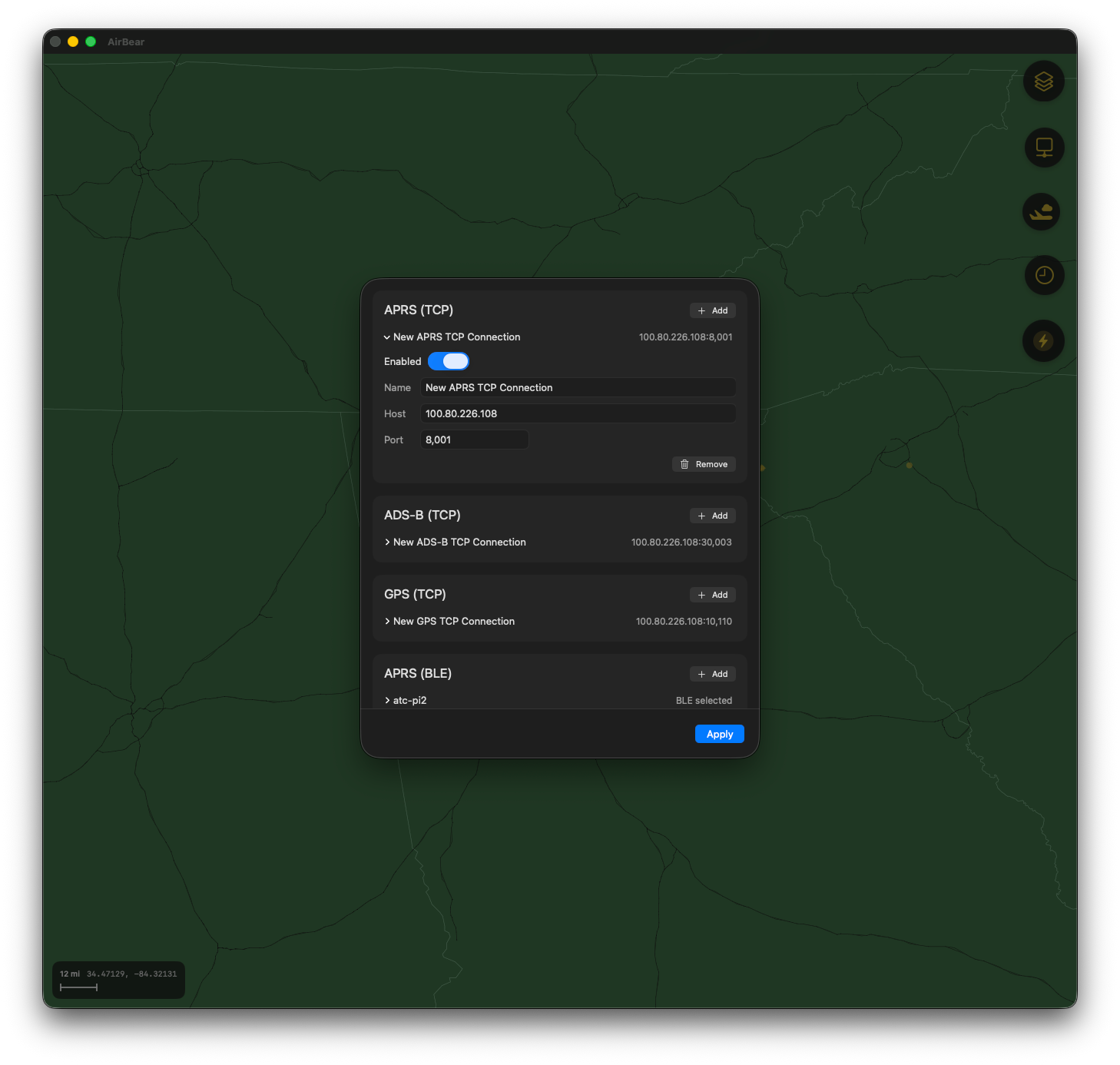
Configure connections in AirBear using the Connection Settings screen, which is accessible from the navigation buttons on the right side of the map. A TCP connection just requires the hostname. Each connection is pre-configured with the default port number.
BLE
Instructions will be available shortly.
Support
If you have questions about AirBear, contact us at [email protected].